
1/2
Promoted
Kampala, Central Division, 2 hours ago
15 views
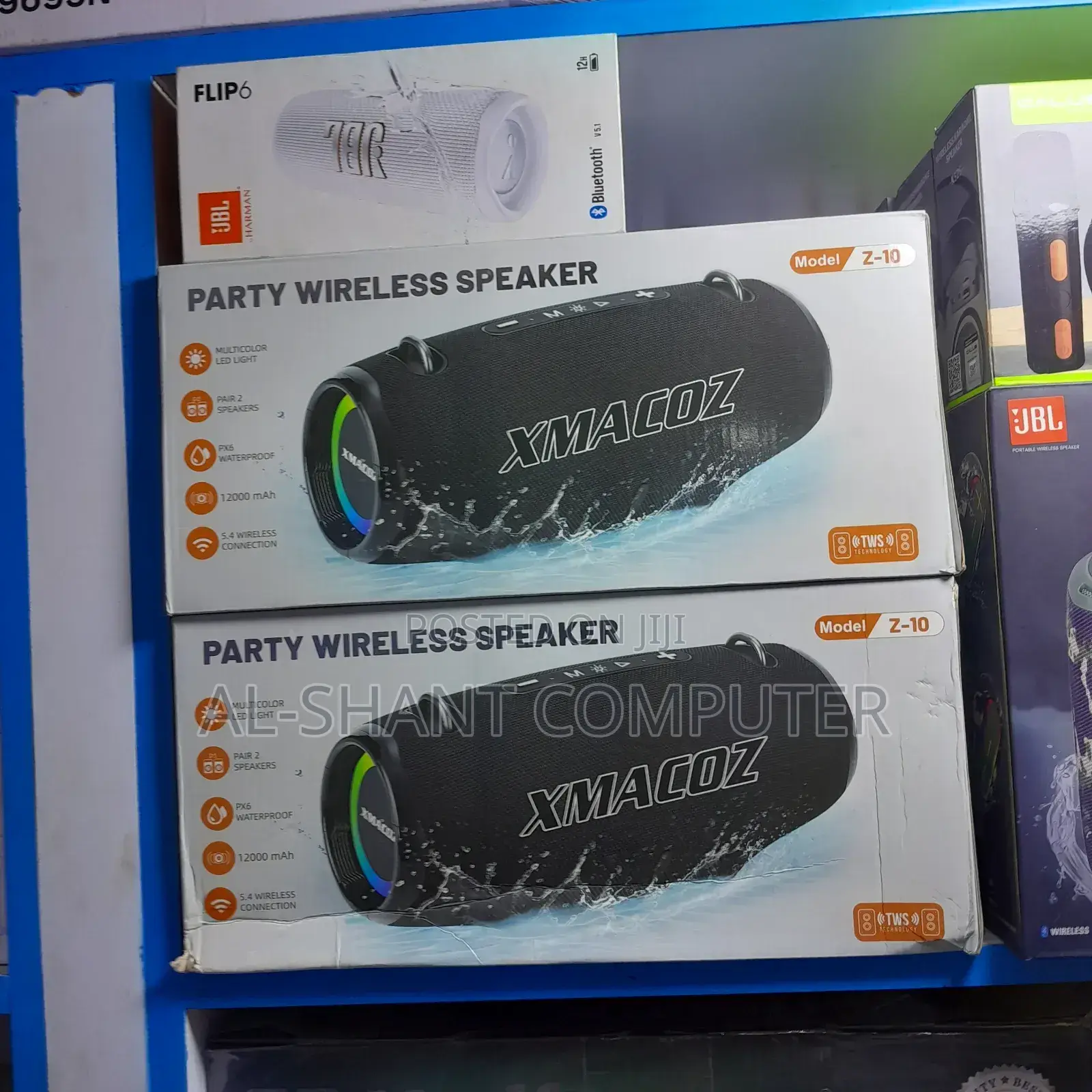
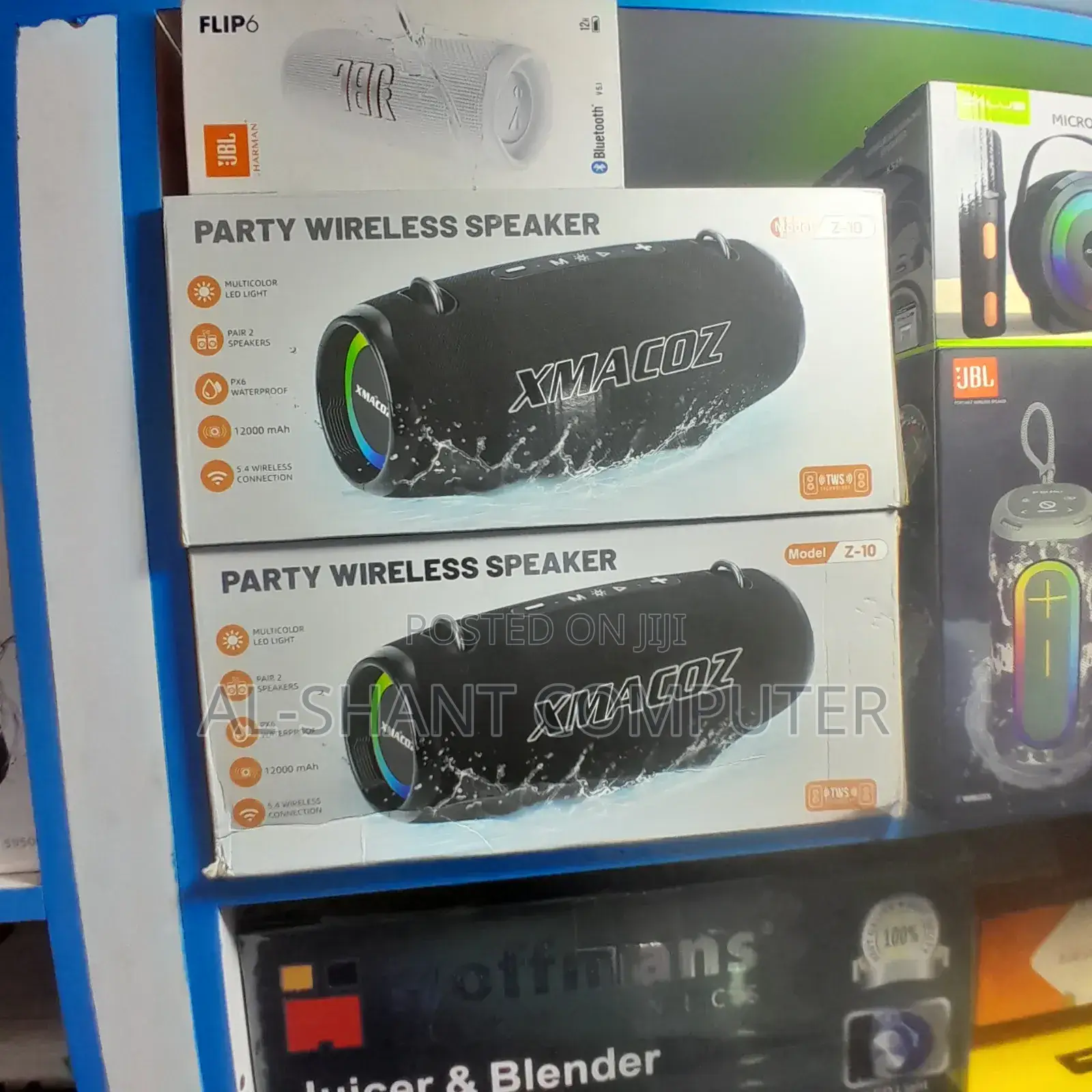
Xmacoz Z-10 Party Wireless Speaker
Speakers
Type
Brand New
Condition
XMACOZ
Brand
3.5mm Jack, Aux, Bluetooth, Wireless, Other
Speaker Connectivity
Store address
Kampala • Central Division
Majestic Plaza L3 shop 50 William Street opposite Kyisa kya Maria
To reach us you can use the adreess indicated or call us or text us after reaching William Street
Open now
• Mon - Sun, 08:00-20:00
How to Connect via Bluetooth (General Steps)
Power On: Press the power button to turn the speaker on.
Select Bluetooth Mode: If the speaker has a mode button (M), press it to switch to Bluetooth mode. A voice prompt or flashing LED light will usually indicate it's ready to pair.
Enable Bluetooth on Device: On your phone, tablet, or computer, go to the Bluetooth settings.
Find and Pair: Look for the speaker name (likely "Z10" or similar) in the list of available devices and tap it to connect. You should hear a confirmation tone once paired.
TWS Pairing (To connect two Z10 speakers)
Make sure both speakers are powered on and in Bluetooth mode.
On one of the speakers (this will become the primary), double-press a specific button (often the Play/Pause or Mode (M) button, depending on the exact variant) to initiate TWS pairing.

Safety tips
- Avoid paying in advance, even for delivery
- Meet with the seller at a safe public place
- Inspect the item and ensure it's exactly what you want
- Make sure that the packed item is the one you've inspected
- Only pay if you're satisfied


