
1/4


Promoted
Kampala, Central Division, 2 hours ago
2 views
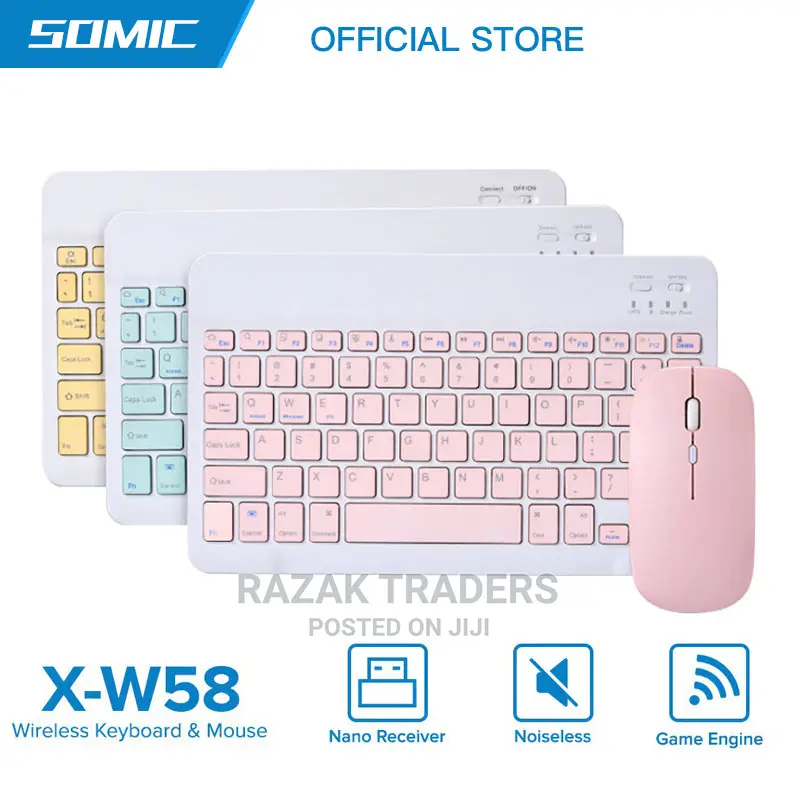
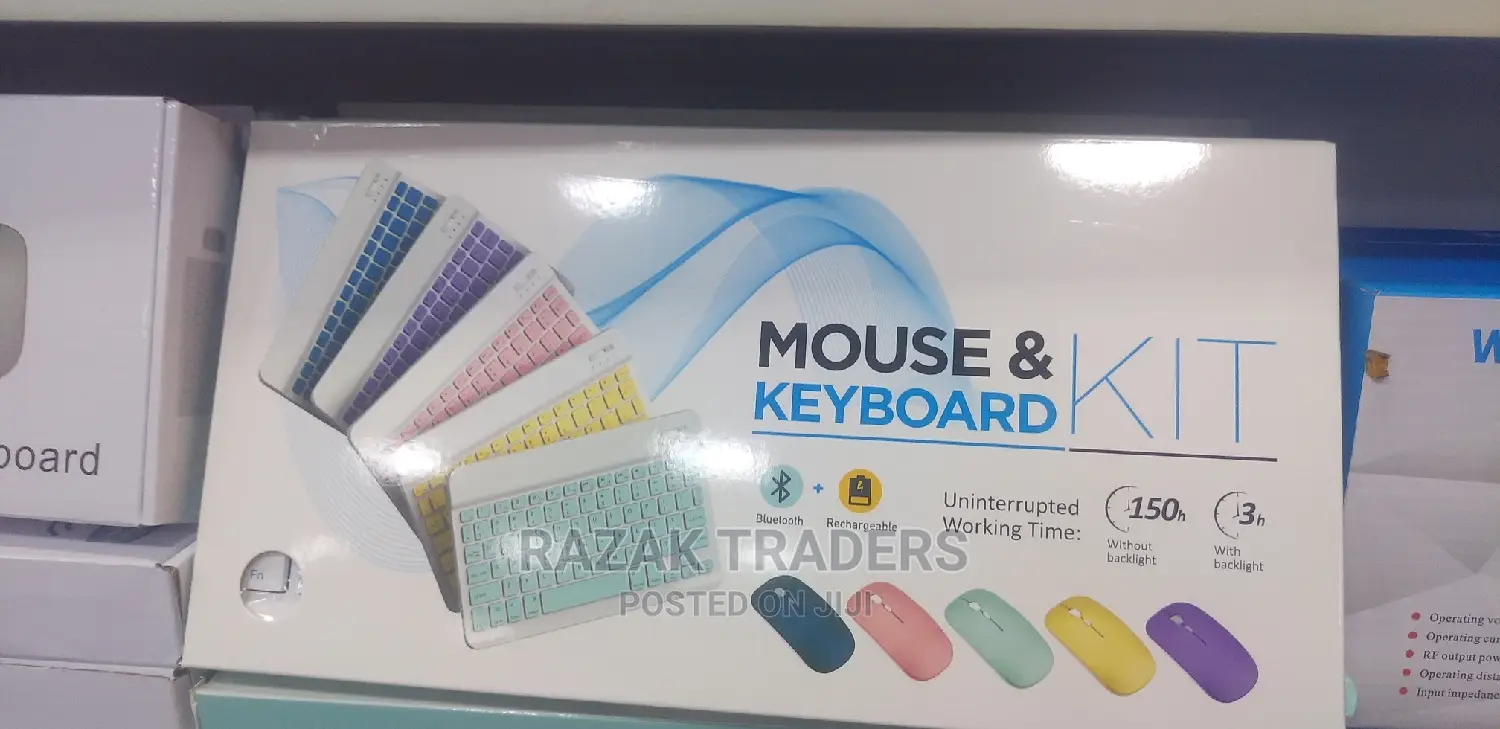
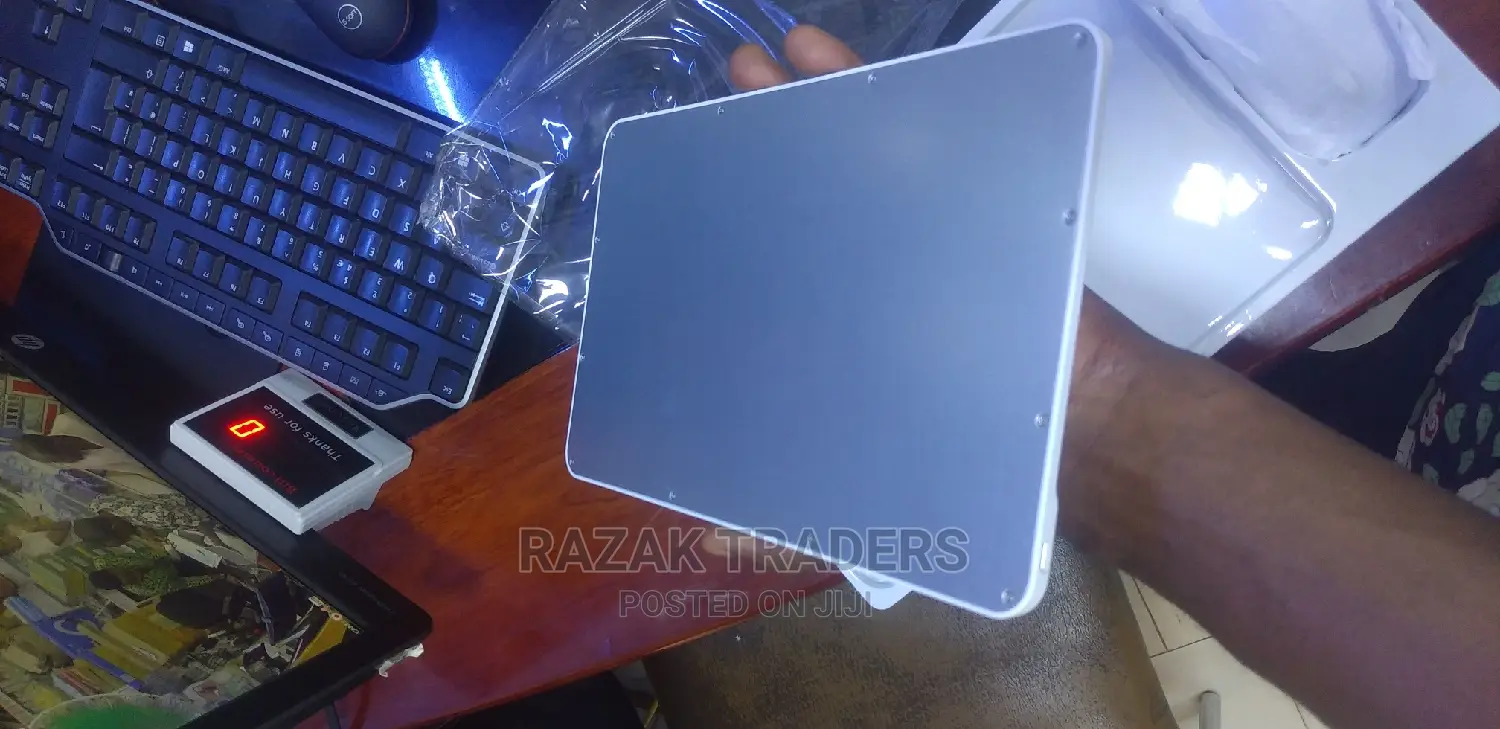
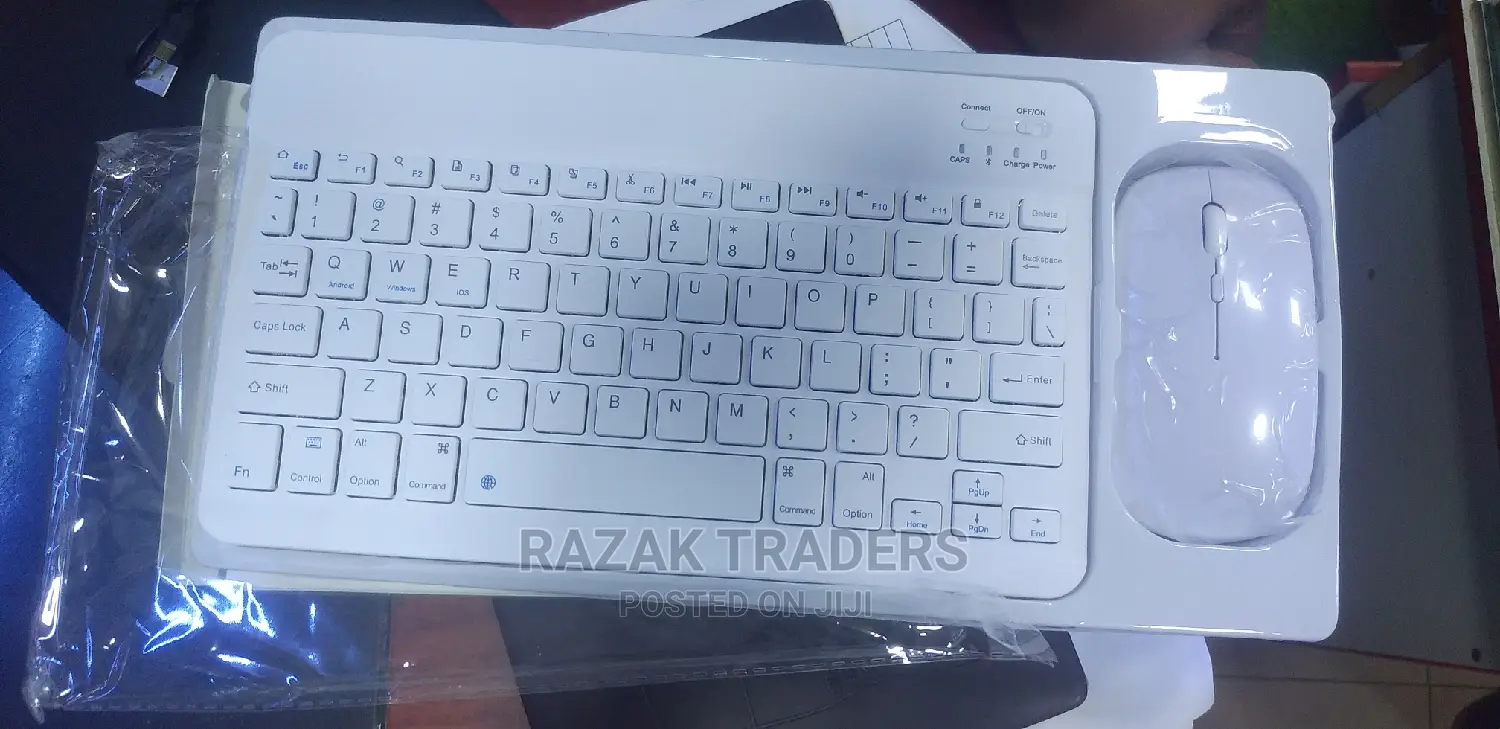
Bluetooth Wireless Keyboard With Mouse Combo
Keyboards
Type
Other
Brand
Brand New
Condition
Other
Keyboard Switches
Bluetooth
Keyboard Interface
Other
Backlighting
Wireless
Keyboard Features
1.Push the power switch to the end marked with the Bluetooth logo(when you can see the light was long red) 2 .hold down the left and right mouse buttons and the middle scroll wheel at the same time for 5 seconds(when you can see that the light turn to blue and slow blink) 3. find the bluetooth at your equipment and paired to it Product specification 2.4 g wireless mode:(for computer or laptop) how to use (2.4 g wireless mode ):1.Push the power switch to the end marked with 2.4G(when you can see the light was GREEN) take off the usb wireless receiver from the mouse and plug it into a computer or laptop. It can be used when the mouse shows a red light Keyword: 1. Bluetooth 3.0 standard interface 2. Effective operating distance: within 10 meters 3. Modulation method: GFSK 4. Standby current: <0.3mA 7. Sleep current: <40uA 8. Charging current: >200mA 9. Standby time: >100 days 10. Charging time: 3-4 hours 11. Lithium battery capacity: 200mA 12. Sustainable working time: 100 hours

Safety tips
- Avoid paying in advance, even for delivery
- Meet with the seller at a safe public place
- Inspect the item and ensure it's exactly what you want
- Make sure that the packed item is the one you've inspected
- Only pay if you're satisfied


