
VIP TOP+
1/4
Promoted
Kampala, Central Division, 5 hours ago
13 views
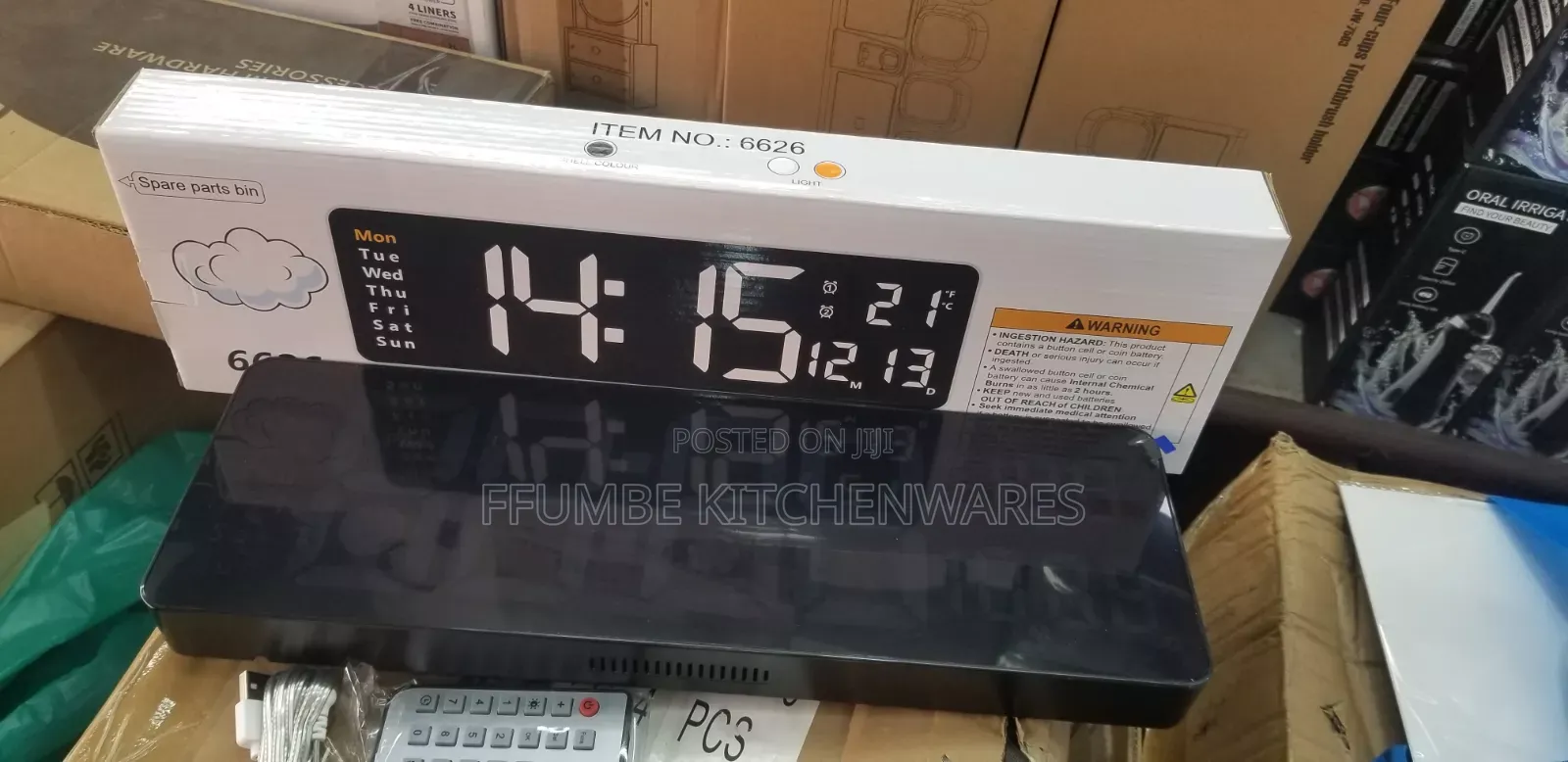
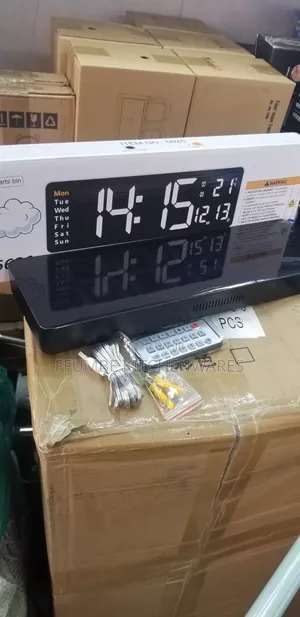
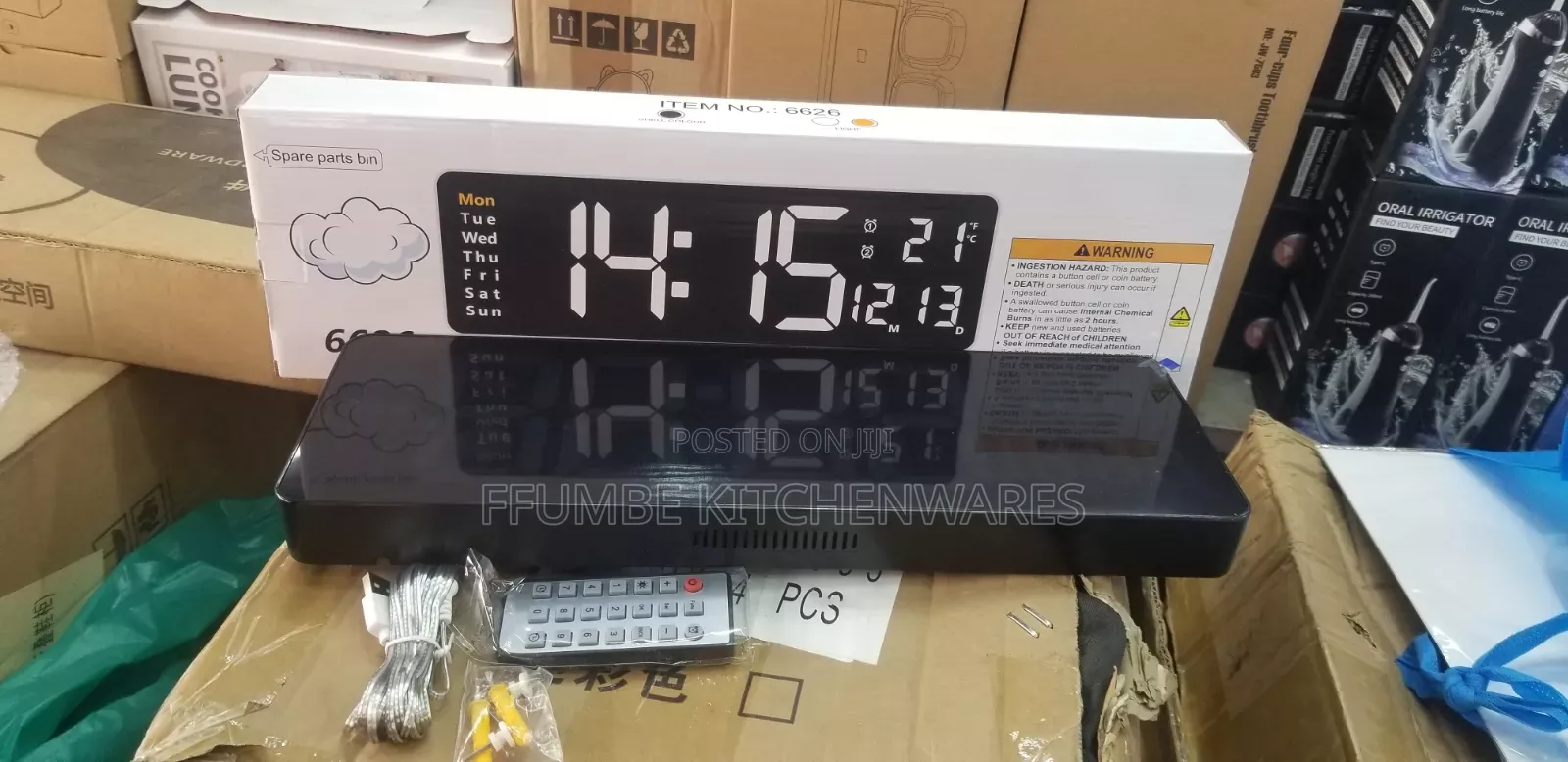
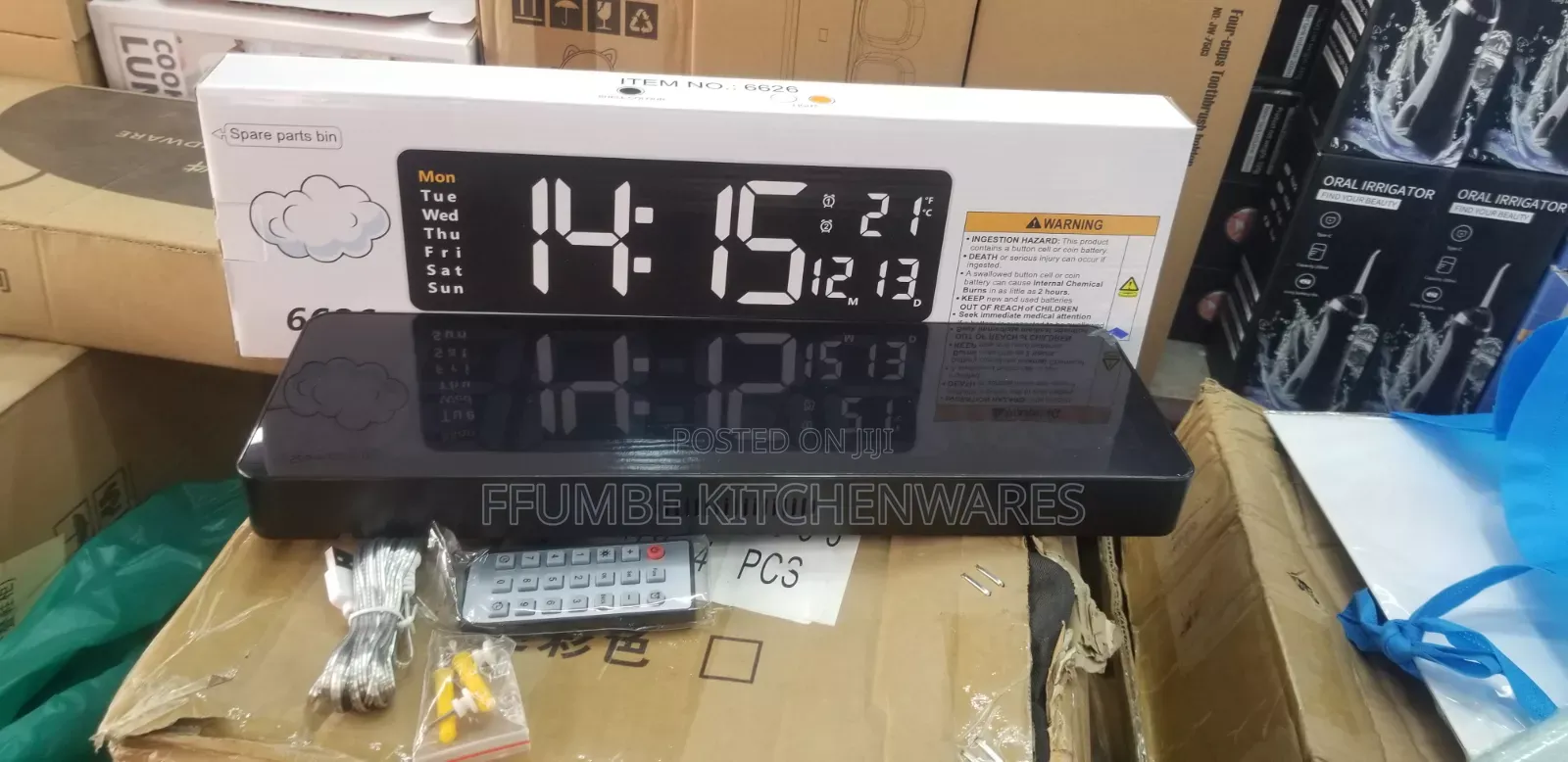
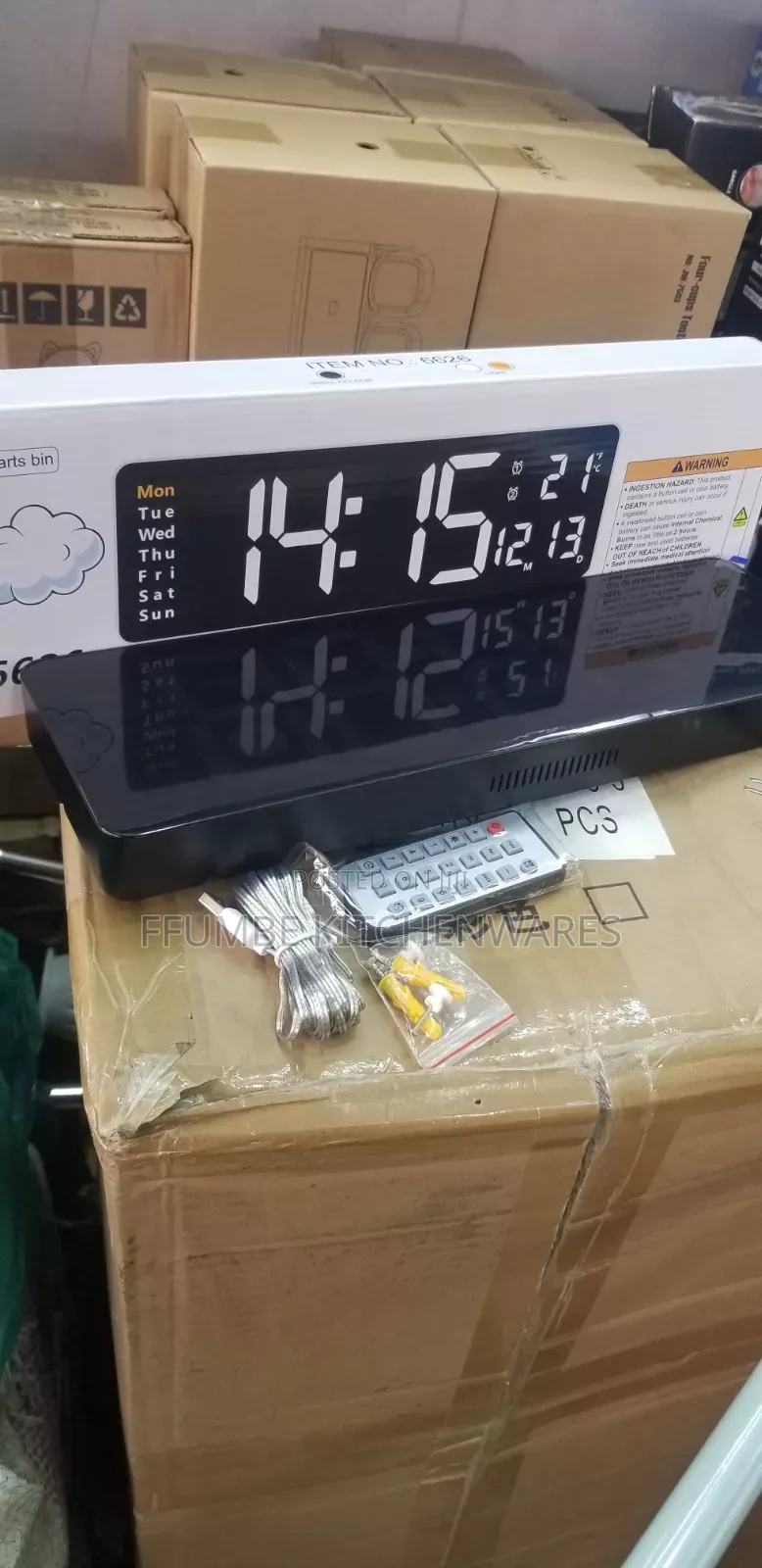
Digital Wall Clock
Store address
Kampala • Central Division
Ben kiwanuka street at arua park plaza
At arua park plaza opposite nyumba kubwa
Digital Wall Clock, you can configure its basic settings using the wireless remote control: [1, 2]
Time and Date Configuration
Press the SET button on your remote control to enter the setup mode. The hour digits will start blinking.
Use the + and - buttons to adjust the hour.
Press SET again to shift the blinking selection to the minutes. Use + / - to adjust.
Continue pressing SET to cycle sequentially through the calendar settings: Year ➔ Month ➔ Day.
Adjust each value with the + / - keys.
Once finished, press the RET (Return) button to save your changes and exit to the regular display screen.
Safety tips
- Avoid paying in advance, even for delivery
- Meet with the seller at a safe public place
- Inspect the item and ensure it's exactly what you want
- Make sure that the packed item is the one you've inspected
- Only pay if you're satisfied


