
1/2
Promoted
Kampala, Central Division, 59 min ago
18 views
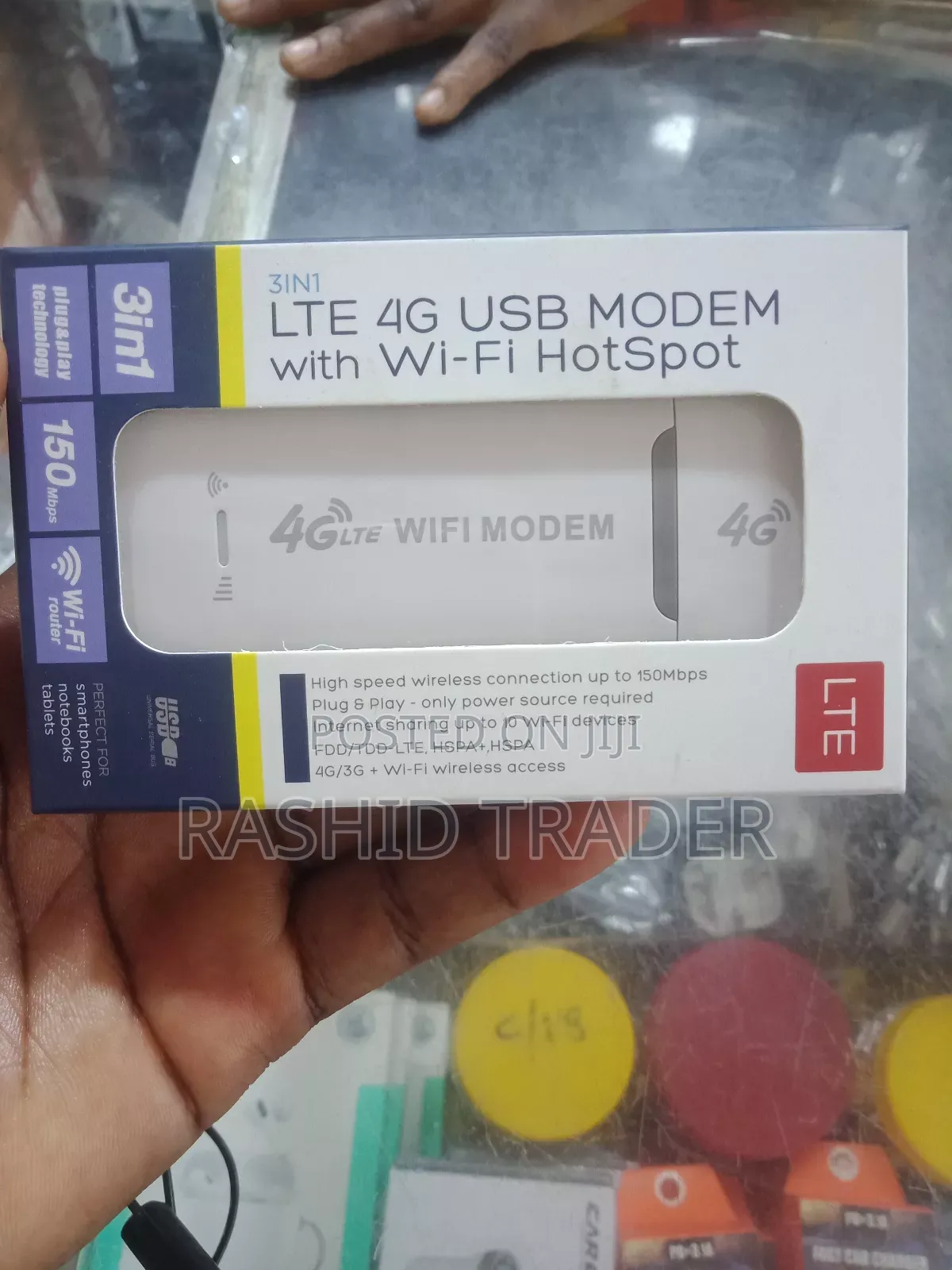
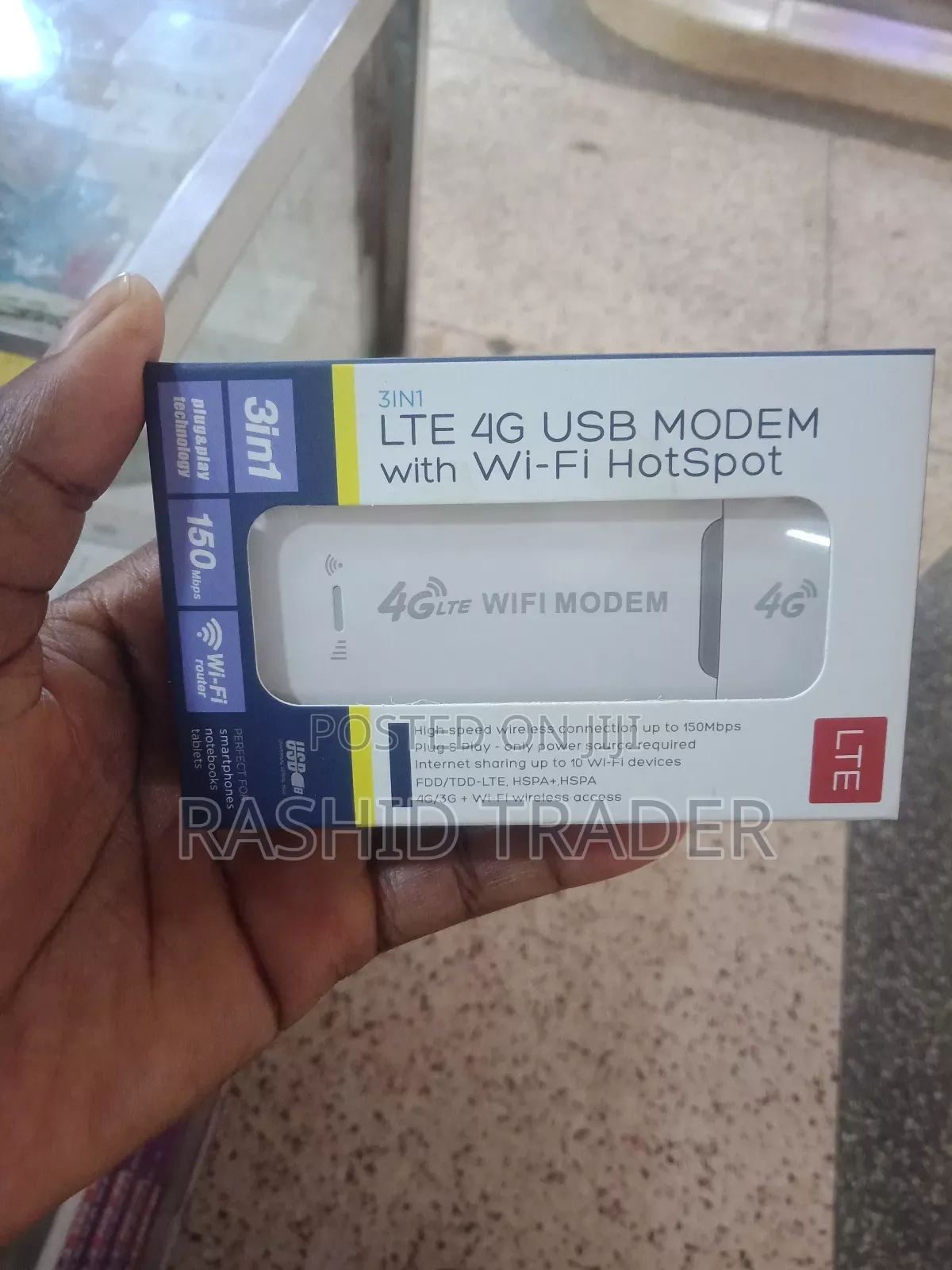
3 in 1 LTE 4g Usb Modem With Wi-Fi Hot Sport
Brand New
Condition
QInsert the SIM card and then the laptop. Even if your SIM card supports Wi-Fi hotspot devices, it may not be plug and play and you need to disable the SIM pin code and change the APN. Enter the IP address of the router 192.168.100.1, click "Network", "APN", "Enable", "Change APN" and make sure the SIM card is active

Safety tips
- Avoid paying in advance, even for delivery
- Meet with the seller at a safe public place
- Inspect the item and ensure it's exactly what you want
- Make sure that the packed item is the one you've inspected
- Only pay if you're satisfied


