
Promoted
Kampala, Central Division, 2 hours ago
2 views
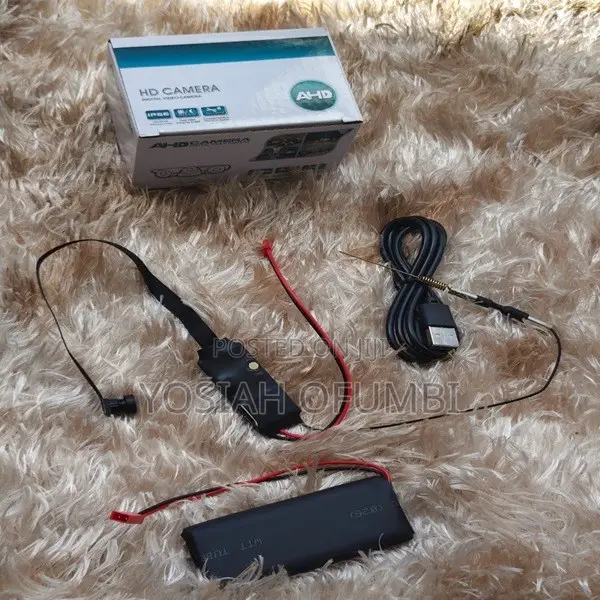
WiFi Pinhole Hidden Spy Camera
CCTV Camera
Type
Other
Brand
Indoor
Usage
Brand New
Condition
1. Connect the Hardware: Plug the small red 2-pin connector from the battery pack into the corresponding red power receiving slot on the camera module's wiring harness.
2. Download the App: Check the instruction manual or scan the QR code included inside the box to install the recommended companion app (commonly apps like LookCam, HDminicam, or Tuya depending on the exact firmware variant).
3. Connect to WiFi: Turn the small physical switch on the camera module to "ON". Open your phone's WiFi settings, look for a long, unique network ID broadcasted by the module (e.g., F# or G# ), and connect directly to it.
Safety tips
- Avoid paying in advance, even for delivery
- Meet with the seller at a safe public place
- Inspect the item and ensure it's exactly what you want
- Make sure that the packed item is the one you've inspected
- Only pay if you're satisfied


