Promoted
Kampala, Central Division, 10 min ago
76 views
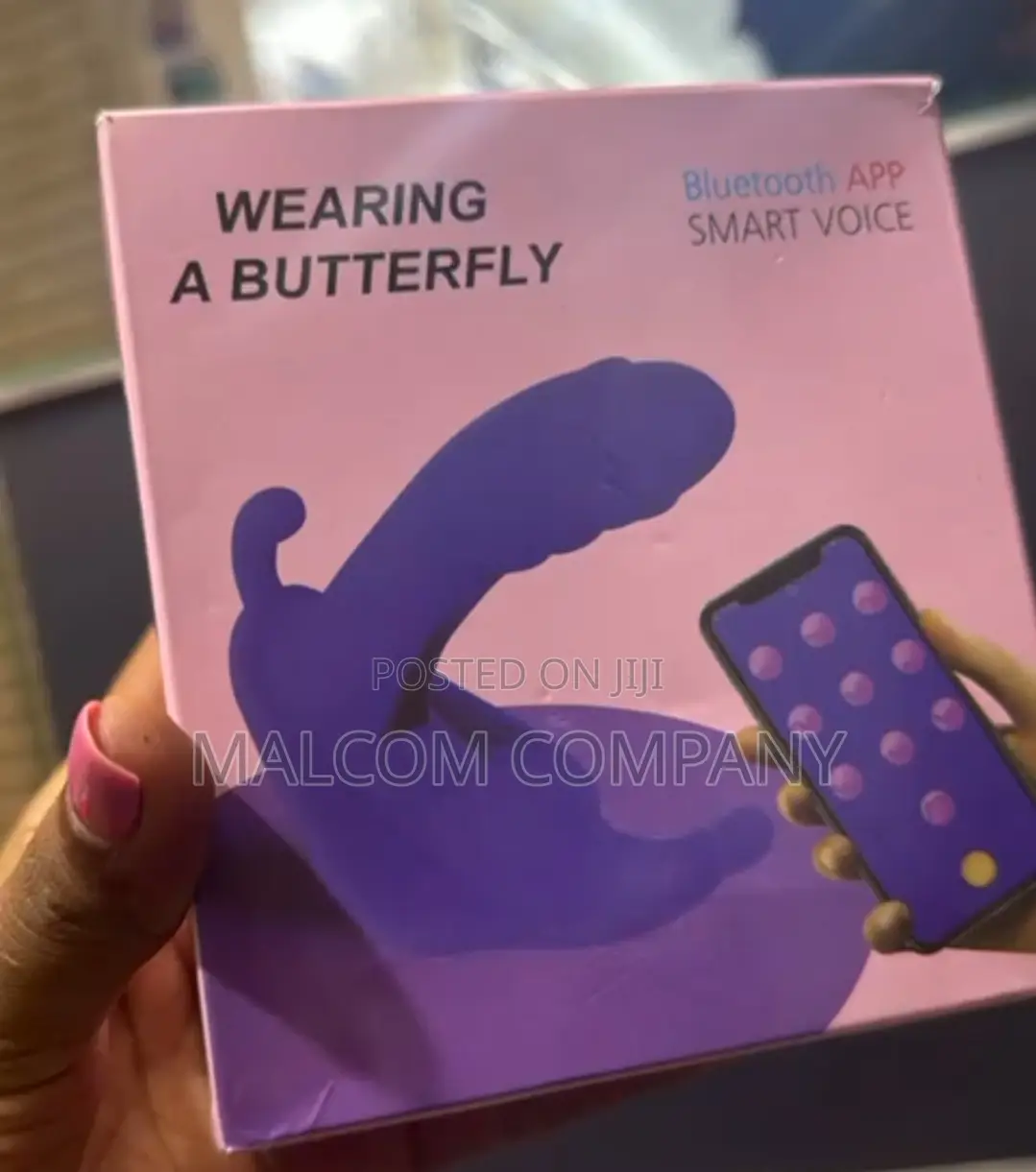
Bluetooth App Sex Dildos .
Electrastim
Brand
Dildos
Type
Rubber
Material
Unisex
Gender
Other
Waterproof
Other
Color
Vibrating Dildos
Dildo Type
Store address
Kampala • Central Division
Kampala Mukwano arcade
At centenary bank of Kampala Mukwano arcade opposite Ham shopping ground, call me
Closed now
• Mon - Sun, 08:45-19:15
In App mode, multiple control modes are available:
1. Touch Mode: App controls the device to vibrate at different frequencies and strengths depending on where the finger touches the screen.
2. Music Mode: App controls the vibration of the device according to the frequency and tone of the playing music.
3. Sound Mode: App controls the vibration of the device according to the ambient sound volume. The louder the sound becomes, the stronger the device vibrates.
4. Cloud Mode: There are many vibration curve files shared by others. You can download them to your phone. Playing them can experience the vibration curve of others, The curves you share
*111 also be displayed here.
6. My Patterns: Select different preset modes to control the vibration of the device. Yecan also create your own vibration patterns.
6. Friend lode: Touch the

Safety tips
- Avoid paying in advance, even for delivery
- Meet with the seller at a safe public place
- Inspect the item and ensure it's exactly what you want
- Make sure that the packed item is the one you've inspected
- Only pay if you're satisfied