
1/2

Promoted
Kampala, Central Division, 37 min ago
38 views
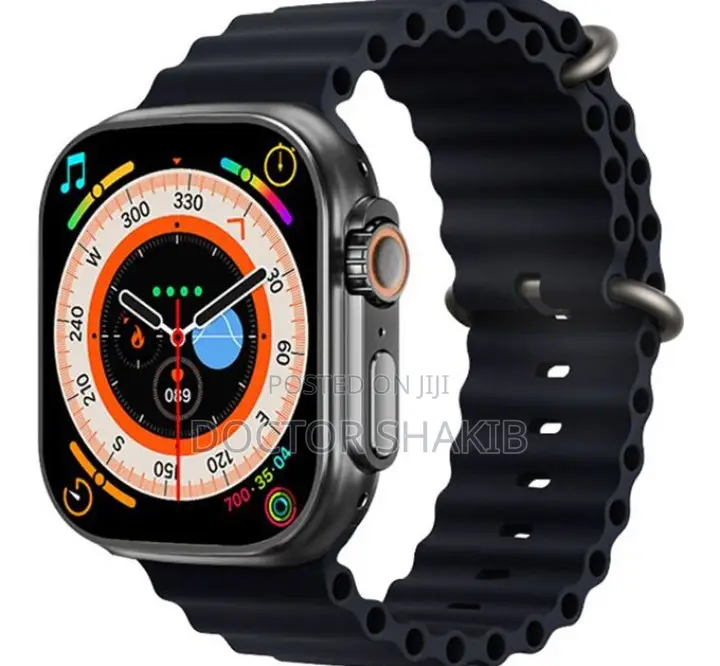
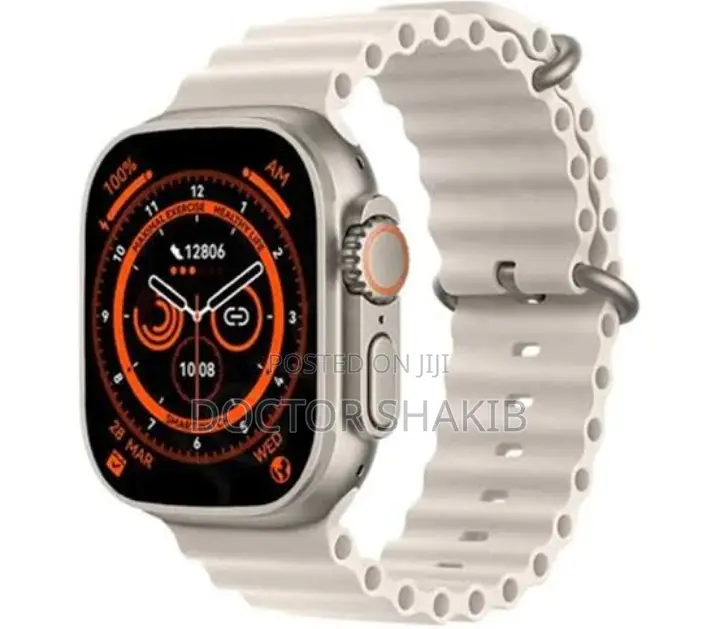
Generic T800 Ultra 2 Smart Watch
When you use it for the first time, you need to connect to the APP for calibration. After the connection is successful, the wristband will automatically synchronize the time, then turn on the phone and download the mobile APP. Scan the QR code on the instruction manual to download directly
2. To connect to the APP, first turn on the Bluetooth of the mobile phone, and then open the APP of the mobile phone:.
A). Bluetooth finds the bracelet, click to connect, and the APP shows that the device is successfully connected.
b). The APP scans the QR code on the watch to connect (unable to connect: turn off the bracelet and restart).
3. For mobile phones, please be sure to grant all permissions to the APP for background operations and reading device information during installation or in the mobile phone system so that the watch.
USh 120,000
NegotiableSafety tips
- Avoid paying in advance, even for delivery
- Meet with the seller at a safe public place
- Inspect the item and ensure it's exactly what you want
- Make sure that the packed item is the one you've inspected
- Only pay if you're satisfied


