
1/5
Promoted
Kampala, Central Division, 50 min ago
5 views
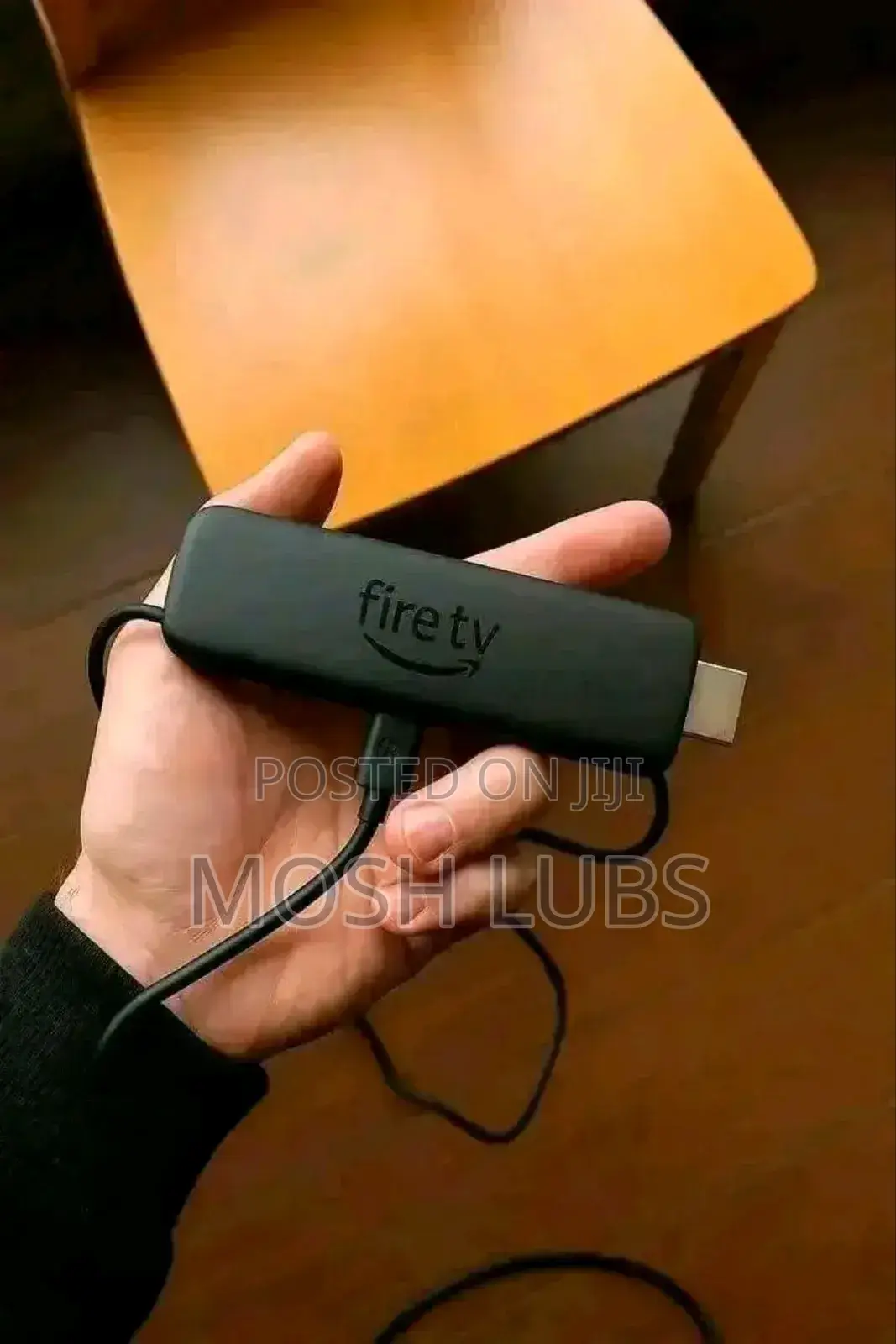
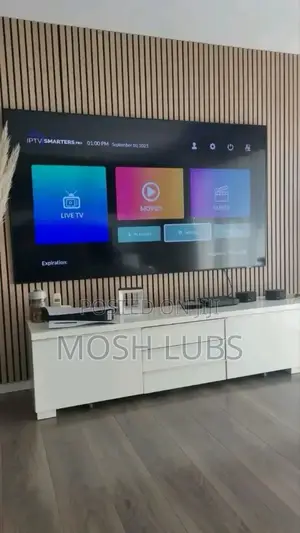
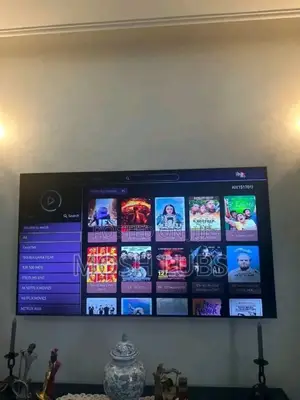
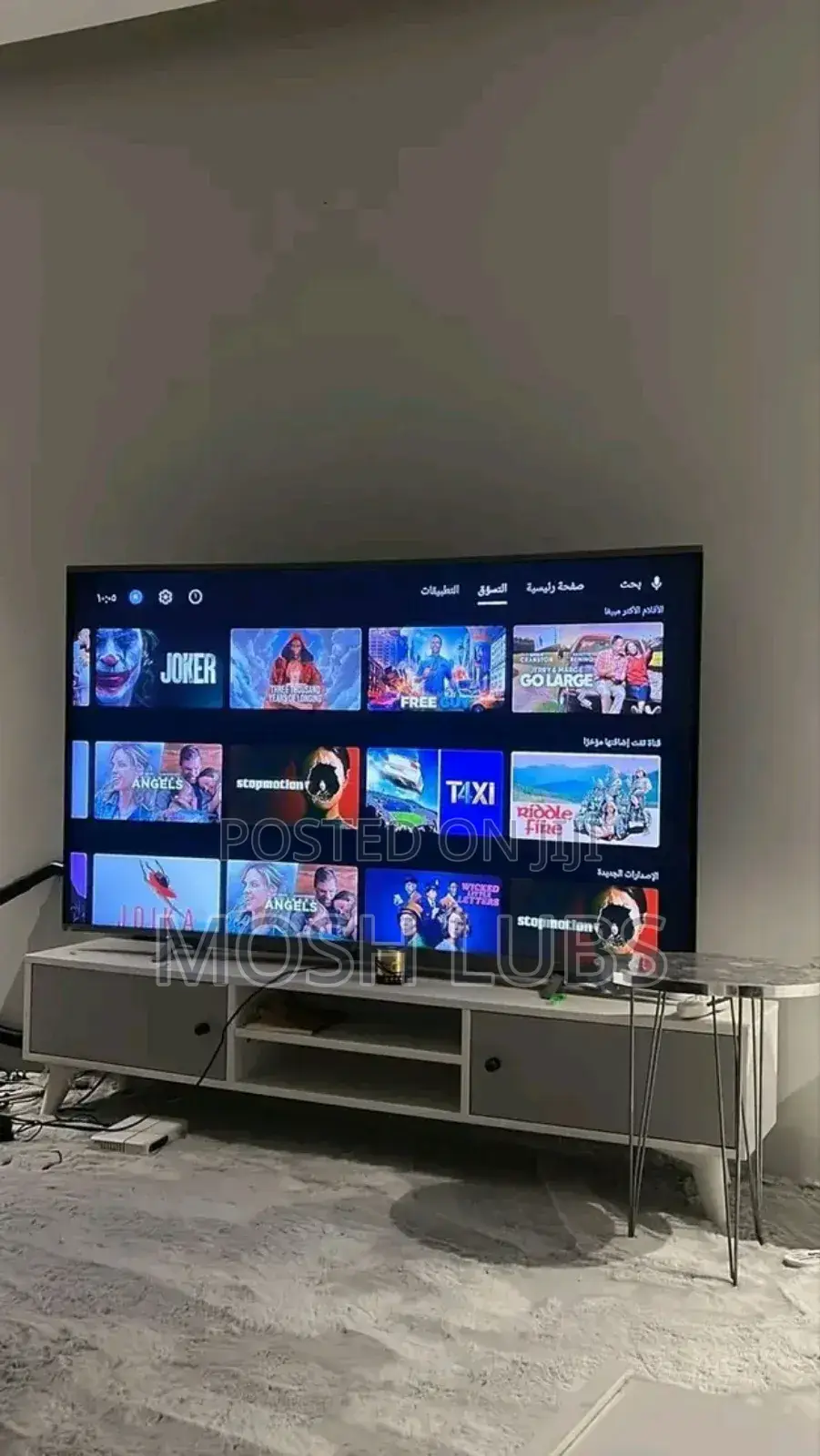
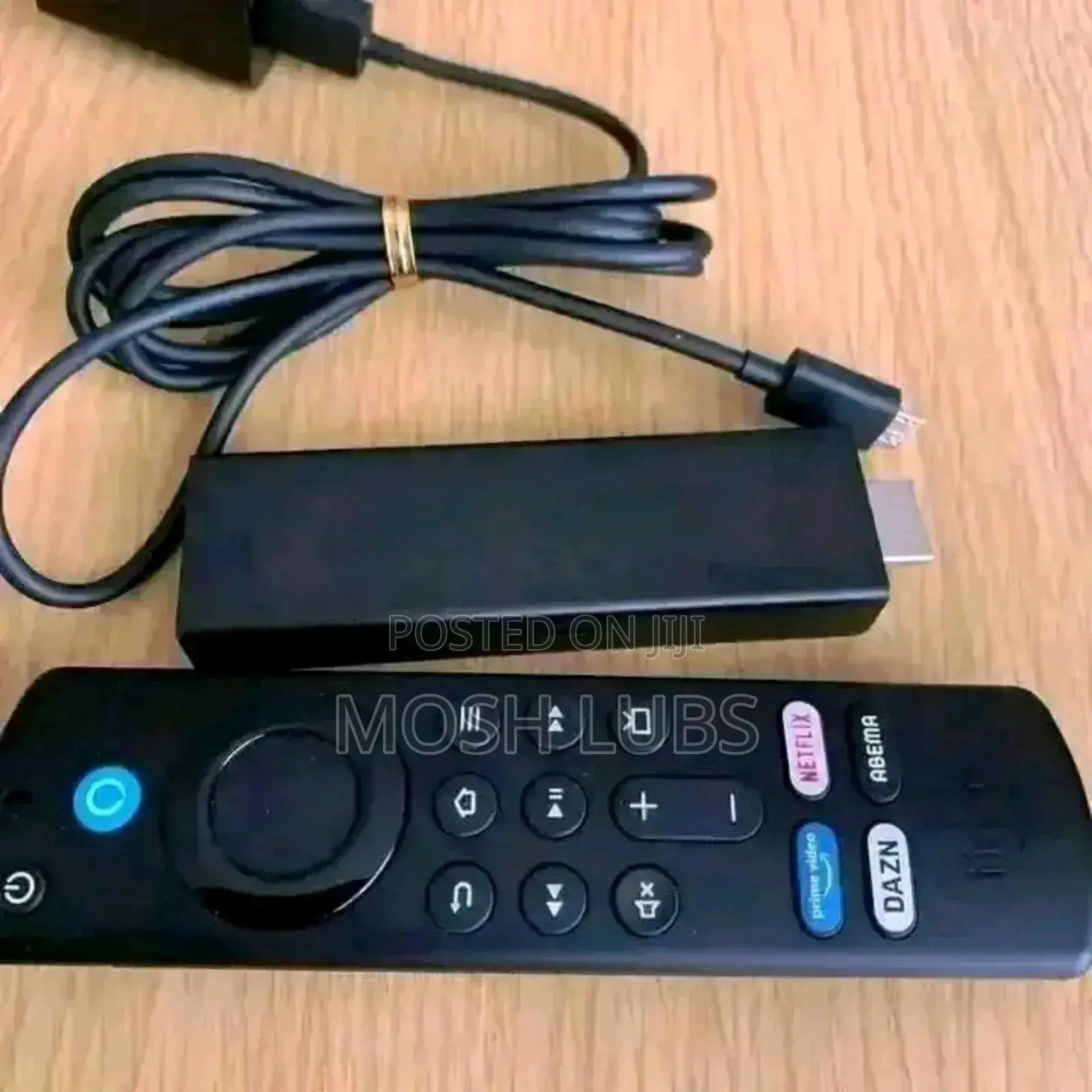
Amazon Fire Tv Stck{Turn Your Tv From Digital to Smart}
Amazon
Brand
AM
Model
TV STICK
Type
Brand New
Condition
Amazon tv stick
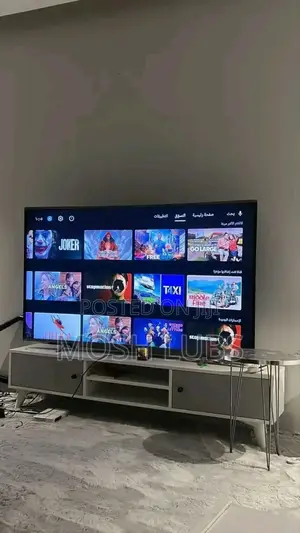
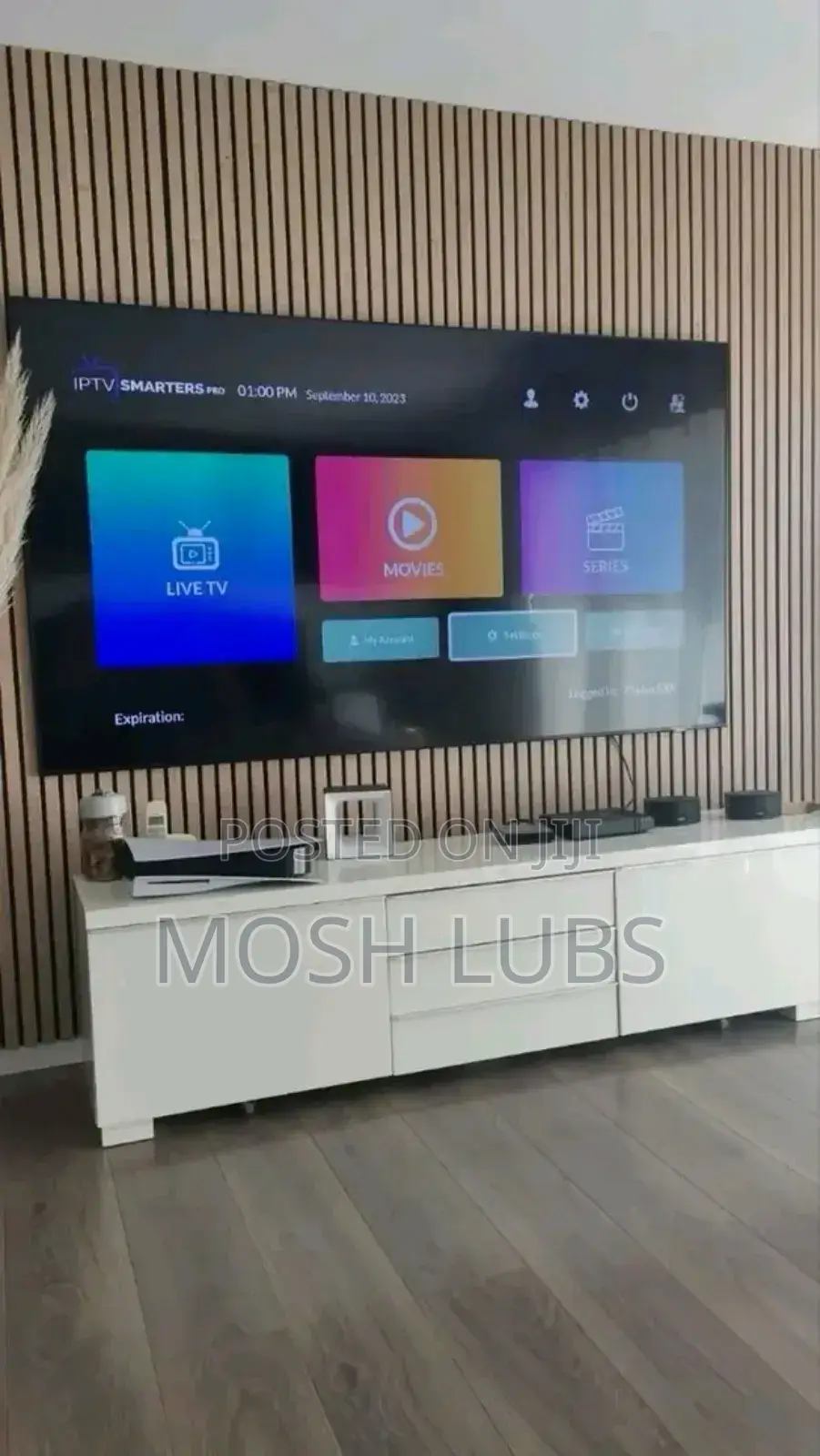
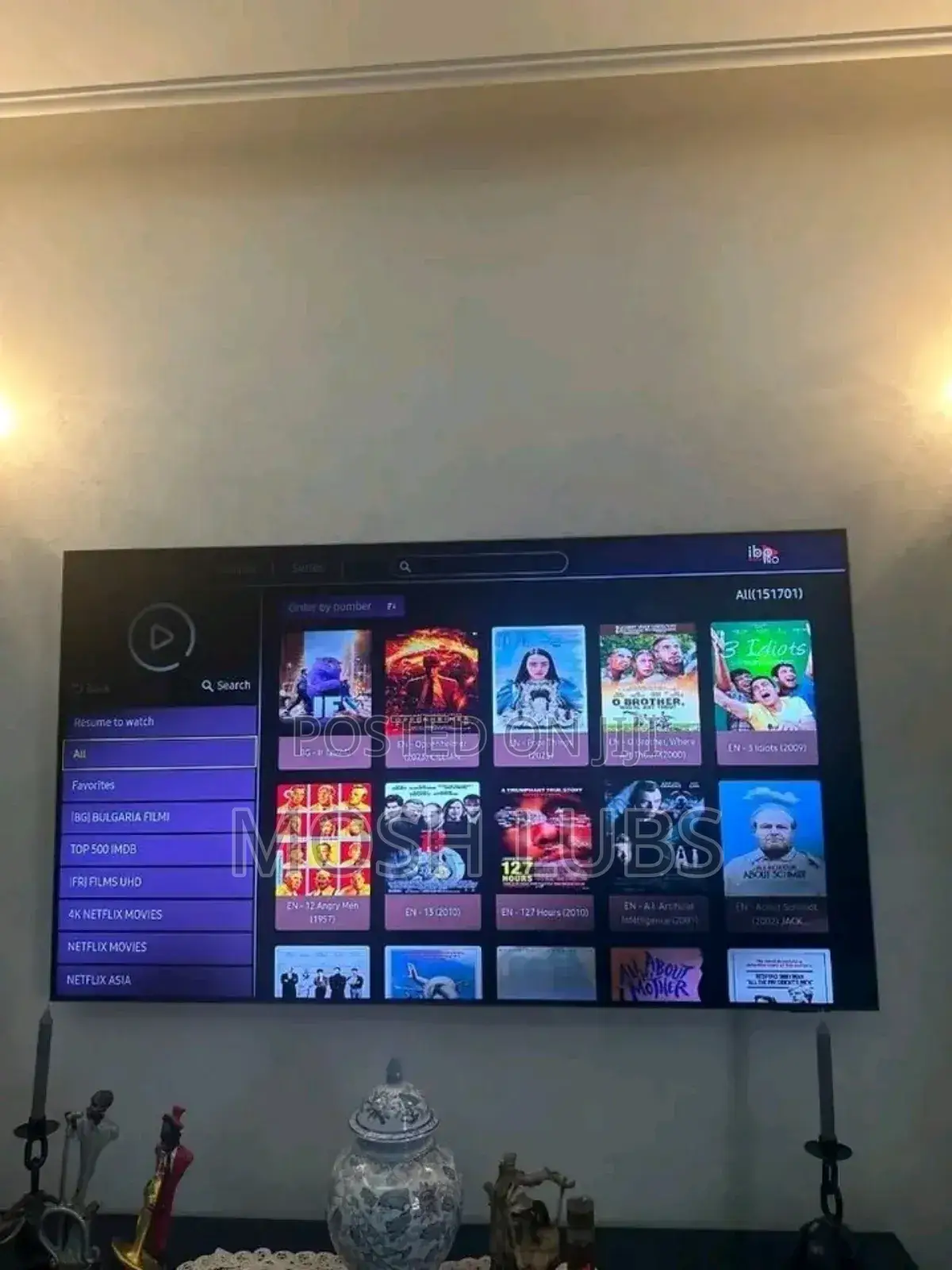
turn your tv from digital to smart
watch live football,espn,prime videos,play games,cartoons,etc
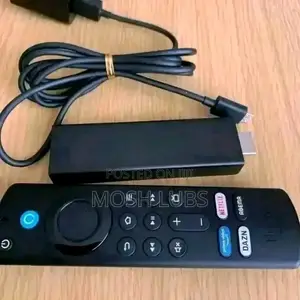
how to set up a new amazon fire tv stick remote:
method 1: automatic pairing (for official amazon remotes)
1. insert batteries into the new remote.
2. go to the fire tv home screen.
3. select _settings_.
4. choose _controllers & bluetooth devices_.
5. select _amazon fire tv remotes_.
6. choose _add new remote_.
7. follow on-screen instructions to complete pairing.
method 2: manual pairing (for third-party remotes or replacement remotes)
1. go to the fire tv home screen.
2. select _settings_.
3. choose _controllers & bluetooth devices_.
4. select _other bluetooth devices_.
5. choose _add bluetooth device_.
6. put the remote in pairing mode (usually by pressing and holding a button).
7. select the remote
Safety tips
- Avoid paying in advance, even for delivery
- Meet with the seller at a safe public place
- Inspect the item and ensure it's exactly what you want
- Make sure that the packed item is the one you've inspected
- Only pay if you're satisfied


