
1/2
Promoted
Kampala, Central Division, 2 hours ago
5 views
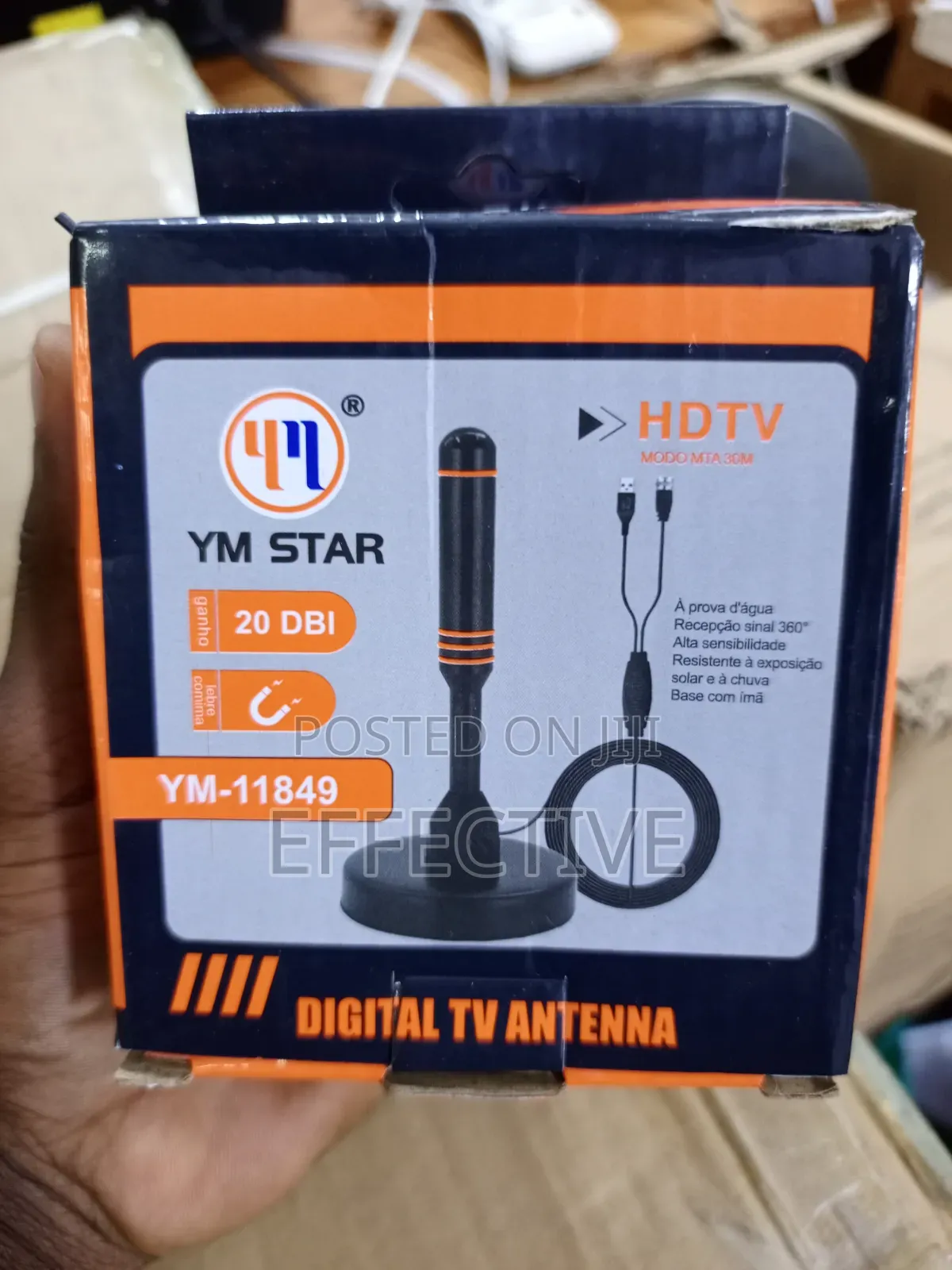
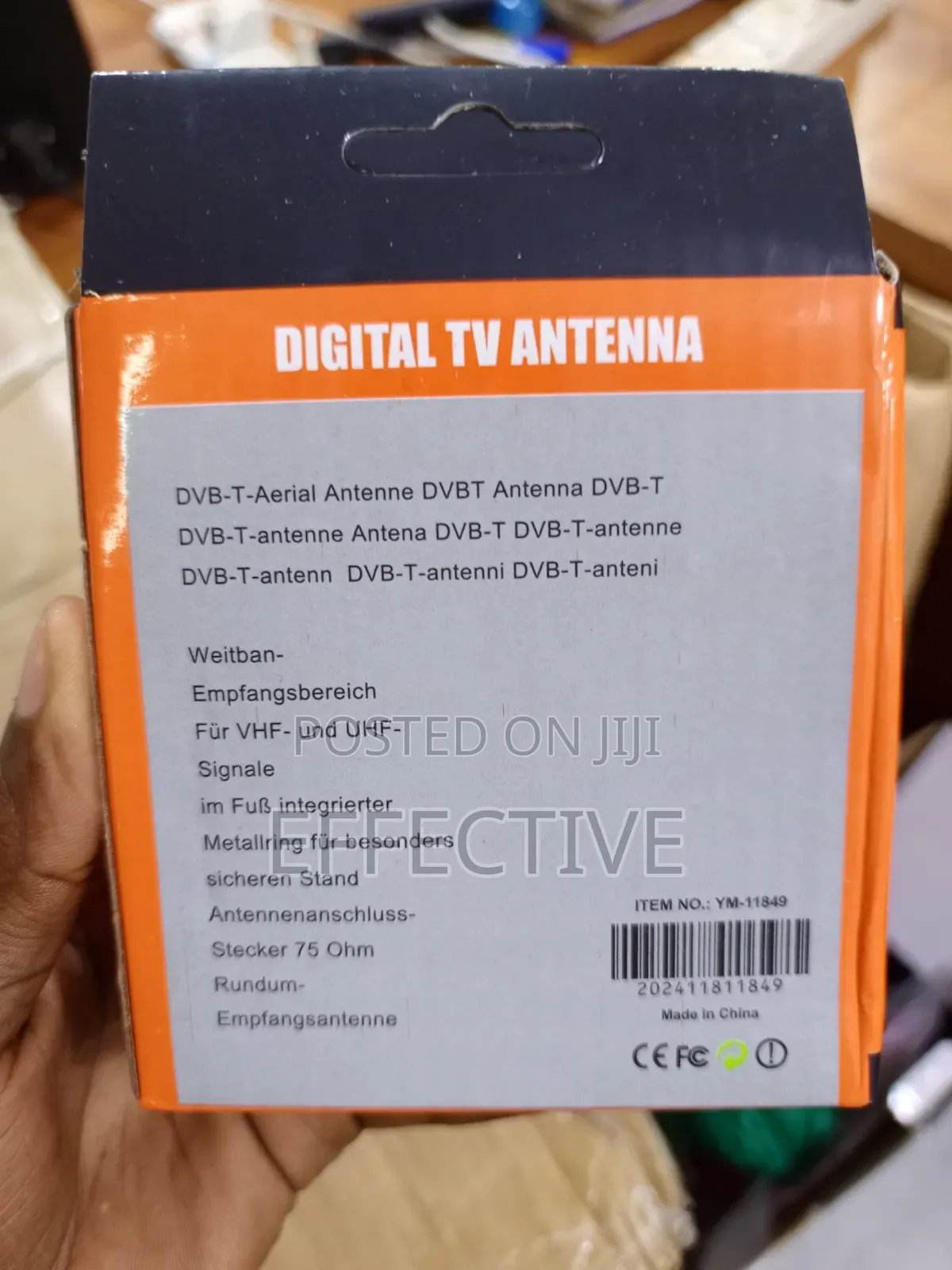
Digital TV Antenna.
Other
Brand
YM-11849
Model
Tuners
Type
Brand New
Condition
1. Connect to Your Device: Take the coaxial cable from the antenna base and screw it firmly into the ANT IN or RF IN port on the back of your digital-ready TV or external decoder (such as StarTimes or GOtv).
2. Mount the Antenna: Place the antenna upright on a flat surface using its magnetic base. For optimal reception, put it as high as possible, preferably near or on a window sill facing the direction of your local broadcast towers.
3. Scan for Channels: Turn on your TV or decoder. Using the remote control, navigate to the menu, go to Settings / Channel Setup, and select Auto Tuning / Channel Scan. Ensure your input source is set to "Antenna" or "Air" rather than "Cable".
Safety tips
- Avoid paying in advance, even for delivery
- Meet with the seller at a safe public place
- Inspect the item and ensure it's exactly what you want
- Make sure that the packed item is the one you've inspected
- Only pay if you're satisfied


