
1/2

Kyetumbuddwa
Kampala, Central Division, 54 min ago
4 okulabibwa
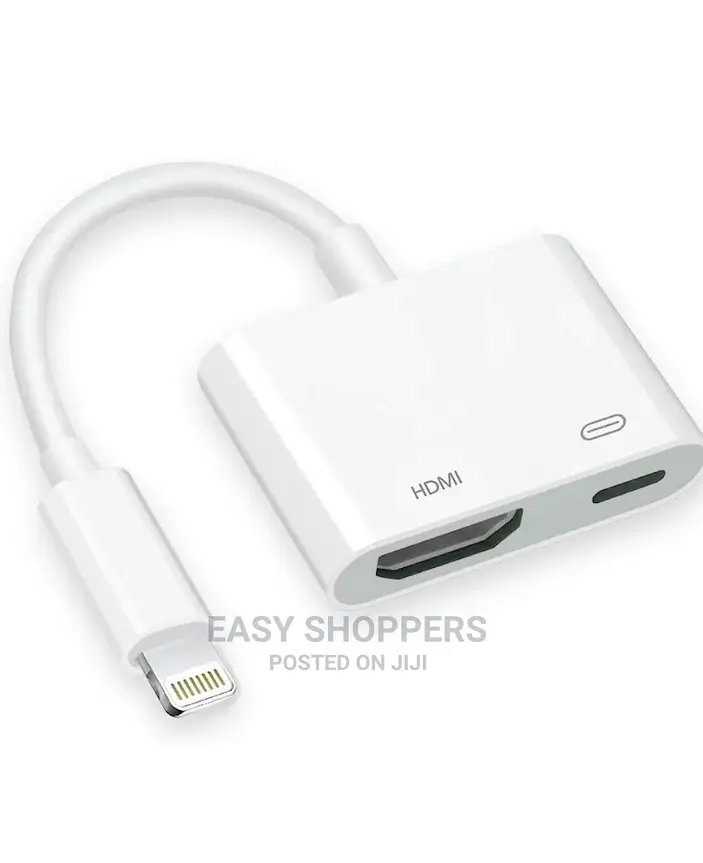
iPhone to Hdmi Converter
The Digital AV Adapter supports mirroring of what is displayed on your phone screen (including apps, presentations, websites, slideshows and more) to your HDMI-equipped TV, projector, display in up to 1080P.
How to Use:
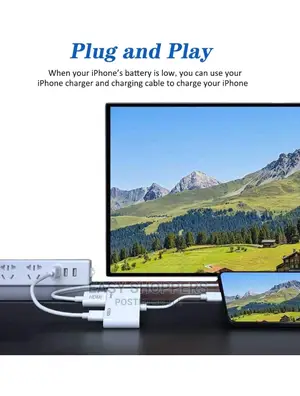
1. Use your i Phone charging cable and AC adapter to Socket to supply power for this HDMI adapter.
2. connect to this HDMI Adapter with your TV via HDMI cable.
3. connect this HDMI adapter into your i Phone or i Pad
4. After all ports connected, wait 10 seconds to click the " Trust ", then it will synchronize the phone screen with the TV automatically.
Supports video callings for FaceTime, Skype, WhatsApp;
Supports streaming videos, pictures, games, slideshows compatible with Facebook,YouTube,Twitter, Instagram, Reddit, Pinterest, Snapchat, IDMB, Microsoft Office to bigger and clearer screens.

Amagezi ag’okukuuma obulungi
- Weewaleko okusasula kuddala, ne bwe kuba kuduusa
- Sisinkananga omutunzi mu kifo eky'ekwerinda ekirikimu abantu abangi
- Kebera ekintu era okakase nti kye ky'oyagala ddala
- Kakasa nti ekintu ekyazibwamu kye werekebako.
- Sasula bw'oba nga omusanyufu bokka


