
1/4
Kyetumbuddwa
Kampala, Central Division, Obaddeko 1 essaawa emabega
4 okulabibwa
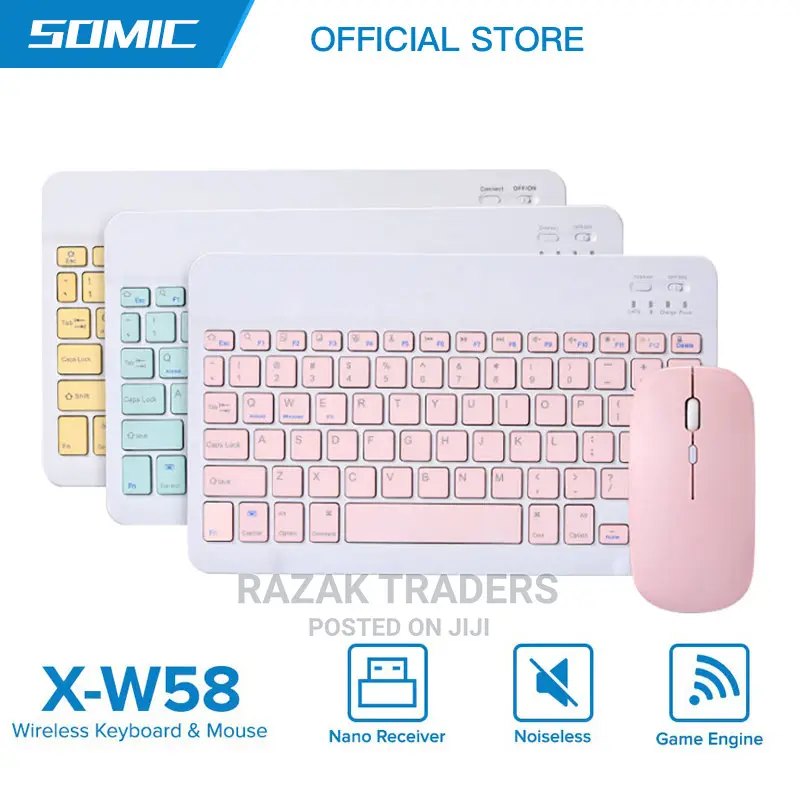
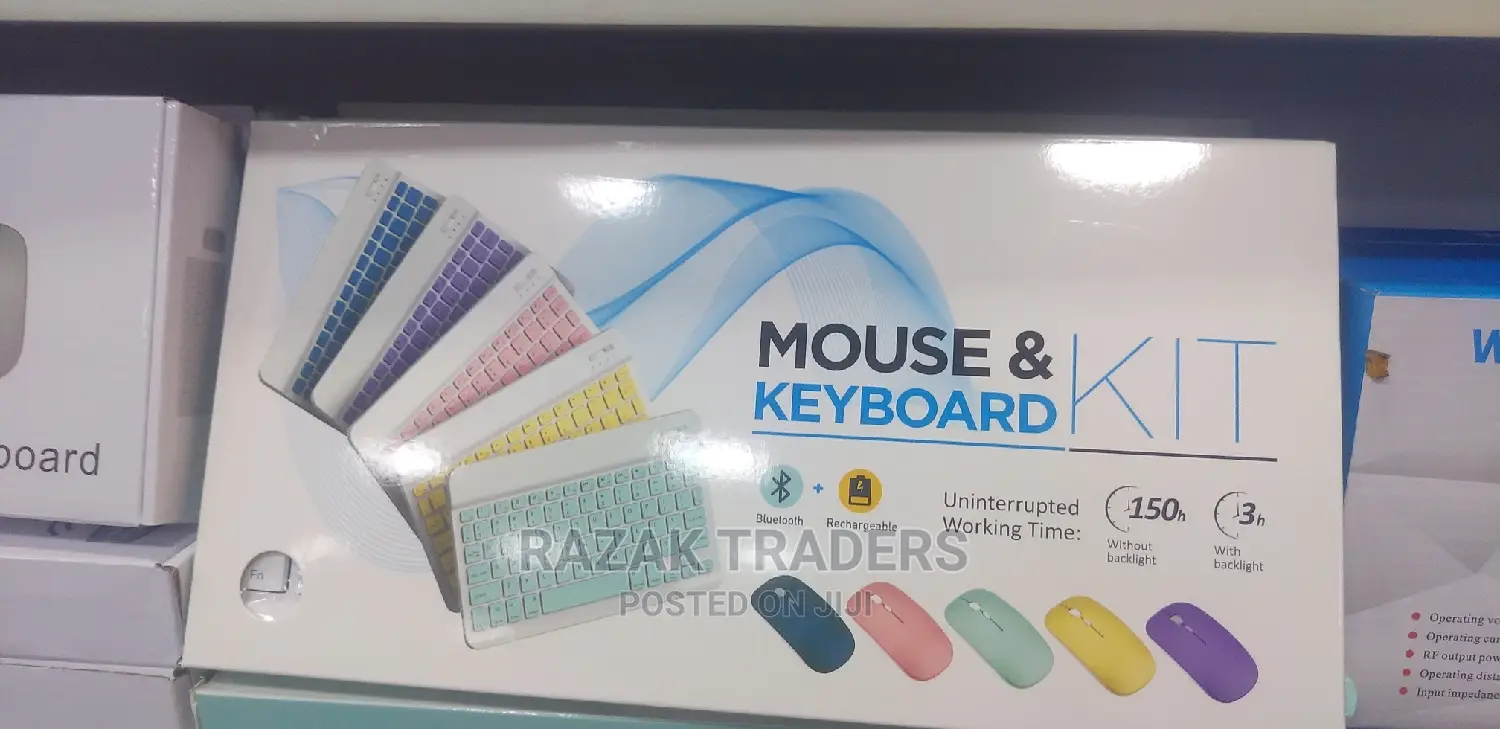
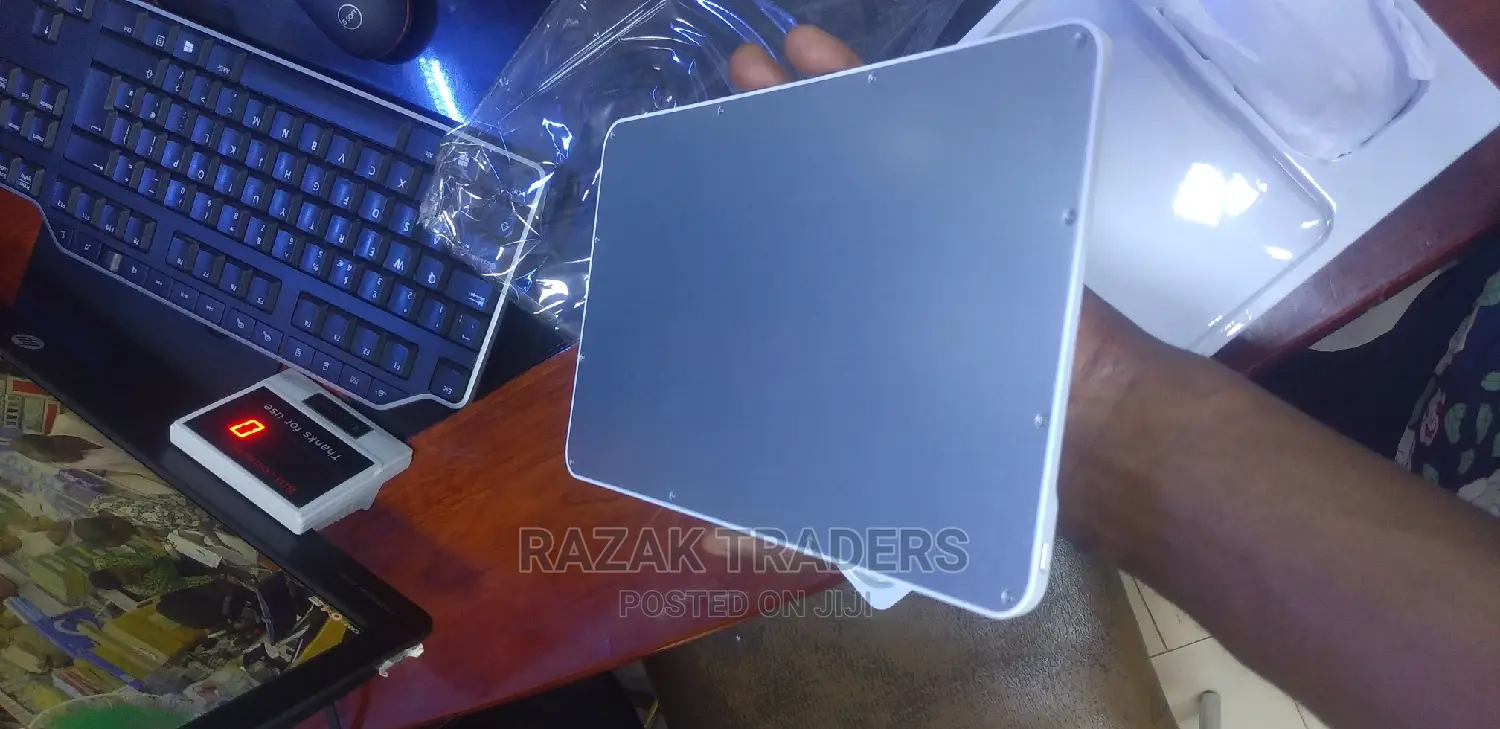
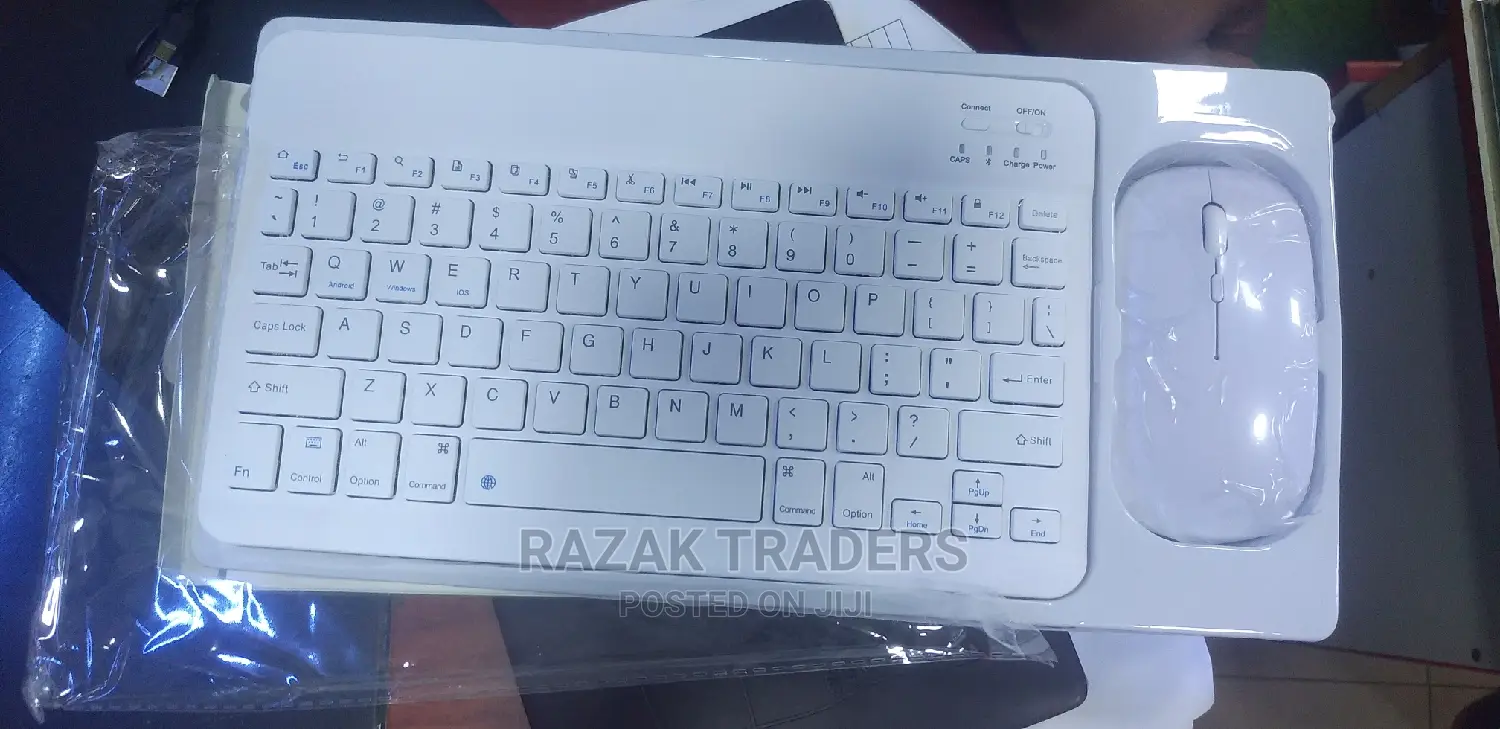
Bluetooth Wireless Keyboard With Mouse Combo
Kiboodi
Ekika
Other
Ekifaananyi ky'ekikozesebwa
Ekipya
Embeera
Ebirala
Emberera ezintambi
Bluetooth
Enkola y’okukyusa Keyboard
Ebirala
Okutangaaza emabega
Awatali waya
Ebikwata ku Keyboard
1.Push the power switch to the end marked with the Bluetooth logo(when you can see the light was long red) 2 .hold down the left and right mouse buttons and the middle scroll wheel at the same time for 5 seconds(when you can see that the light turn to blue and slow blink) 3. find the bluetooth at your equipment and paired to it Product specification 2.4 g wireless mode:(for computer or laptop) how to use (2.4 g wireless mode ):1.Push the power switch to the end marked with 2.4G(when you can see the light was GREEN) take off the usb wireless receiver from the mouse and plug it into a computer or laptop. It can be used when the mouse shows a red light Keyword: 1. Bluetooth 3.0 standard interface 2. Effective operating distance: within 10 meters 3. Modulation method: GFSK 4. Standby current: <0.3mA 7. Sleep current: <40uA 8. Charging current: >200mA 9. Standby time: >100 days 10. Charging time: 3-4 hours 11. Lithium battery capacity: 200mA 12. Sustainable working time: 100 hours

Amagezi ag’okukuuma obulungi
- Weewaleko okusasula kuddala, ne bwe kuba kuduusa
- Sisinkananga omutunzi mu kifo eky'ekwerinda ekirikimu abantu abangi
- Kebera ekintu era okakase nti kye ky'oyagala ddala
- Kakasa nti ekintu ekyazibwamu kye werekebako.
- Sasula bw'oba nga omusanyufu bokka


