
1/2
Kyetumbuddwa
Kampala, Central Division, Obaddeko 2 essaawa emabega
10 okulabibwa
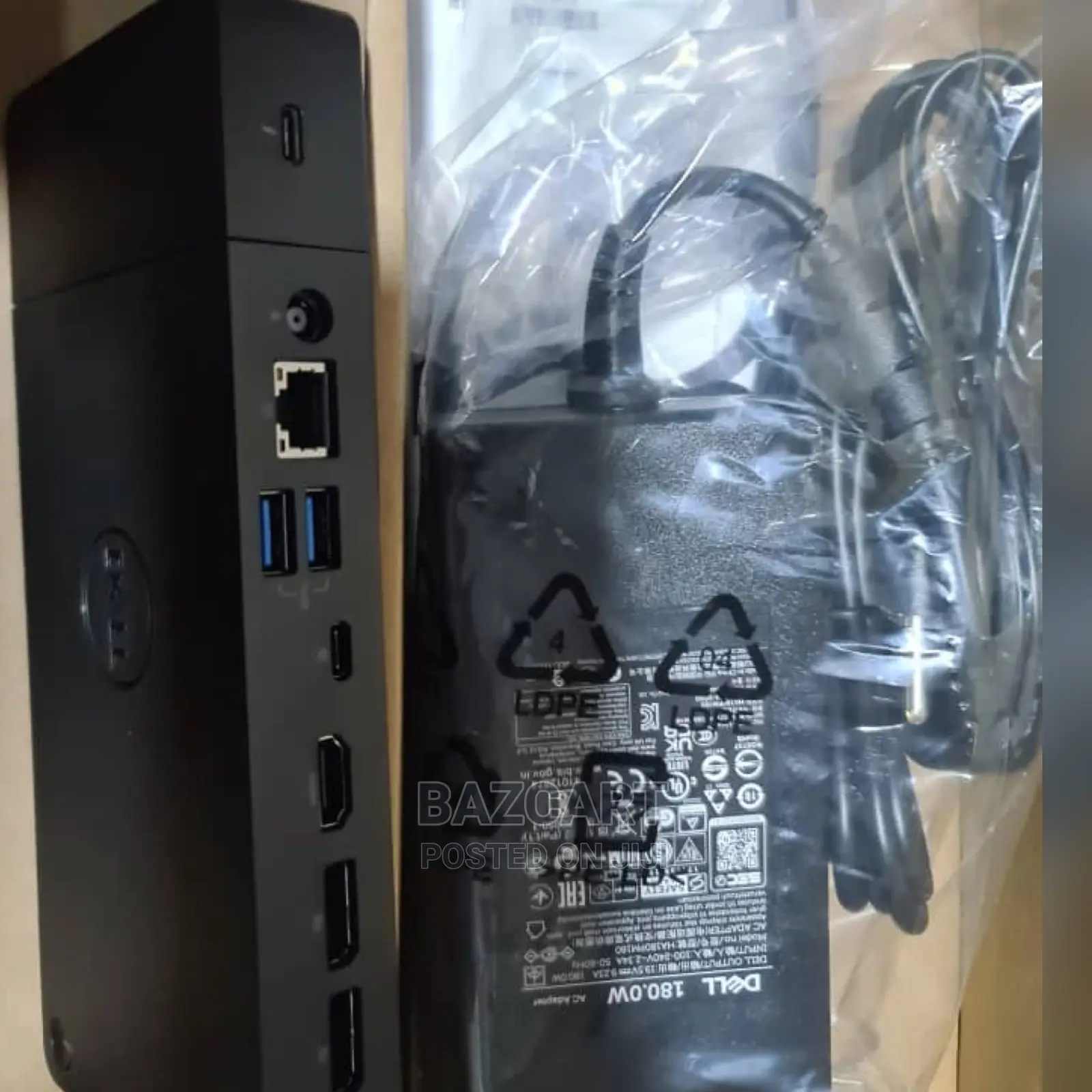
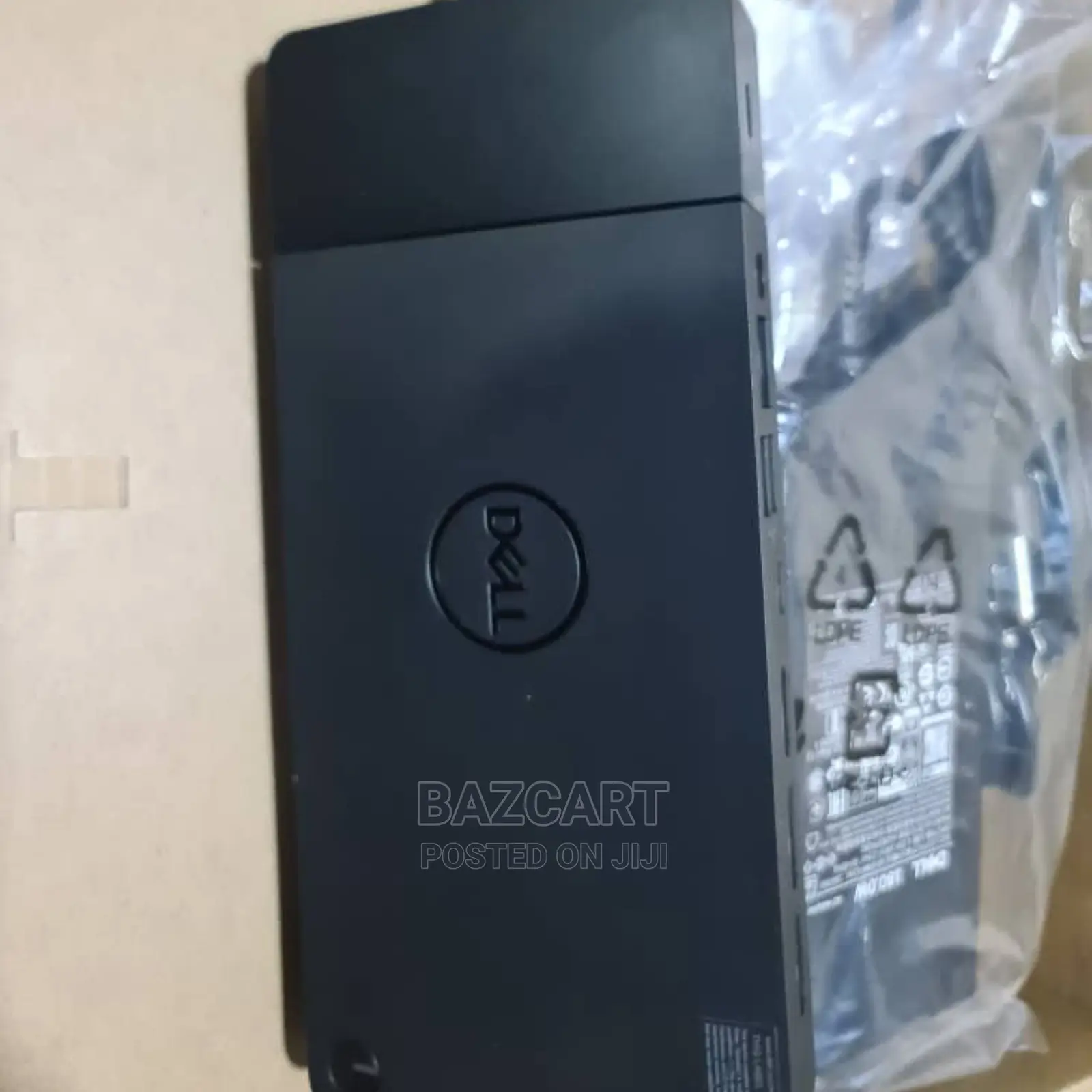
Dell Thunderbolt Dock- WD19TBS 180w
Ebifo eby'okutandikirako by'ekkompyuta
Ekika
Ekifaananyi ky'ekikozesebwa
Ekipya
Embeera
180watts
Amaanyi
RJ-45, USB, USB Type-C, DisplayPort, AUX, HDMI
Enkola ya Docking Station
Adireesi y'edduuka
Kampala • Central Division
Suncity Arcade Shop F3 1B
Kigguddwawo kati
• Bal - Lw6, 09:00-17:00
Docking Station: Dell Thunderbolt Dock WD19TBS offers the greatest compatibility across Dell Commercial laptops. The WD19TBS dock is also compatible with notebooks from other manufacturers such as HP and Lenovo which support industry standards for Thunderbolt docking
Ultimate Connectivity: Thunderbolt connectivity makes it easier than ever to deliver power, data, audio, and video as well as connect to system peripherals, no matter what system you use. Plus, with support for up to three displays, including a single 5K and dual 4K monitors, you can connect to everything you need
Clean and Clutter-free: Stay productive by mounting your dock behind your monitor or under your desk with the optional, secure VESA Mount, that offers complete flexibility with the built-in 0.8-meter cable
Optimize Your Workspace: Work without disruptions utilizing a single firmware on our most manageable docks ever.

Amagezi ag’okukuuma obulungi
- Weewaleko okusasula kuddala, ne bwe kuba kuduusa
- Sisinkananga omutunzi mu kifo eky'ekwerinda ekirikimu abantu abangi
- Kebera ekintu era okakase nti kye ky'oyagala ddala
- Kakasa nti ekintu ekyazibwamu kye werekebako.
- Sasula bw'oba nga omusanyufu bokka


