

1/5


Kyetumbuddwa
Kampala, Central Division, Obaddeko 1 essaawa emabega
108 okulabibwa
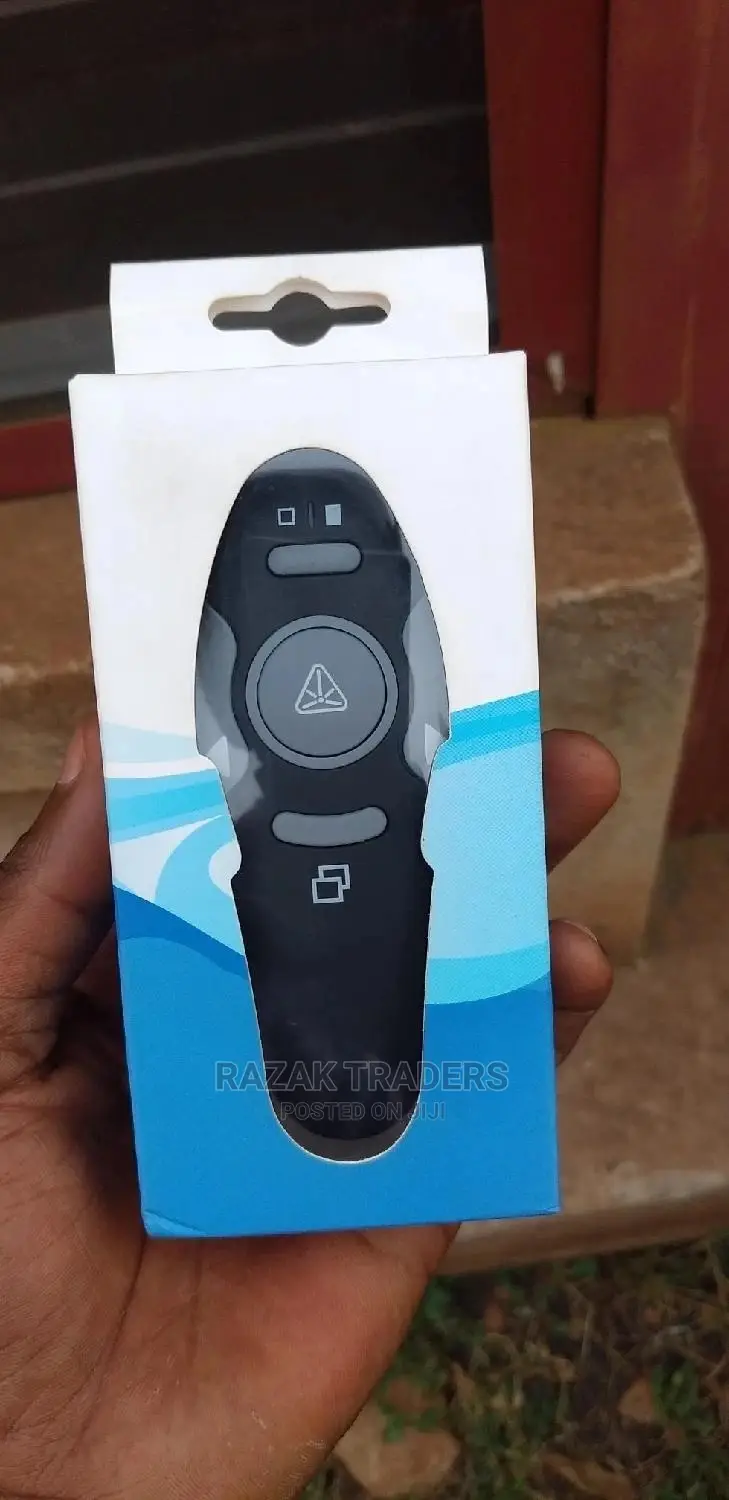
Wireless Presenter Remote Presentation Powerpoint Clicker
Ebyokulaga ku board
Ekika
Other
Ekifaananyi ky'ekikozesebwa
Ekipya
Embeera
4
Obungi bwa Mpipi
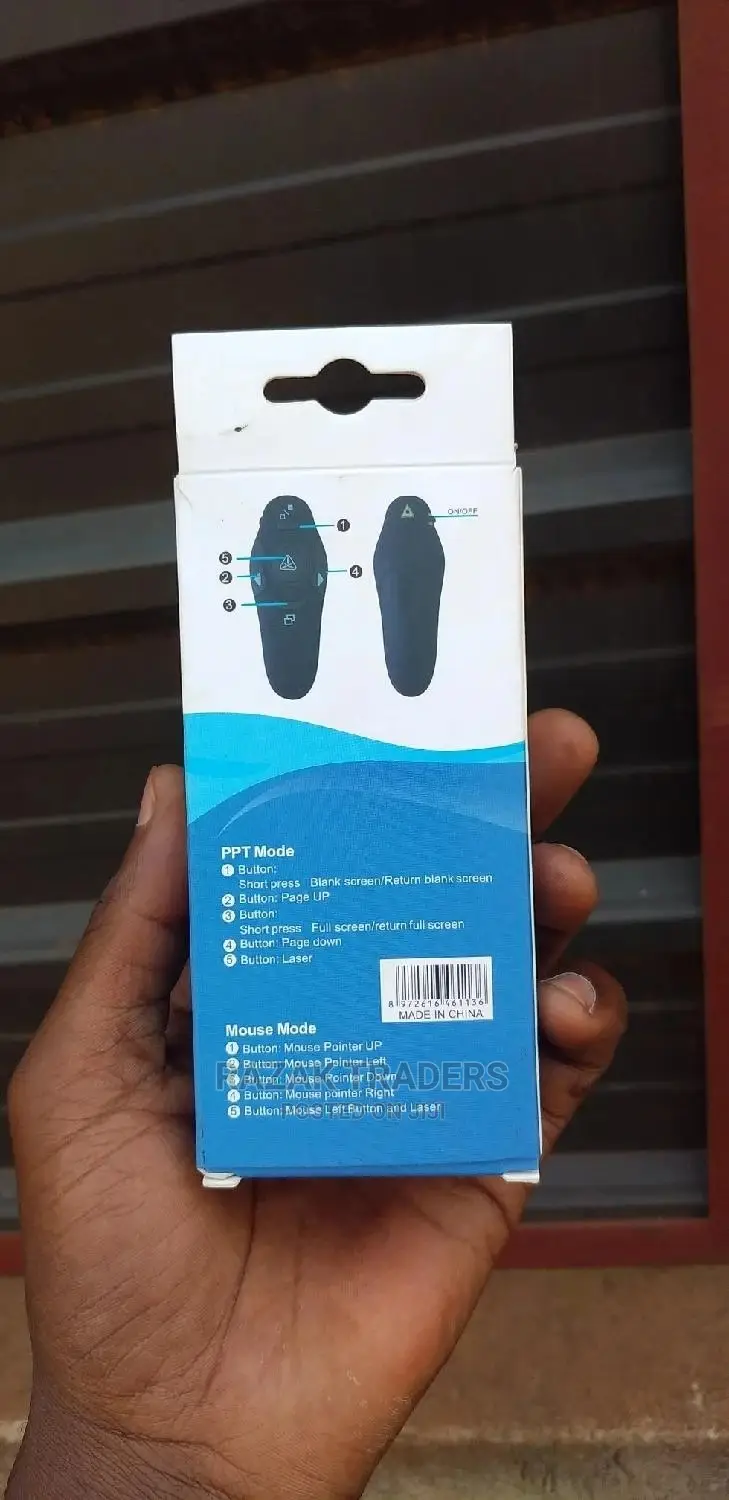
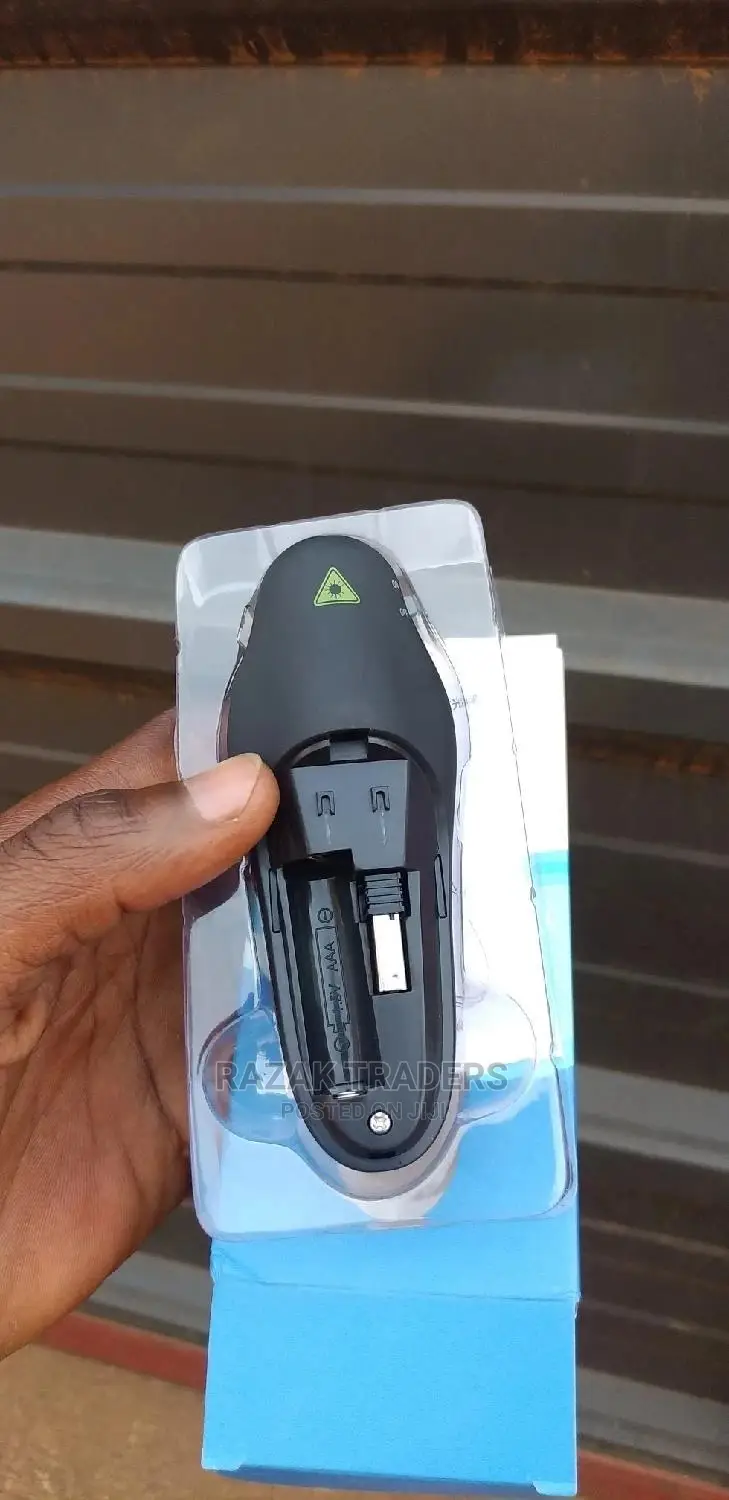
【PRESENTATION REMOTE】BUTTONS: Light pointer, display of black screen, next, previous, full screen, on/off switch; One-touch keys easy to control slideshow. Powered by AAA Battery (Not included) . About laser pointer: hold down the button to keep the light on.
【CONVENIENT】PowerPoint presenter combines the function of air mouse and normal clicker, with a wireless cursor control button and left mouse button, which makes it like a true mouse. Long Control Range can be up to 228 ft(70 meters,In an Open Environment),You can 360°Freely Control your Presentation around Every Corner of your Conference Room, Especially in a Large Space!
【ERGONOMIC DESIGN】This PowerPoint clicker is designed to fit nicely into your hands; Features intuitive touch-keys for easy slideshow control, so you can page forward/back without having to look at the buttons. Especially for Teachers, Tutors, Lecturers and Speakers, It Helps a lot. You can be totally free from the constraint of the keyboard and m


Amagezi ag’okukuuma obulungi
- Weewaleko okusasula kuddala, ne bwe kuba kuduusa
- Sisinkananga omutunzi mu kifo eky'ekwerinda ekirikimu abantu abangi
- Kebera ekintu era okakase nti kye ky'oyagala ddala
- Kakasa nti ekintu ekyazibwamu kye werekebako.
- Sasula bw'oba nga omusanyufu bokka


