
1/4
Kyetumbuddwa
Kampala, Central Division, Obaddeko 3 essaawa emabega
13 okulabibwa
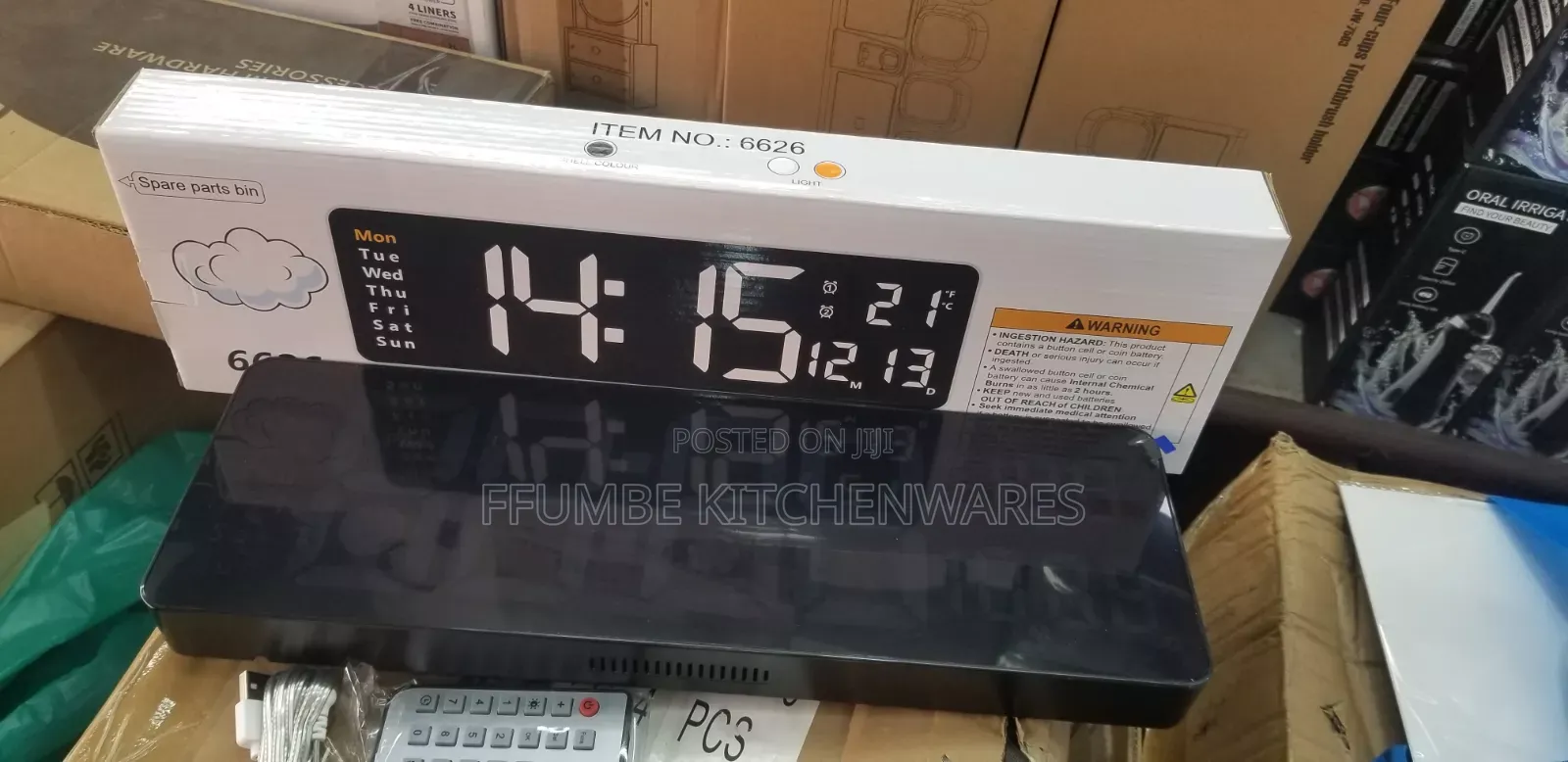
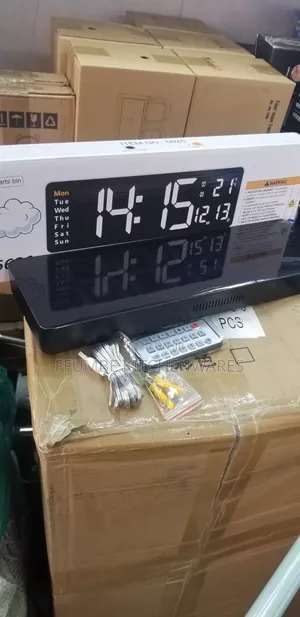
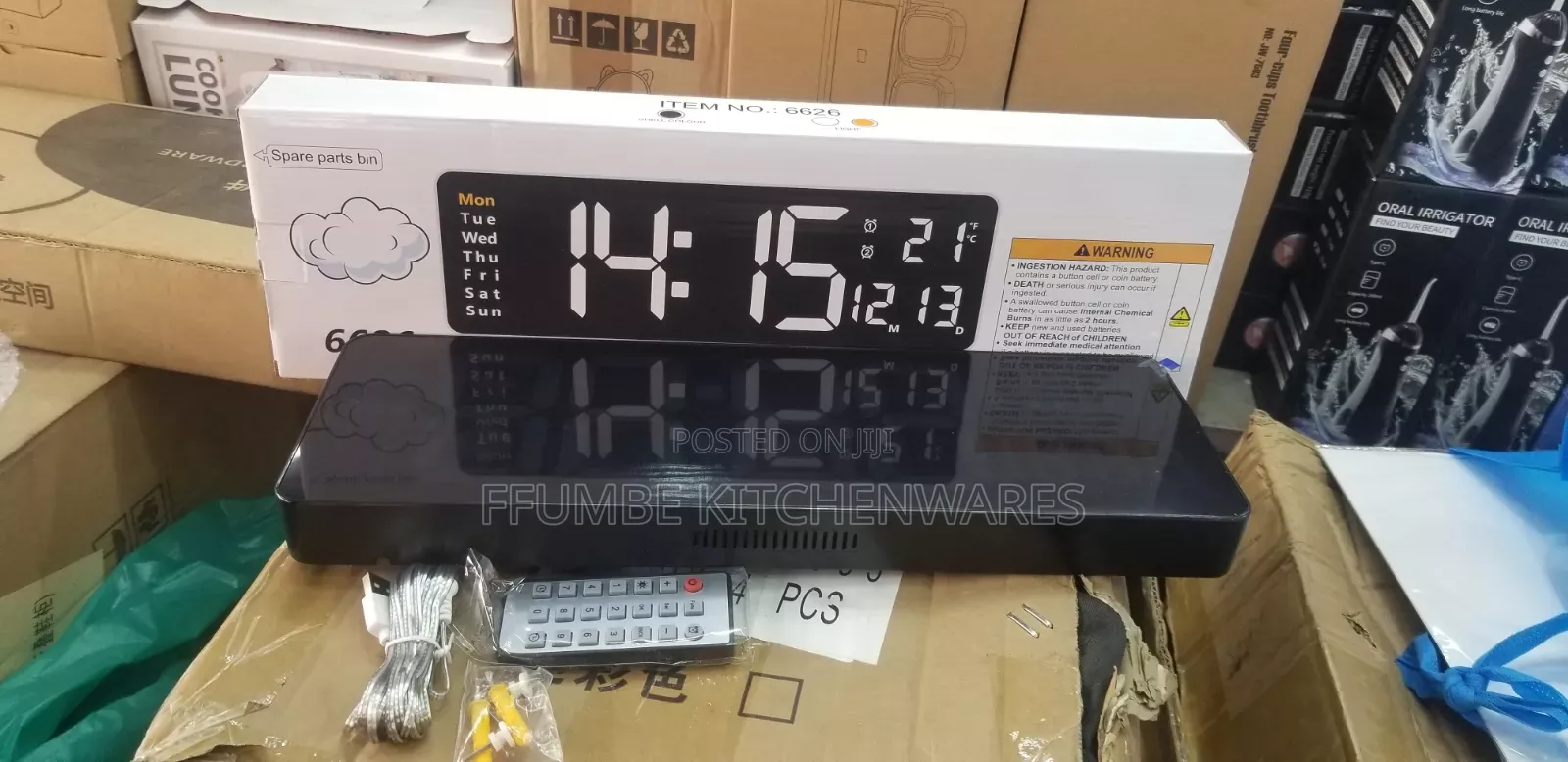
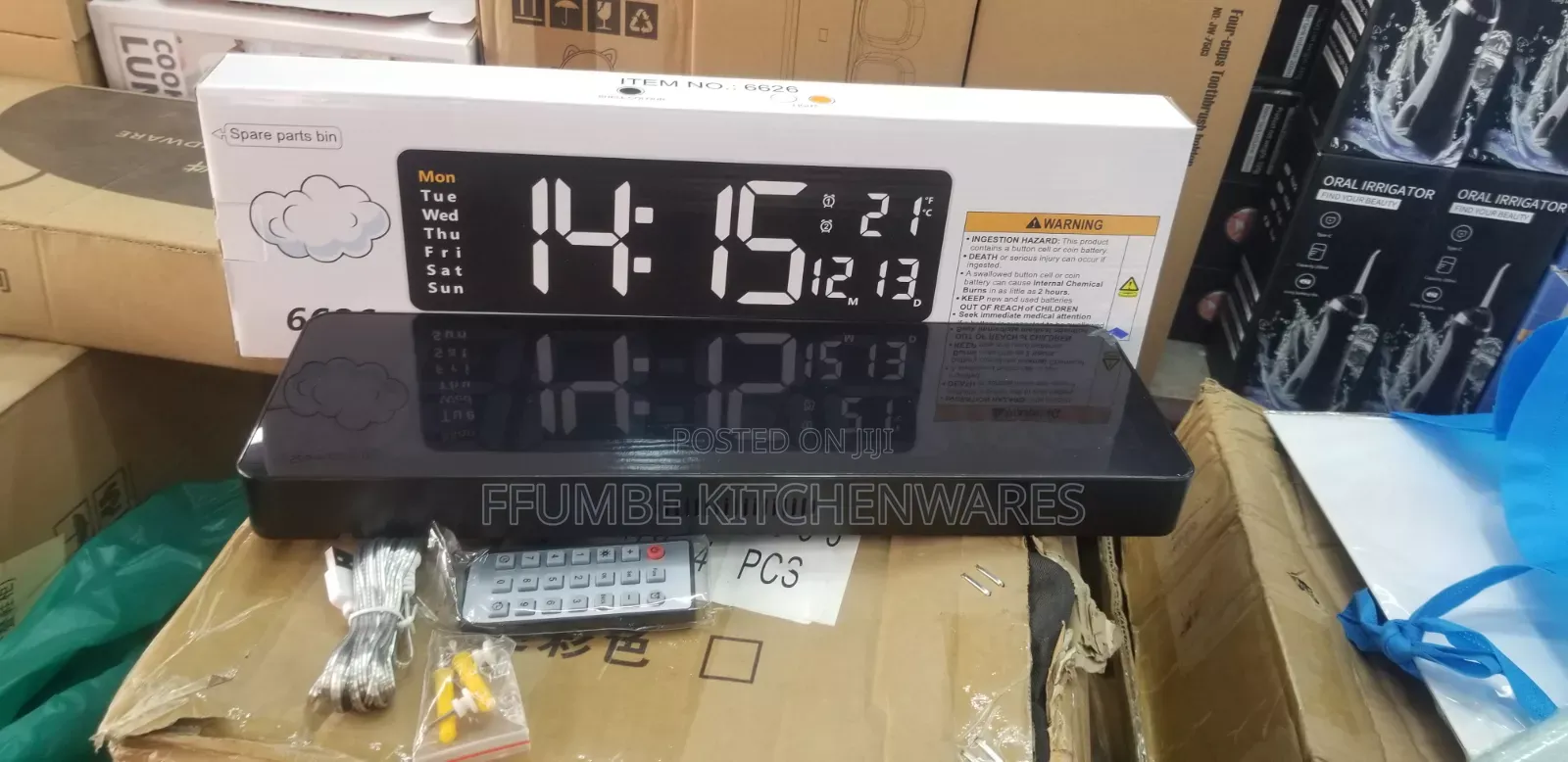
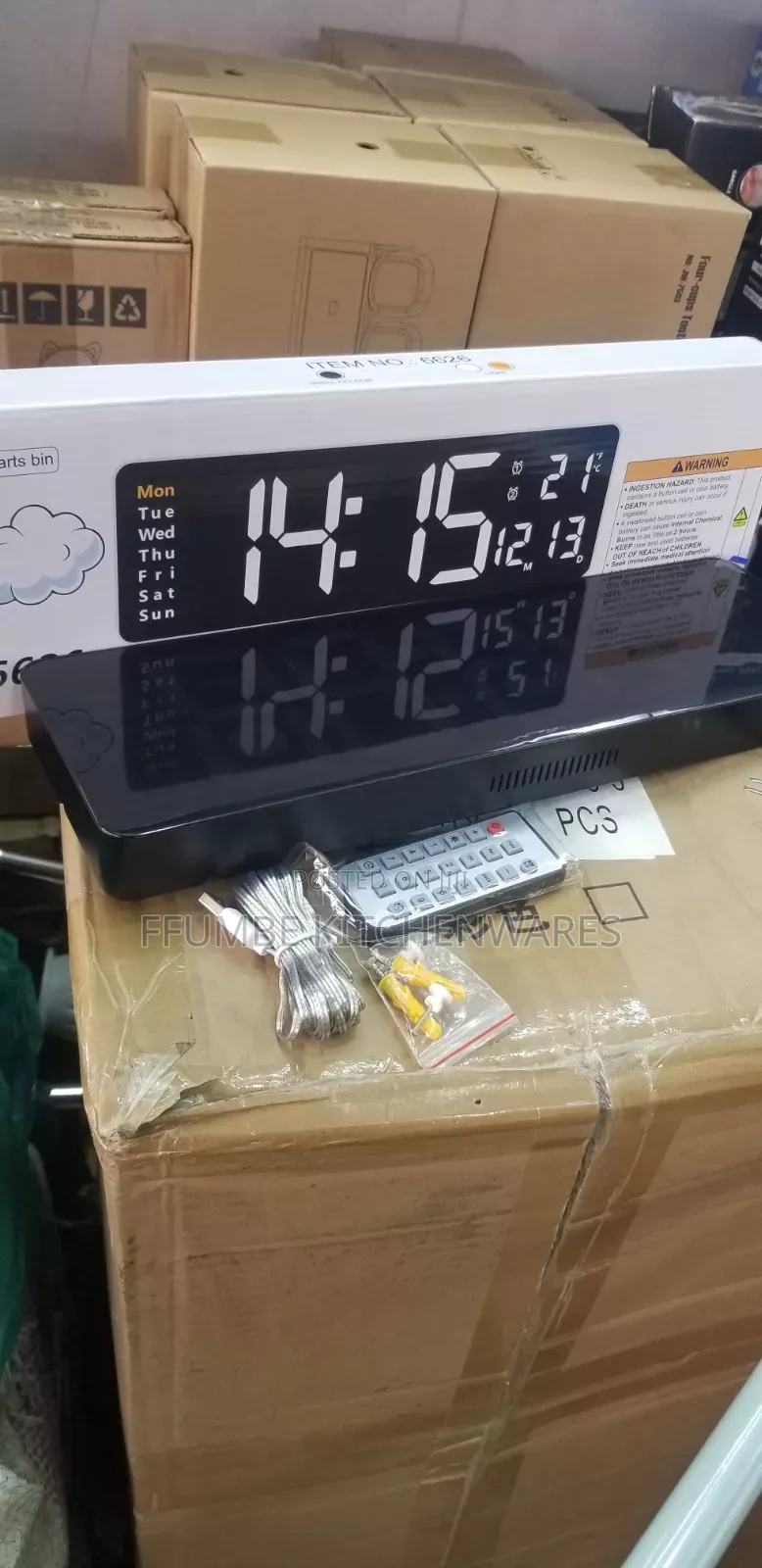
Digital Wall Clock
Ekifaananyi ky'ekikozesebwa
Ssaawa
Ekika
Nzirugavu
Langi
Ssaawa za ku Bbugwe
Ekika kya ssaawa
Ekiseera ekirabika nga longolongo
Obubumbe
Ekipya
Embeera
Adireesi y'edduuka
Kampala • Central Division
Ben kiwanuka street at arua park plaza
At arua park plaza opposite nyumba kubwa
Digital Wall Clock, you can configure its basic settings using the wireless remote control: [1, 2]
Time and Date Configuration
Press the SET button on your remote control to enter the setup mode. The hour digits will start blinking.
Use the + and - buttons to adjust the hour.
Press SET again to shift the blinking selection to the minutes. Use + / - to adjust.
Continue pressing SET to cycle sequentially through the calendar settings: Year ➔ Month ➔ Day.
Adjust each value with the + / - keys.
Once finished, press the RET (Return) button to save your changes and exit to the regular display screen.
Amagezi ag’okukuuma obulungi
- Weewaleko okusasula kuddala, ne bwe kuba kuduusa
- Sisinkananga omutunzi mu kifo eky'ekwerinda ekirikimu abantu abangi
- Kebera ekintu era okakase nti kye ky'oyagala ddala
- Kakasa nti ekintu ekyazibwamu kye werekebako.
- Sasula bw'oba nga omusanyufu bokka


