
Kyetumbuddwa
Kampala, Central Division, Obaddeko 1 essaawa emabega
11 okulabibwa
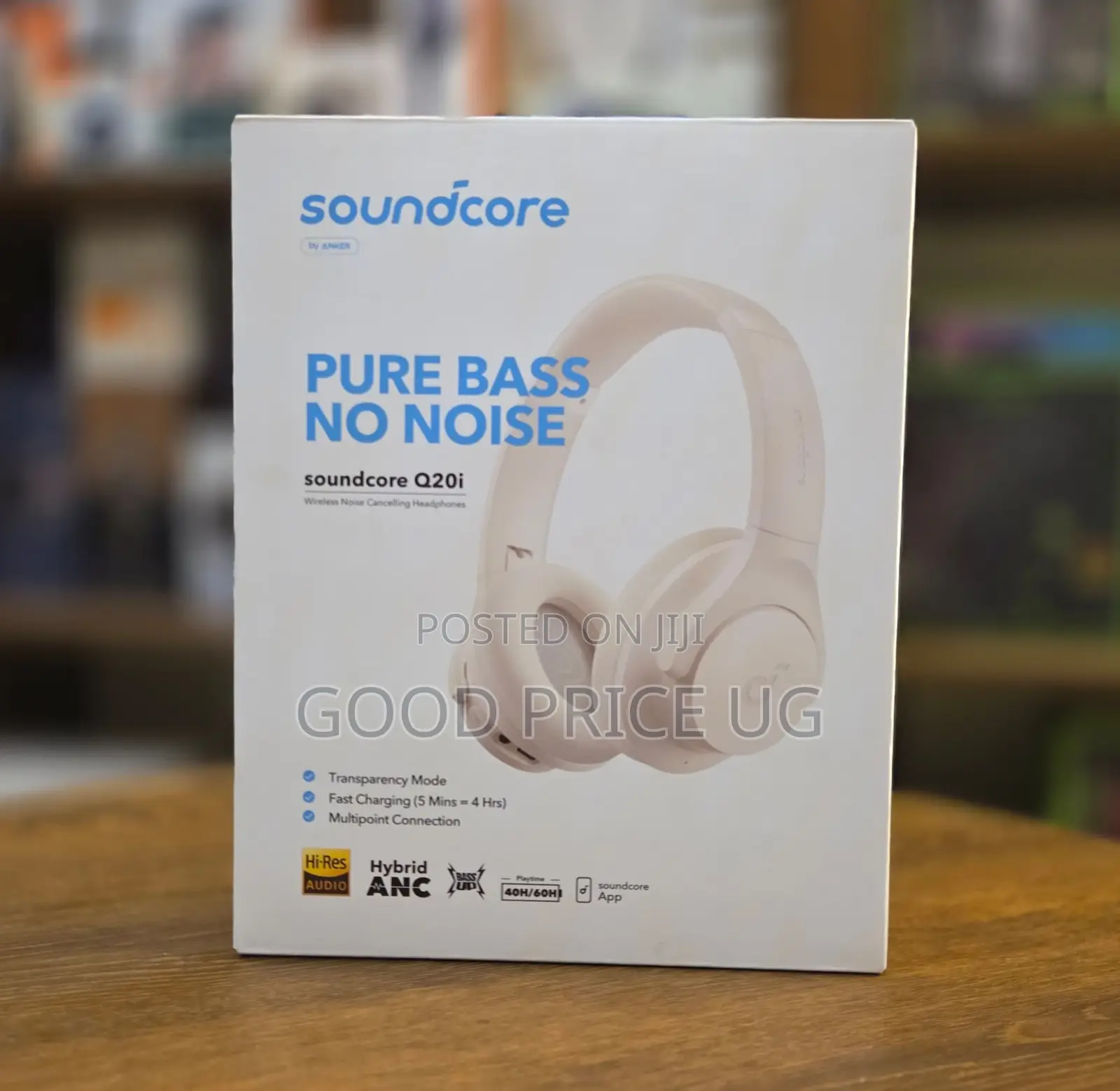
Anker Soundcore Q20i Hybrid Active Noise Cancelling Headphones
Ekifaananyi ky'ekikozesebwa
Q20i
Modeli
Ku kutu
Ekika
Ekipya
Embeera
Omukutte ku mutwe
Ekitundu ekiraga engeri y’ekikozesebwa
Awatali waya
Eby'okukwatagana
Bluetooth
Enkola y’okwegatta
Ebirala
Langi
Store address
Kampala • Central Division
Yamaha center LB 52 basement
Kiggalwawo kati
• Bal - Sab, 07:00-08:00
First-Time Pairing: Press and hold the Multi-Function Button (the power button) on the right ear cup for 2 to 3 seconds to turn them on. They will automatically enter Bluetooth pairing mode. Look for "soundcore Q20i" in your phone or PC's Bluetooth settings and select it to connect. [1] (https://support.ankerwork.com/s/article/Q20i-User-Guide-A3004), [2] (https://www.youtube.com/watch?v=05ybDctClvg), [3] (https://www.youtube.com/watch?v=YIa7nCG26cM&t=80)Manual Pairing (New Device): If you need to connect to a different device later, turn the headphones off, then press and hold the power button for 5 seconds until the LED indicator flashes blue rapidly to enter pairing mode manually. [1] (https://support.ankerwork.com/s/article/Q20i-User-Guide-A3004), [2]
Amagezi ag’okukuuma obulungi
- Weewaleko okusasula kuddala, ne bwe kuba kuduusa
- Sisinkananga omutunzi mu kifo eky'ekwerinda ekirikimu abantu abangi
- Kebera ekintu era okakase nti kye ky'oyagala ddala
- Kakasa nti ekintu ekyazibwamu kye werekebako.
- Sasula bw'oba nga omusanyufu bokka


