
1/2

Kyetumbuddwa
Kampala, Central Division, Obaddeko 2 essaawa emabega
40 okulabibwa
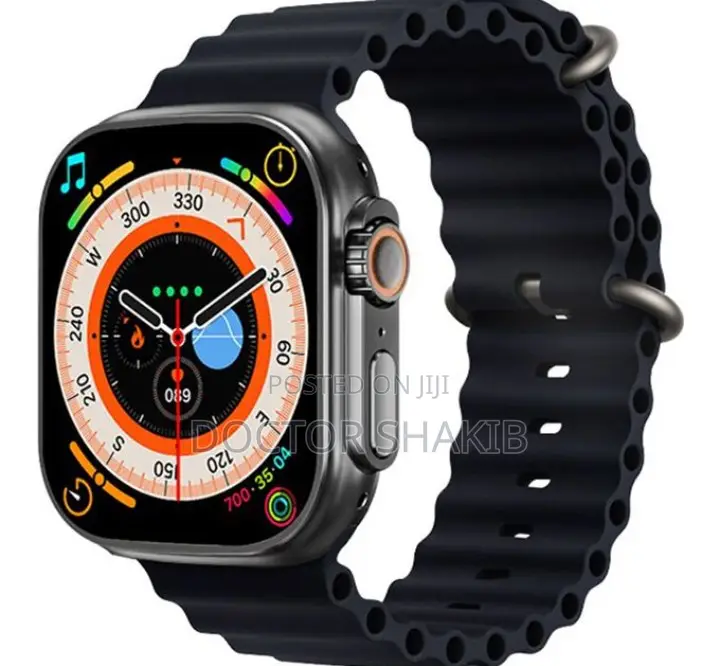
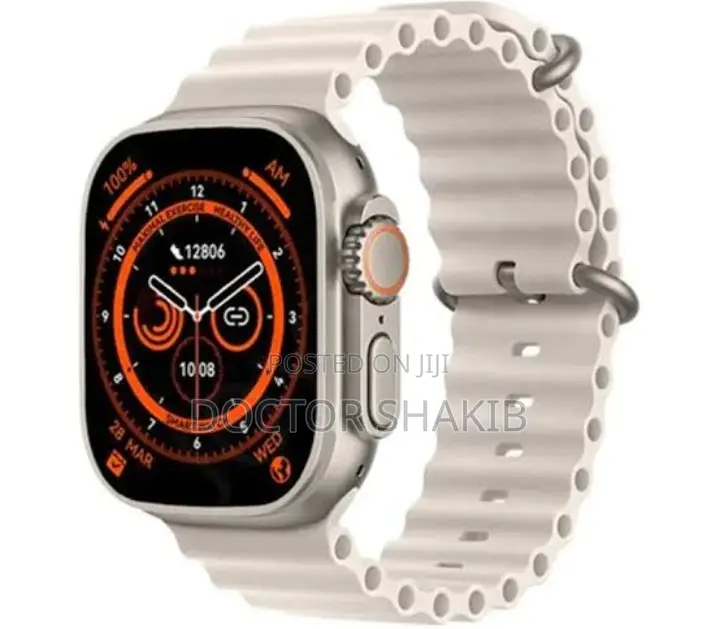
Generic T800 Ultra 2 Smart Watch
When you use it for the first time, you need to connect to the APP for calibration. After the connection is successful, the wristband will automatically synchronize the time, then turn on the phone and download the mobile APP. Scan the QR code on the instruction manual to download directly
2. To connect to the APP, first turn on the Bluetooth of the mobile phone, and then open the APP of the mobile phone:.
A). Bluetooth finds the bracelet, click to connect, and the APP shows that the device is successfully connected.
b). The APP scans the QR code on the watch to connect (unable to connect: turn off the bracelet and restart).
3. For mobile phones, please be sure to grant all permissions to the APP for background operations and reading device information during installation or in the mobile phone system so that the watch.
Amagezi ag’okukuuma obulungi
- Weewaleko okusasula kuddala, ne bwe kuba kuduusa
- Sisinkananga omutunzi mu kifo eky'ekwerinda ekirikimu abantu abangi
- Kebera ekintu era okakase nti kye ky'oyagala ddala
- Kakasa nti ekintu ekyazibwamu kye werekebako.
- Sasula bw'oba nga omusanyufu bokka


