
1/7



+ 2
ebifaananyi
Kyetumbuddwa
Kampala, Obaddeko 2 essaawa emabega
25 okulabibwa
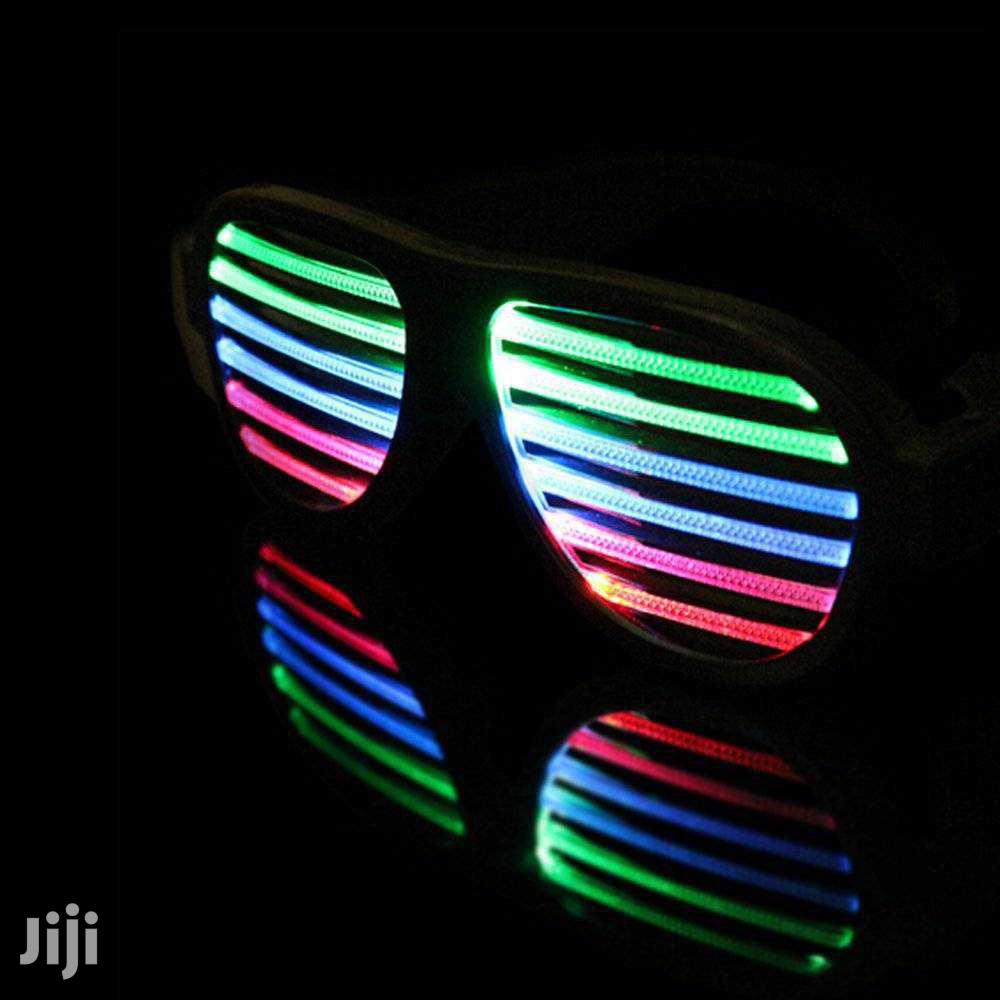
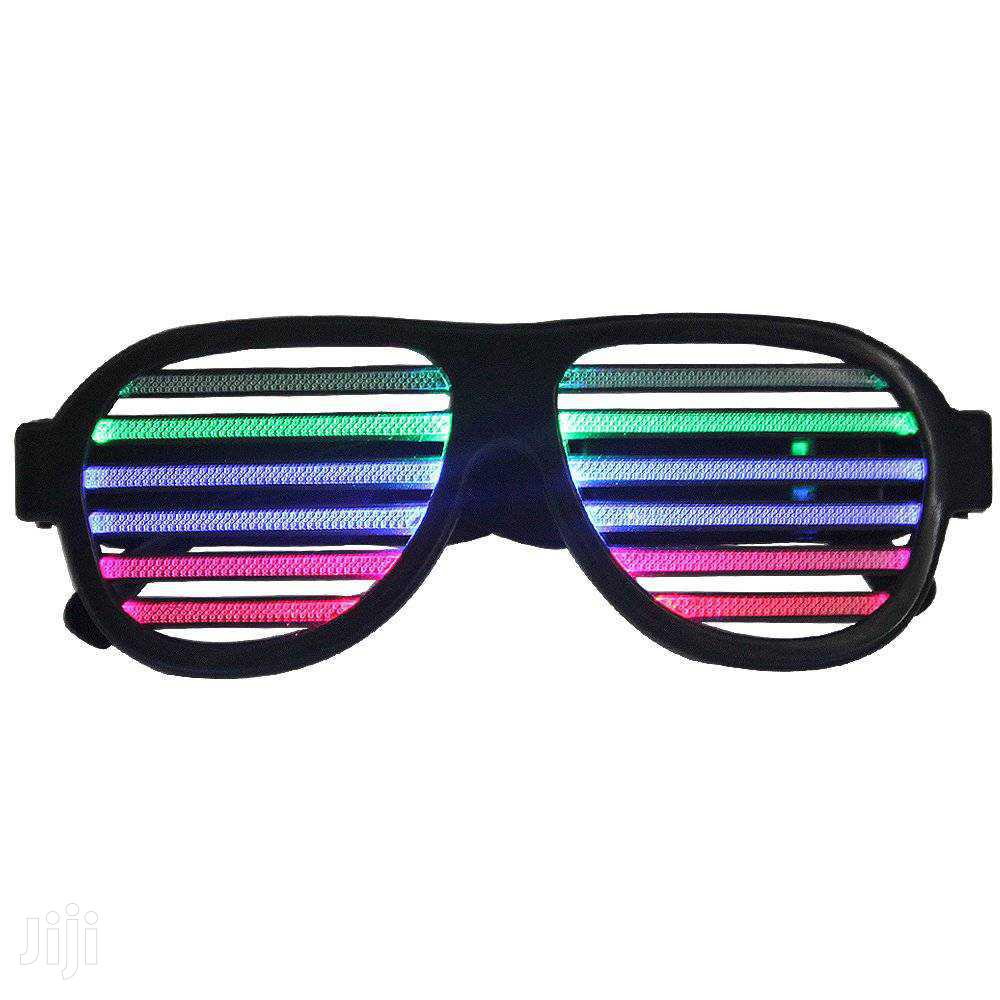
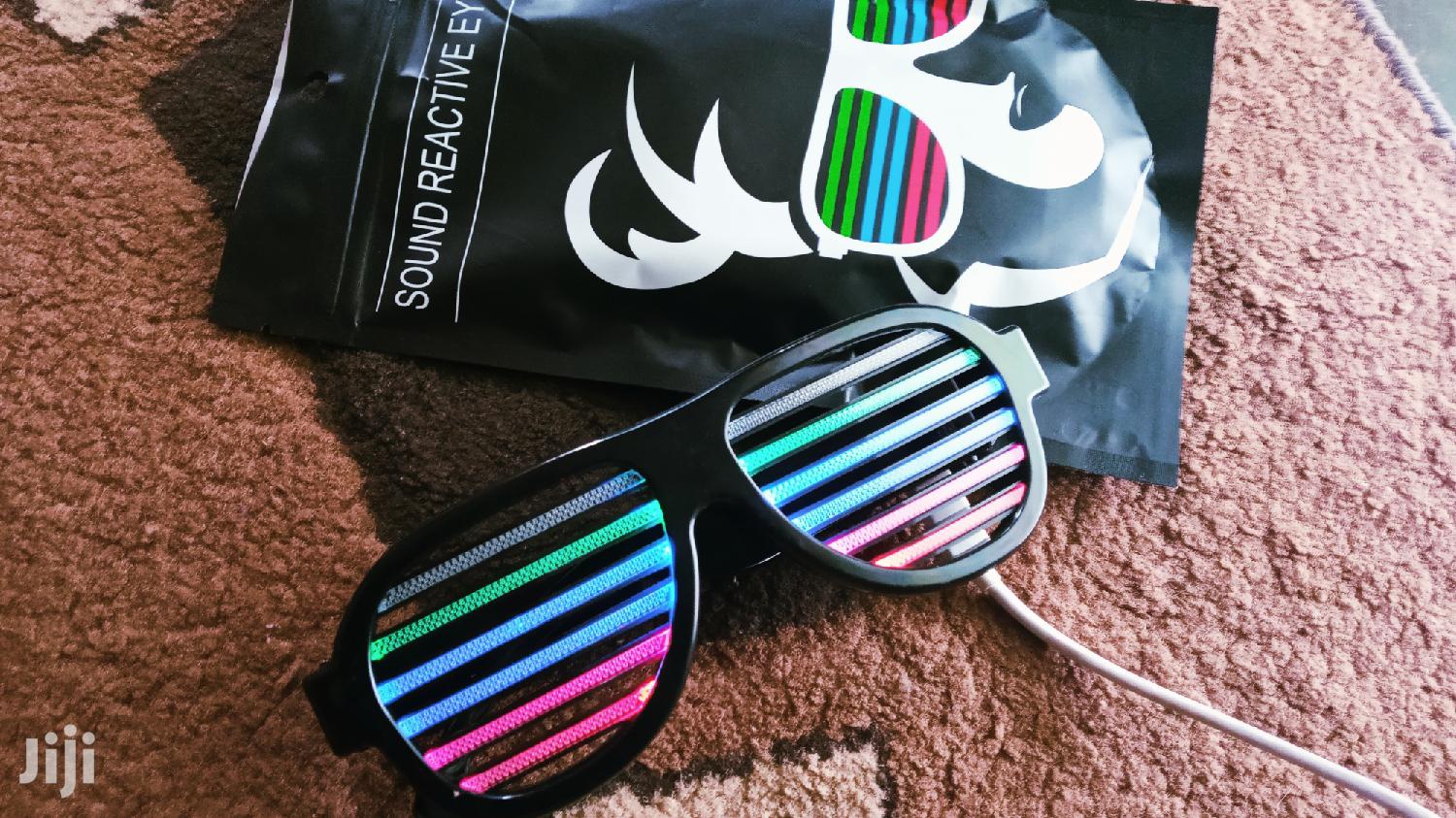
Led Rechargeable Sound Sensitive Glasses
Eby'abakazi n'abasajja
Obusajja oba Obukazi
Amalensi
Ekika
Ekifaananyi ky'ekikozesebwa
Nzirugavu
Langi
Ekipya
Embeera
Adireesi y'edduuka
Kampala • Central Division
Sapphire Close, Kigo Road Lubowa
Kiggalwawo kati
• Bal - Lw5, 09:00-17:00
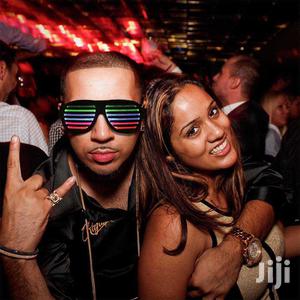
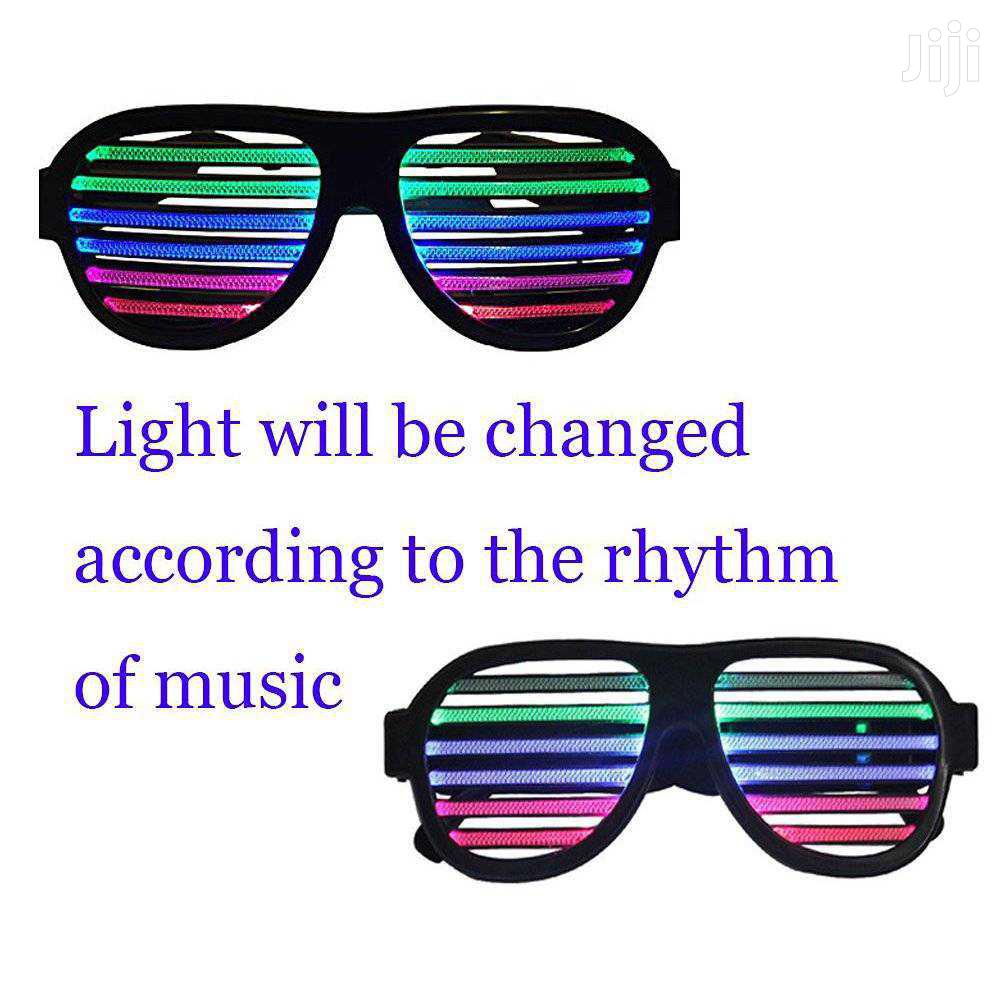
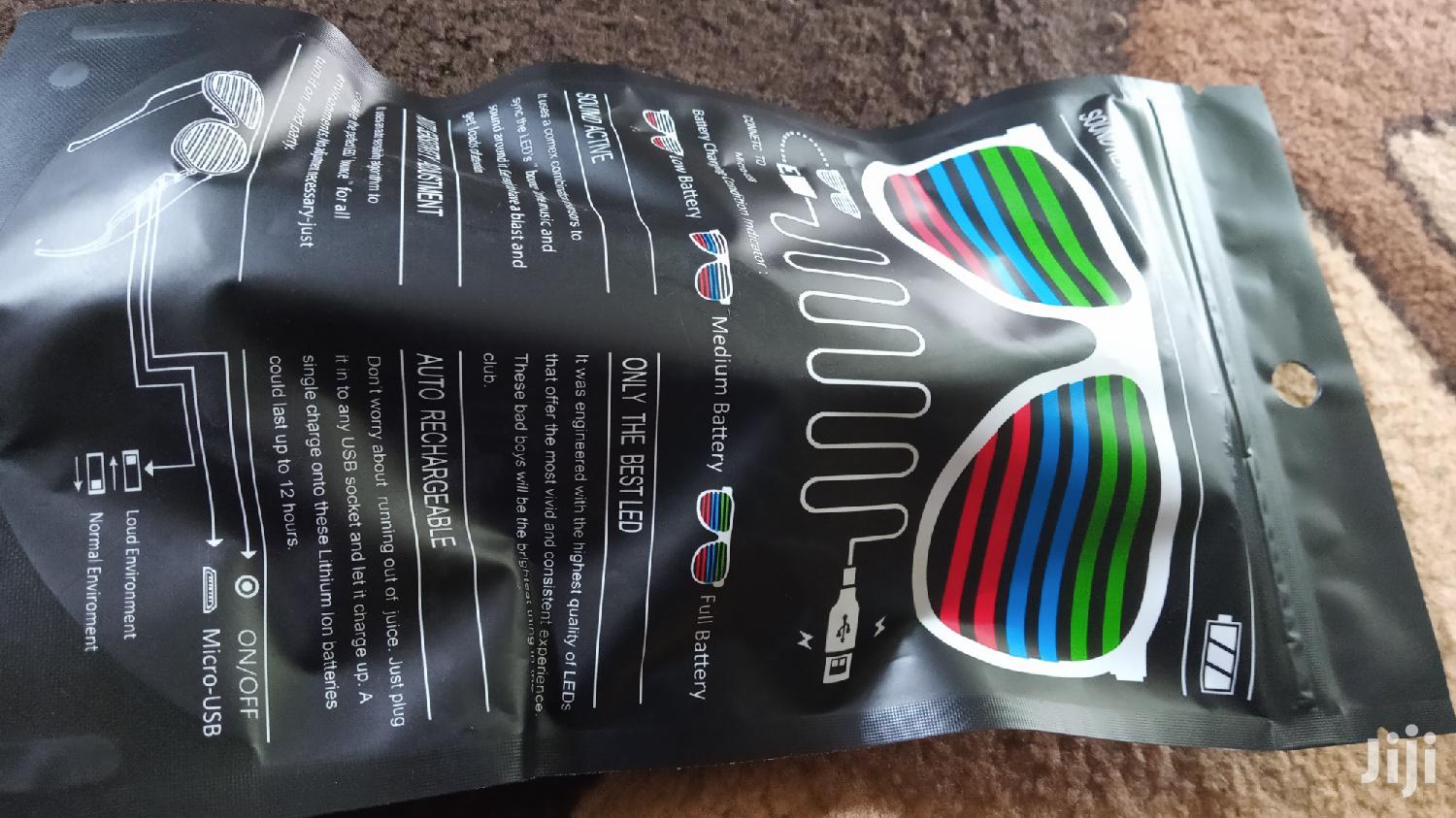
- wearing this sound activated glasses, you can watch the lights flicker and flash to the music.
- simply adjust function switch for a normal or a loud sound environment mode.You speak, they respond-music they flash to the rhythm.
-perfect for glow in the dark parties, outdoor get-togethers, concerts and other nighttime events.
-other event: performances, nightclub, bar, carnival, halloween, dancing party etc
you speak something, the shutter glasses respond(lighting up)
music on, the sound-control glasses flash to the rhythm...
How to use the music/sound active led flash glasses?
1. Turn on the glasses by pressing the on/off button located on the left side.
2. Slide the switch located next to the on/off button to change sensitive mode or normal mode.
3. The glasses will light up automatically when they pick up surrounding sounds.
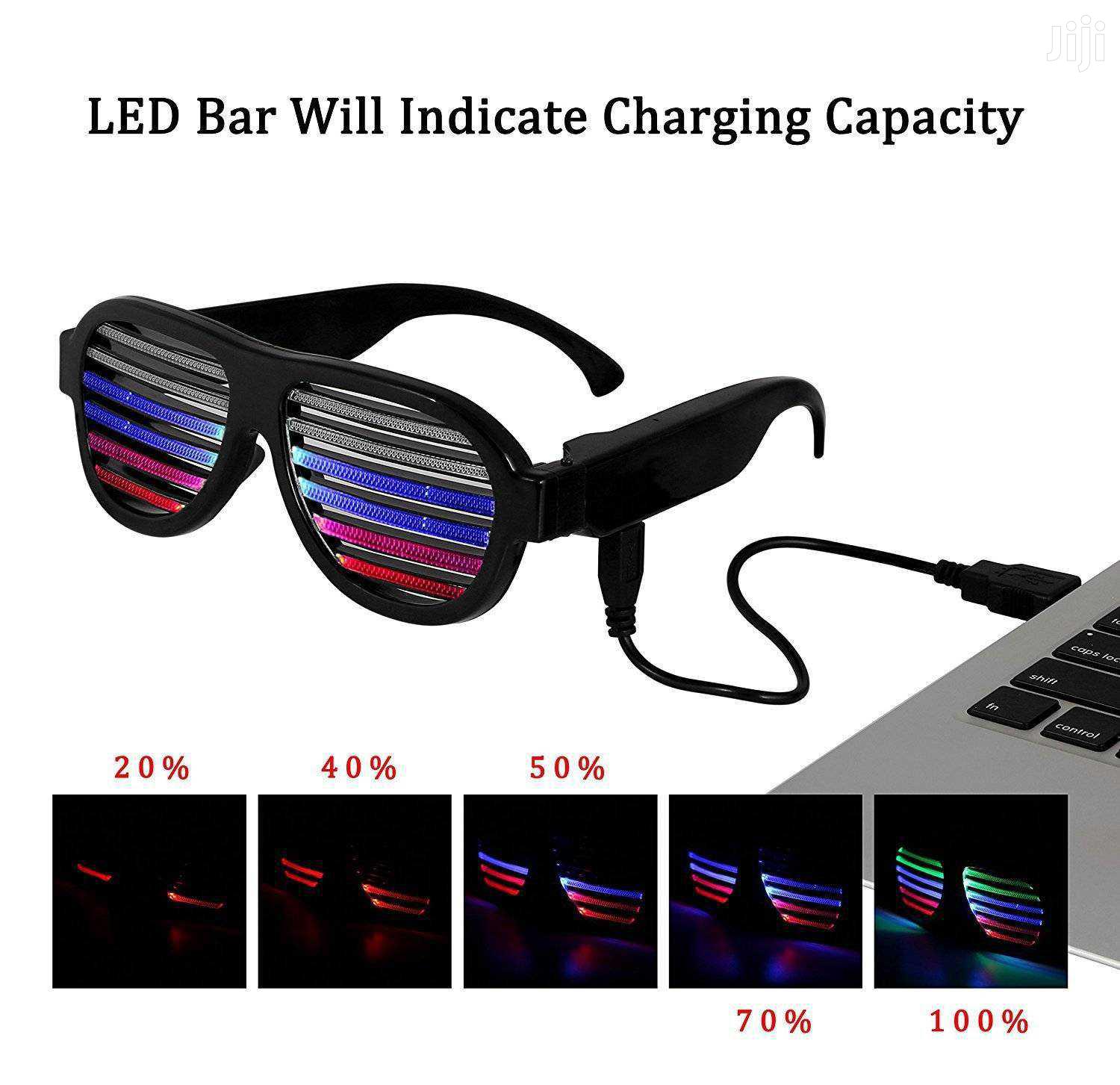
4. Connect the glasses to the micro usb cable and plug into a usb power, the glasses will start to charge.

Amagezi ag’okukuuma obulungi
- Weewaleko okusasula kuddala, ne bwe kuba kuduusa
- Sisinkananga omutunzi mu kifo eky'ekwerinda ekirikimu abantu abangi
- Kebera ekintu era okakase nti kye ky'oyagala ddala
- Kakasa nti ekintu ekyazibwamu kye werekebako.
- Sasula bw'oba nga omusanyufu bokka


