
Imefaulu
Kampala, Idara ya Kati, masaa 2 yaliyopita
7 maoni
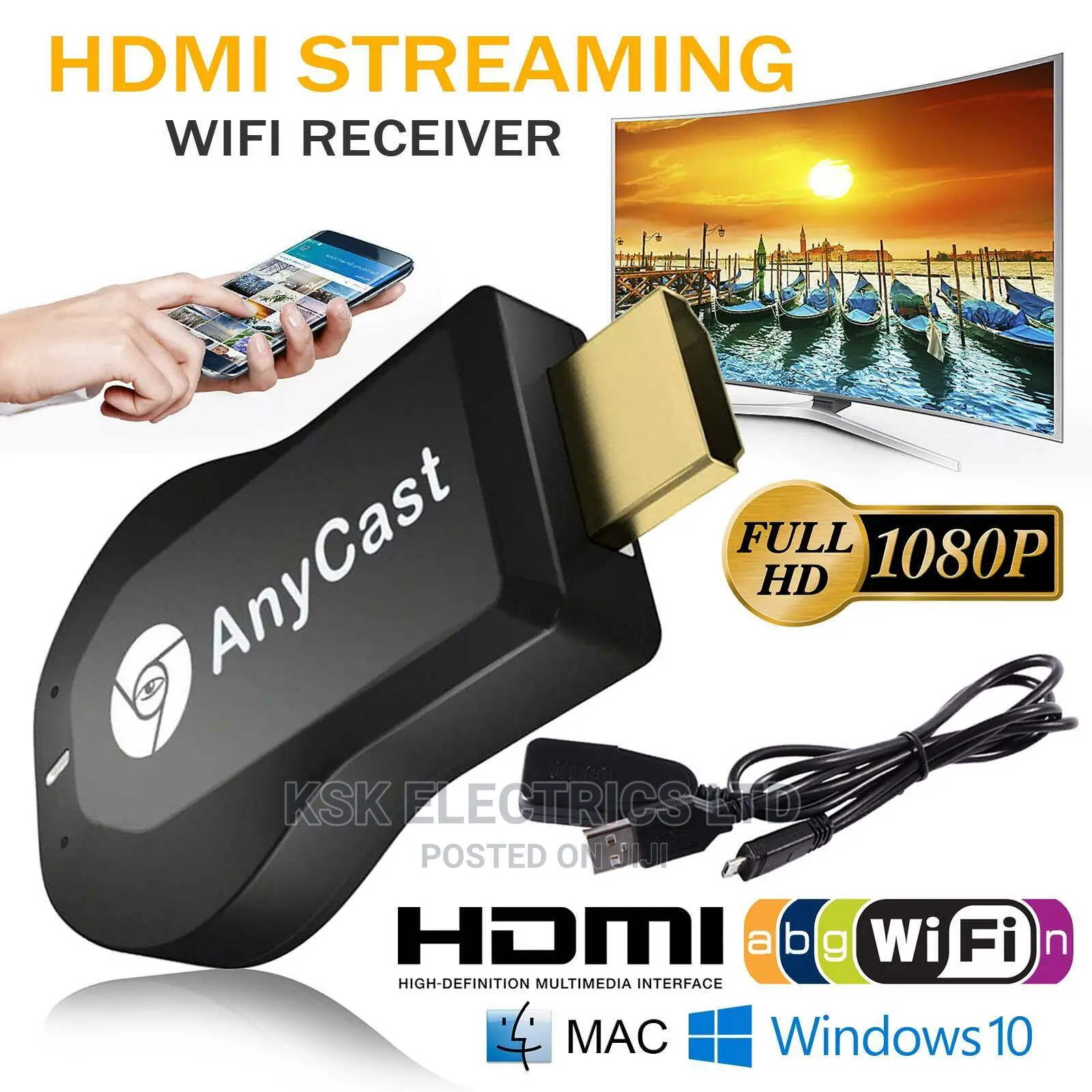
M2 Plus HDMI TV Stick for Airplay for DLNA Miracast for Anyc
Anwani ya duka
Kampala • Idara ya Kati
Kampala
call me on
Fungua sasa
• Jumatatu - Jumapili, 05:00-23:00
Kampala • Idara ya Kati
Kampala,Usifi park opposite conorstone building
Text me or Call or watsp
Imefungwa sasa
• Jumatatu - Jumapili, 06:00-07:00
1. Upgraded Version: With RAM dual-core chipset, H.265/HEVC decoder and 1080P resolution, the wireless display receiver is no need to switch. It can wirelessly mirror the entire screen of mobile devices (for IOS and for Android devices) on HDTV, projector and monitor.
2. Setup for IOS Users: Connect for Anycast in the WiFi list of the device for IOS. Access the IP address 192.168.203.1 through the browser to connect to the wifi Internet, and confirm that your phone is connected to the same WIFI. Turn on device for Airpaly and project your screen for IOS wirelessly onto the TV. Now you can see what is displayed on the device for IOS on the TV.
3. Settings for Android Users: Open the function for Miracast on the device for Android, and then select "Any Broadcast" to cast your device to the TV. If you don’t know device for Miracast, you can
Vidokezo vya Usalama
- Usilipe mapema hata kama ni ada ya kusafirishiwa bidhaa
- Kutana na muuzaji mahali salama pa umma
- Kagua kipengee na uhakikishe ni nini hasa unachotaka
- Hakikisha kwamba bidhaa uliyofungiwa ni ile ambayo uliagiza
- Lipa tu ikiwa umeridhika


