
Imefaulu
Kampala, Idara ya Kati, 57 min ago
1 maoni
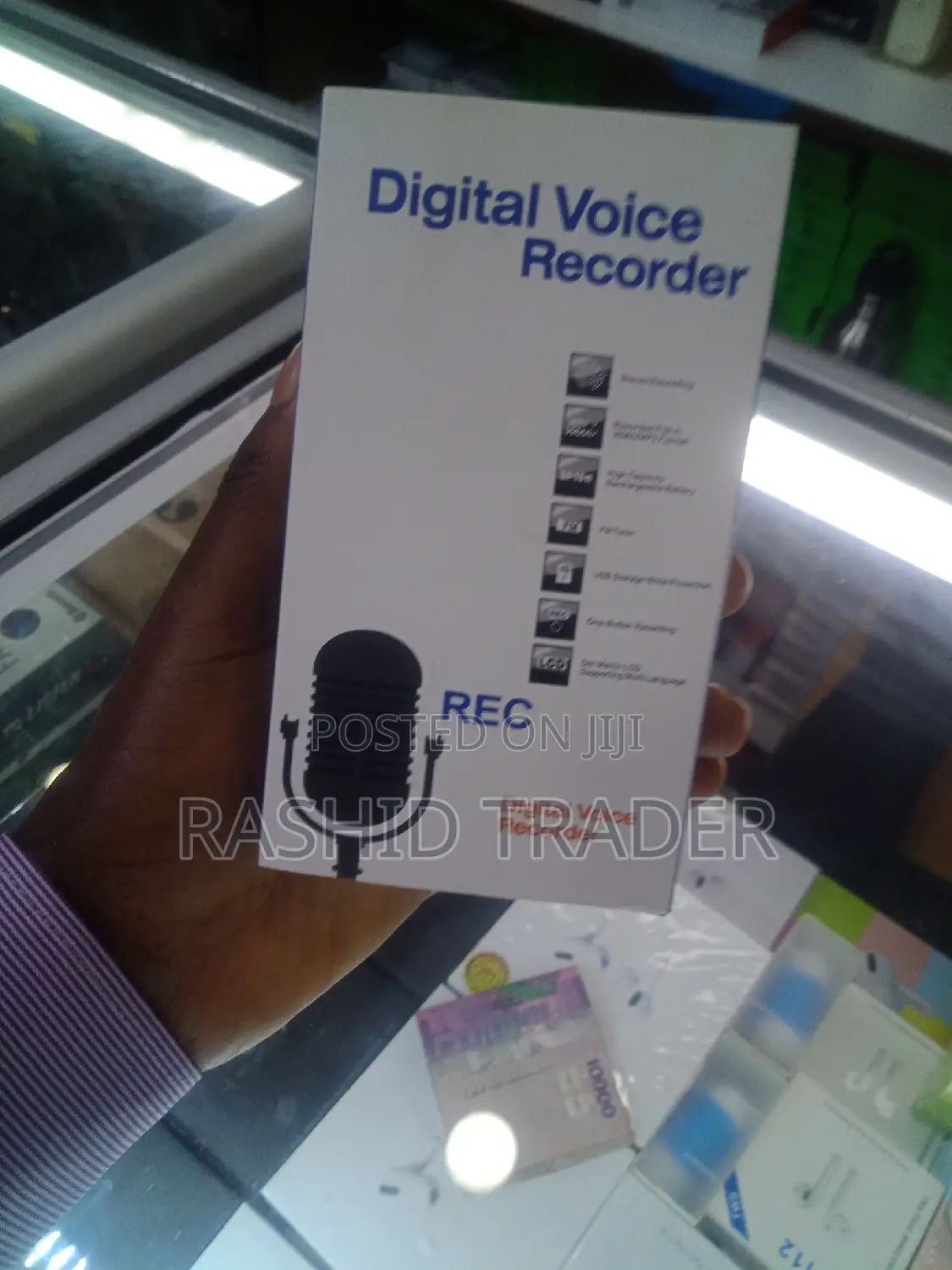
Digital Voice Recorder
Other
Chapa
Nyingine
Aina
Chapa Mpya
Hali
QSwitch to ON, wait for small LED indicator light to flash, after a few seconds the flashing stops and the recording begins.
2. Switch to "OFF, the LED indicator light will flash and save the recording. Turn on and off between each new file.
3. Plug in headphones, switch to ON to play recordings or MP3s you load from your PC, press the" -" button switch to listen to the audio file.
4. Press the "+" key for the next song.
5. Long Press "+" to adjust the volume louder, long press "-" to adjust the volume lower.
6. The USB cable connection will allow you to add and remove files from the device and to and from your PC. It recognizes file formats MP3, WAV and WMA to easily play your favorite music.
7. Allow 10 seconds for the recorder to complete buffering between audio files playback.

Vidokezo vya Usalama
- Usilipe mapema hata kama ni ada ya kusafirishiwa bidhaa
- Kutana na muuzaji mahali salama pa umma
- Kagua kipengee na uhakikishe ni nini hasa unachotaka
- Hakikisha kwamba bidhaa uliyofungiwa ni ile ambayo uliagiza
- Lipa tu ikiwa umeridhika


