
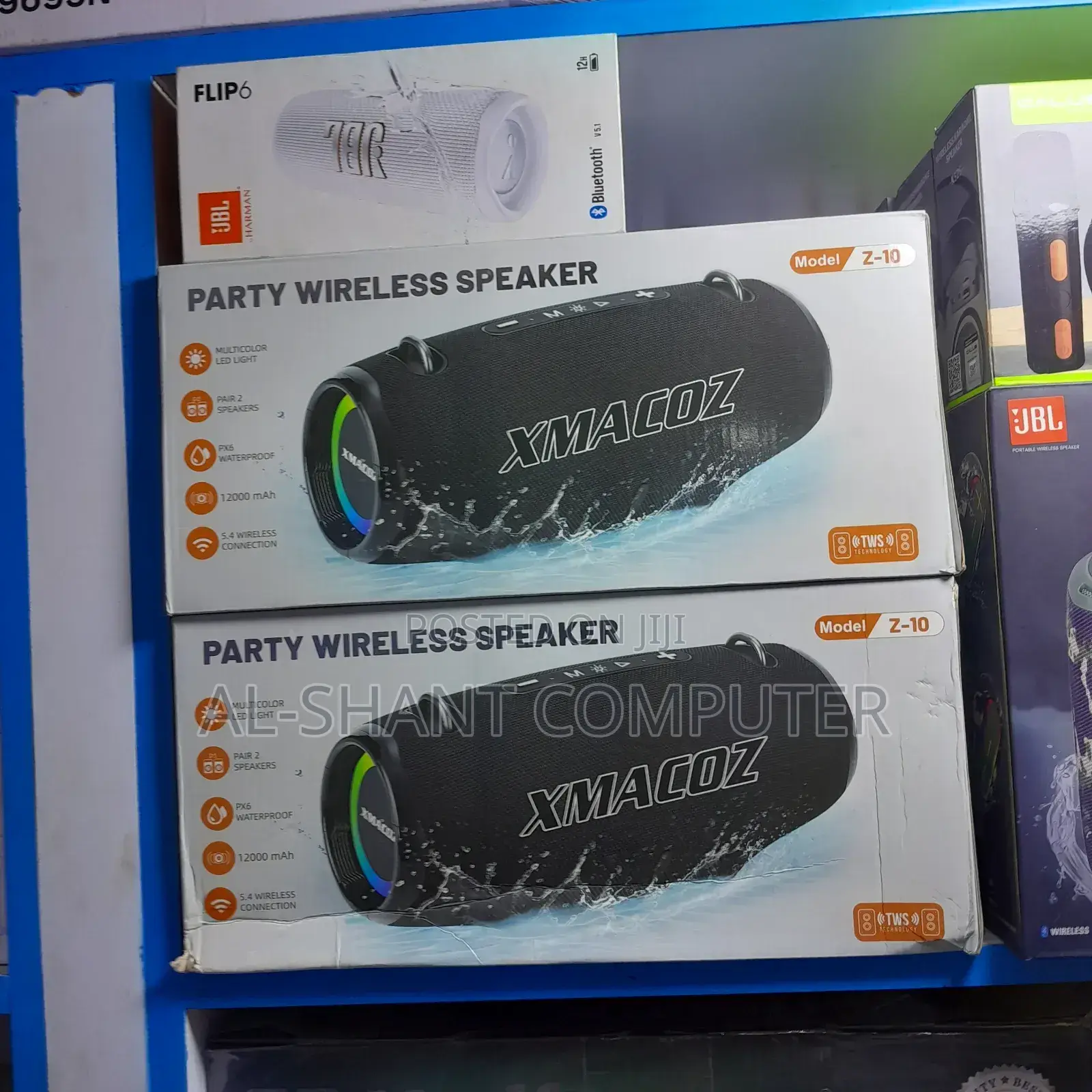
1/2
Imefaulu
Kampala, Idara ya Kati, siku 1 zilizopita
17 maoni
Xmacoz Z-10 Party Wireless Speaker
Spika
Aina
Chapa Mpya
Hali
XMACOZ
Chapa
3.5mm Jack, Aux, Bluetooth, Wireless, Other
Muunganisho wa mzungumzaji
Anwani ya duka
Kampala • Idara ya Kati
Majestic Plaza L3 shop 50 William Street opposite Kyisa kya Maria
To reach us you can use the adreess indicated or call us or text us after reaching William Street
Imefungwa sasa
• Jumatatu - Jumapili, 08:00-20:00
How to Connect via Bluetooth (General Steps)
Power On: Press the power button to turn the speaker on.
Select Bluetooth Mode: If the speaker has a mode button (M), press it to switch to Bluetooth mode. A voice prompt or flashing LED light will usually indicate it's ready to pair.
Enable Bluetooth on Device: On your phone, tablet, or computer, go to the Bluetooth settings.
Find and Pair: Look for the speaker name (likely "Z10" or similar) in the list of available devices and tap it to connect. You should hear a confirmation tone once paired.
TWS Pairing (To connect two Z10 speakers)
Make sure both speakers are powered on and in Bluetooth mode.
On one of the speakers (this will become the primary), double-press a specific button (often the Play/Pause or Mode (M) button, depending on the exact variant) to initiate TWS pairing.
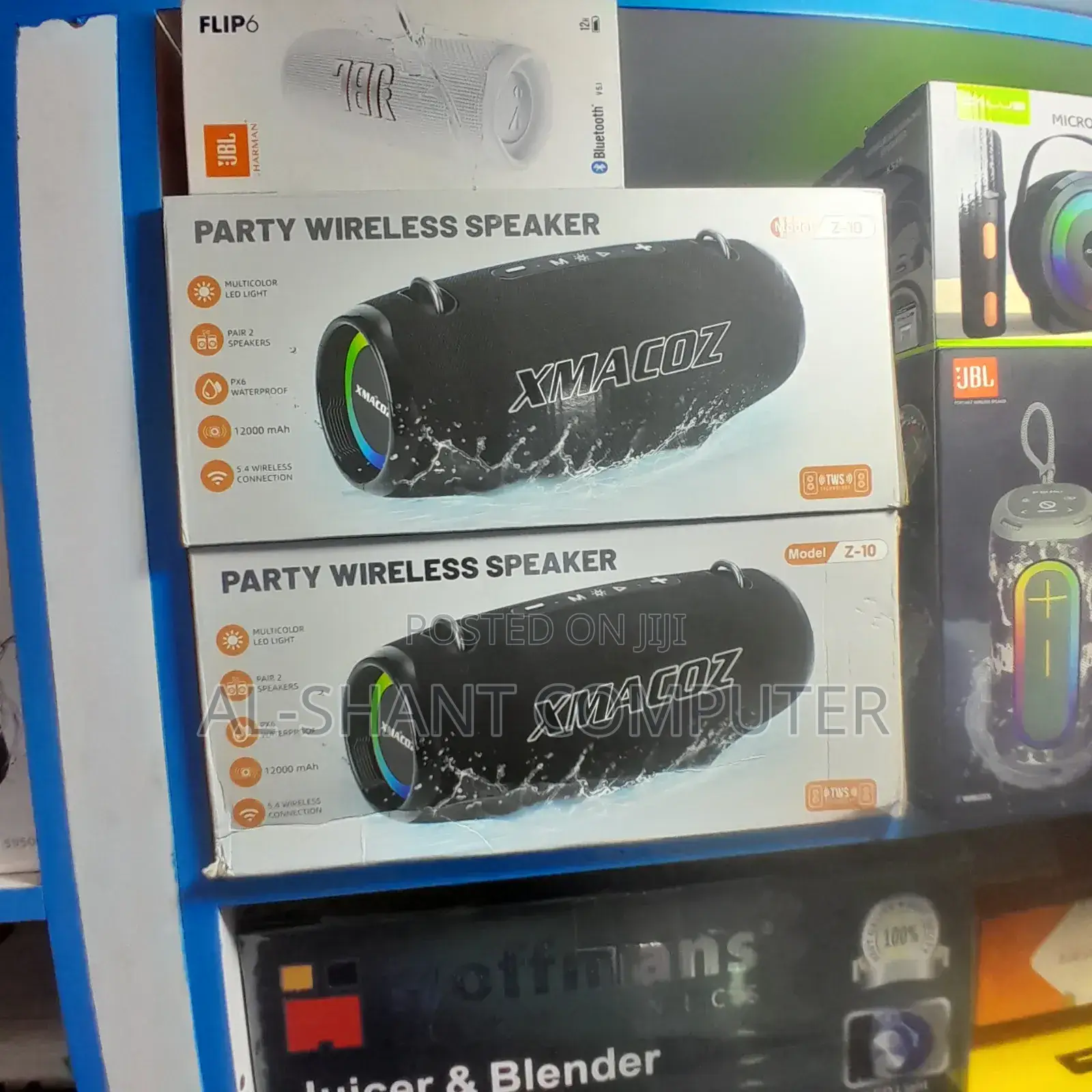
USh 350,000

AL-SHANT COMPUTER ACCESSORIES
1+ miaka kwenye Jiji
ID Iliyothibitishwa
Hujibu ndani ya masaa machache
Vidokezo vya Usalama
- Usilipe mapema hata kama ni ada ya kusafirishiwa bidhaa
- Kutana na muuzaji mahali salama pa umma
- Kagua kipengee na uhakikishe ni nini hasa unachotaka
- Hakikisha kwamba bidhaa uliyofungiwa ni ile ambayo uliagiza
- Lipa tu ikiwa umeridhika


