
1/4

Imefaulu
Kampala, Idara ya Kati, masaa 2 yaliyopita
2 maoni
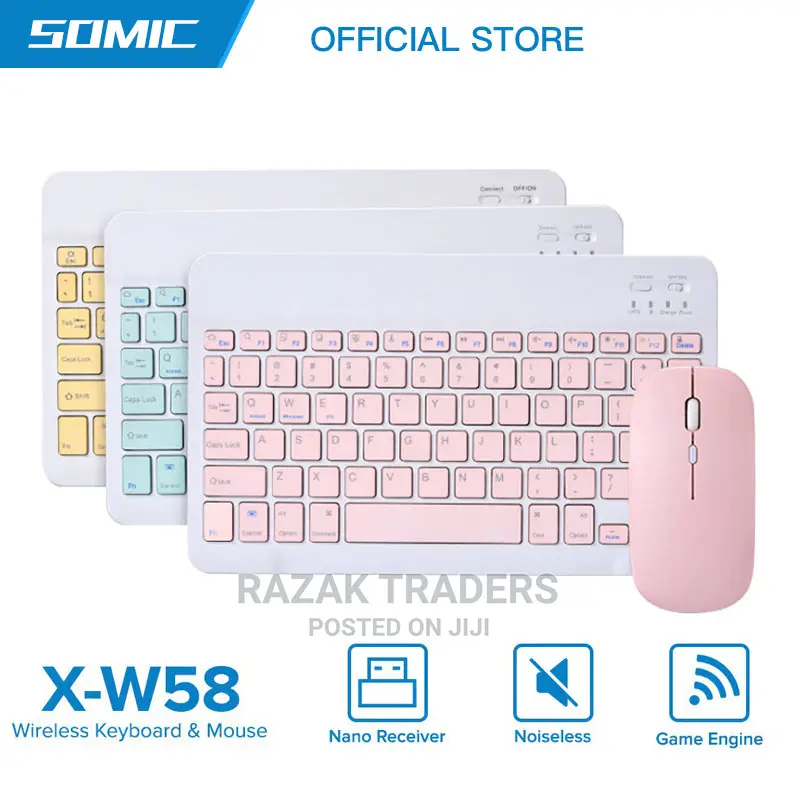
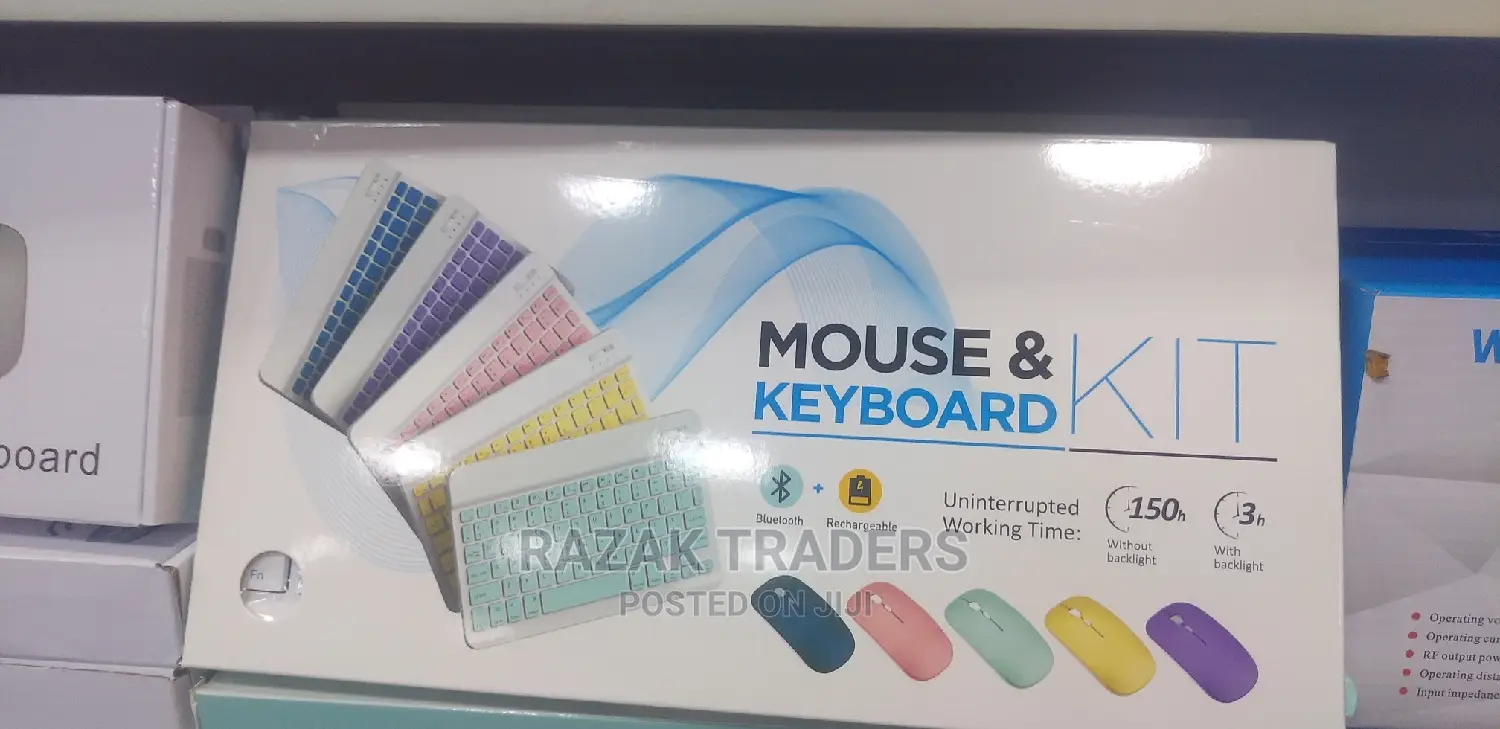
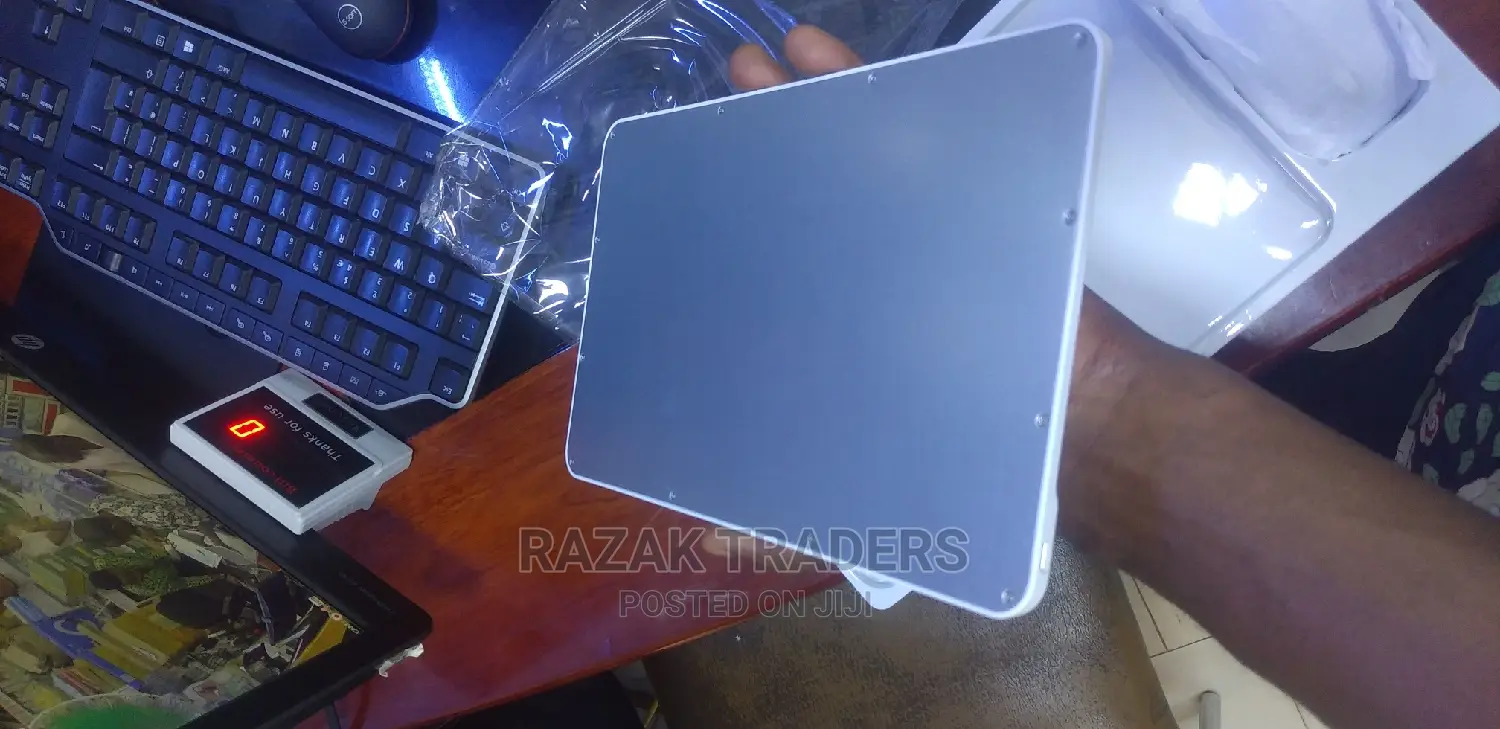
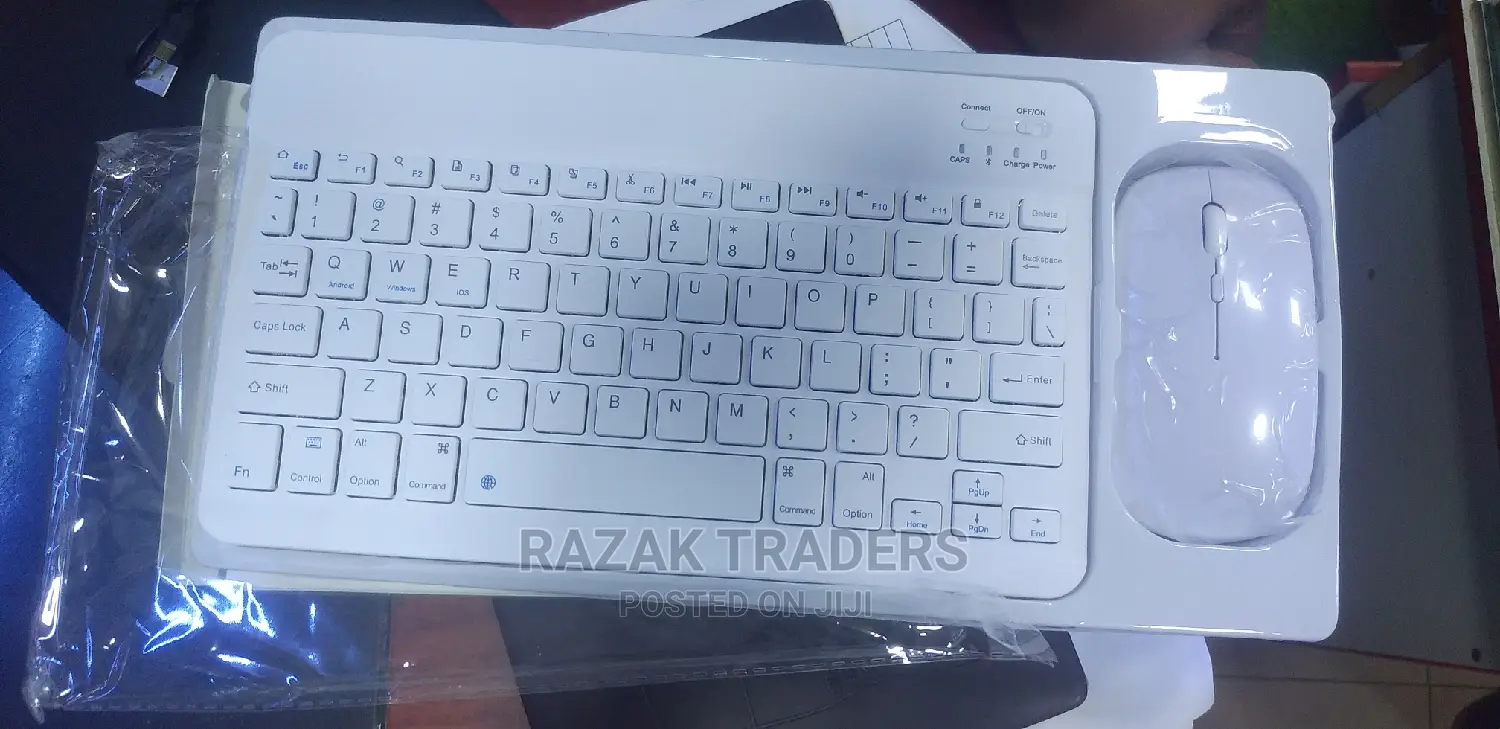
Bluetooth Wireless Keyboard With Mouse Combo
Baobonye
Aina
Other
Chapa
Chapa Mpya
Hali
Nyingine
Swichi za Kibodi
Bluetooth
Kiolesura cha Kibodi
Nyingine
Taa ya nyuma
Bila Waya
Vipengele vya Kibodi
1.Push the power switch to the end marked with the Bluetooth logo(when you can see the light was long red) 2 .hold down the left and right mouse buttons and the middle scroll wheel at the same time for 5 seconds(when you can see that the light turn to blue and slow blink) 3. find the bluetooth at your equipment and paired to it Product specification 2.4 g wireless mode:(for computer or laptop) how to use (2.4 g wireless mode ):1.Push the power switch to the end marked with 2.4G(when you can see the light was GREEN) take off the usb wireless receiver from the mouse and plug it into a computer or laptop. It can be used when the mouse shows a red light Keyword: 1. Bluetooth 3.0 standard interface 2. Effective operating distance: within 10 meters 3. Modulation method: GFSK 4. Standby current: <0.3mA 7. Sleep current: <40uA 8. Charging current: >200mA 9. Standby time: >100 days 10. Charging time: 3-4 hours 11. Lithium battery capacity: 200mA 12. Sustainable working time: 100 hours

Vidokezo vya Usalama
- Usilipe mapema hata kama ni ada ya kusafirishiwa bidhaa
- Kutana na muuzaji mahali salama pa umma
- Kagua kipengee na uhakikishe ni nini hasa unachotaka
- Hakikisha kwamba bidhaa uliyofungiwa ni ile ambayo uliagiza
- Lipa tu ikiwa umeridhika


