
1/2
Imefaulu
Kampala, Idara ya Kati, masaa 2 yaliyopita
2 maoni
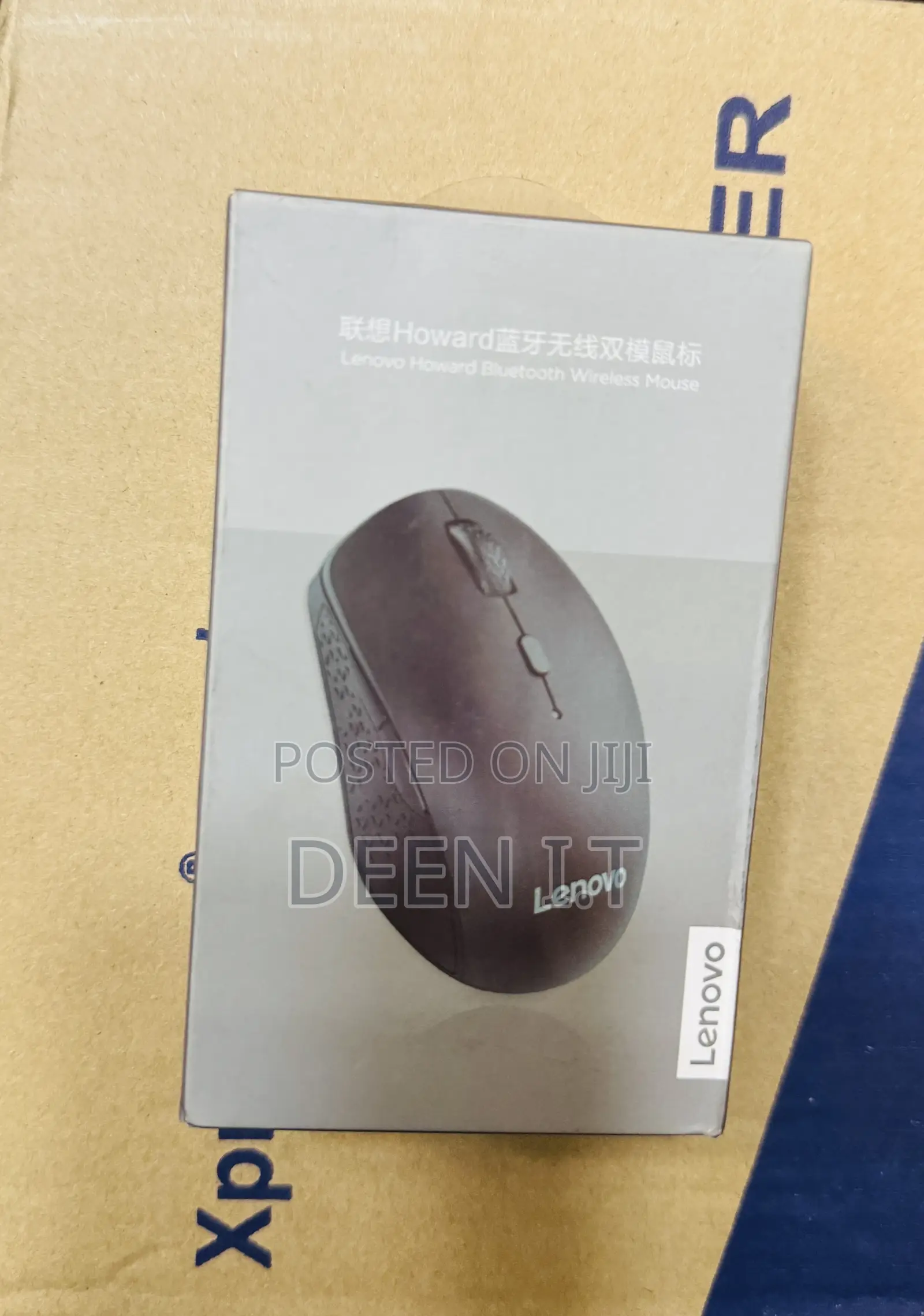
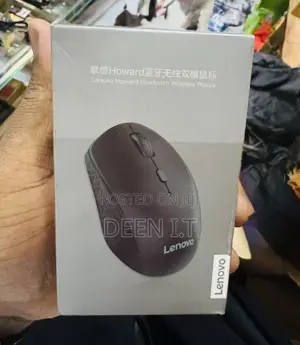
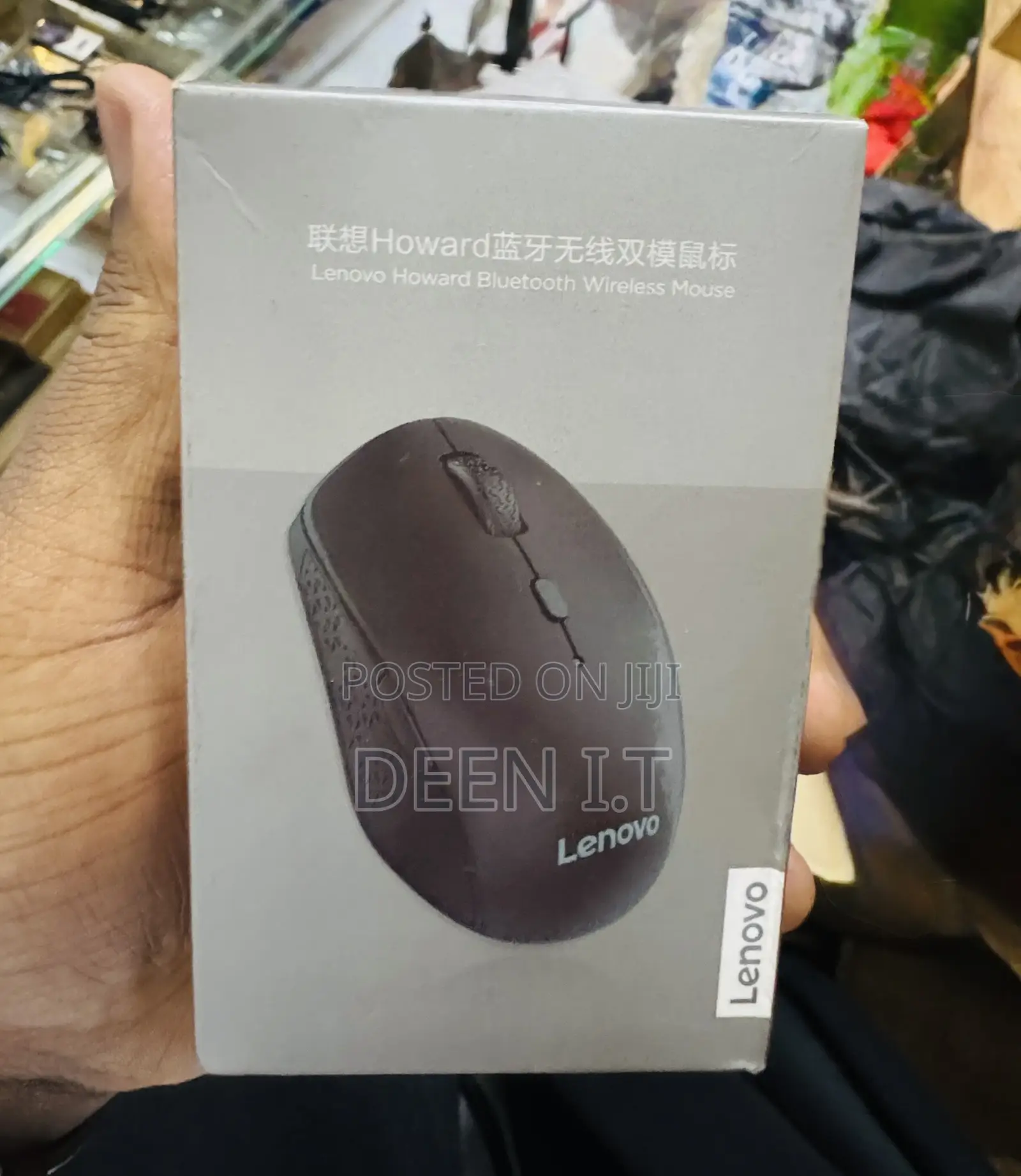
Lenovo Howard Bluetooth Mouse
Panya
Aina
Chapa
Chapa Mpya
Hali
Bluetooth
Aina ya Muunganisho wa Panya
2m
Urefu wa kebo
3
Idadi ya Vitufe
3dpi
Upeo wa Dpi
Macho/chore
Njia ya Kufuatilia
Bluetooth
Kiolesura cha Kipanya
Wireless
Vipengele vya Kipanya
Anwani ya duka
Kampala • Idara ya Kati
Kampala
Imefungwa sasa
• Jumatatu - Jumamosi, 09:00-17:00
Key Features & Setup:
• Dual-Mode Connection: Connects via Bluetooth (no dongle needed) or a 2.4G USB receiver.
• Pairing: Toggle the power switch to the Bluetooth symbol, hold the pair button until the LED flashes, and select "Lenovo Howard" in your computer's Bluetooth settings.
• Power: Usually powered by a single AA battery.
• Modes: Frequently includes a, 3.0/5.0 Bluetooth standard for compatibility with newer and older devices.
To use, turn on the mouse and toggle to the Bluetooth setting, then enable Bluetooth on your computer to initiate pairing.
Vidokezo vya Usalama
- Usilipe mapema hata kama ni ada ya kusafirishiwa bidhaa
- Kutana na muuzaji mahali salama pa umma
- Kagua kipengee na uhakikishe ni nini hasa unachotaka
- Hakikisha kwamba bidhaa uliyofungiwa ni ile ambayo uliagiza
- Lipa tu ikiwa umeridhika


