
1/6
+ 1
picha
Imefaulu
Kampala, Idara ya Kati, siku 1 zilizopita
5 maoni
Adobe Suite Software for Mac Os or Macbook iMac for Mac
Adobe photoshop software
Jina la Programu
Mhariri wa Picha
Aina
Mac
Jukwaa
Upakuaji wa Dijitali
Umbizo
Adobe photoshop 2025
Toleo la Programu
Nyingine
Toleo la Biti la Mfumo wa Uendeshaji
Matumizi ya Biashara
Matumizi
Wakati wa Maisha/milele
Muda wa Leseni
Anwani ya duka
Kampala • Idara ya Kati
Em-Plaza, Kampala road near Watoto ⛪ opp. fidodido (House of Rest) BULAAYA computer Village no.312
Fungua sasa
• Jumatatu - Jumapili, 05:00-23:00
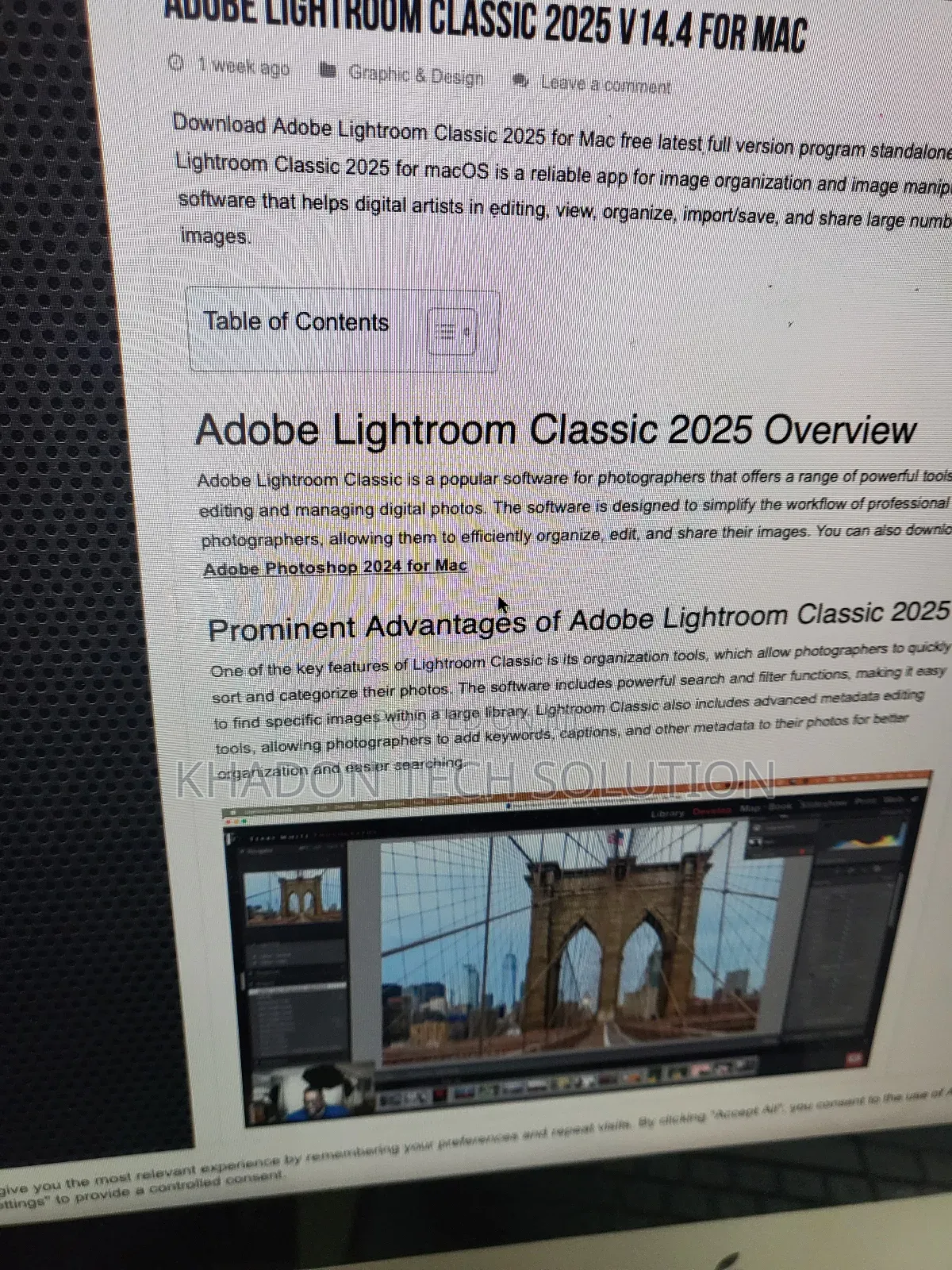
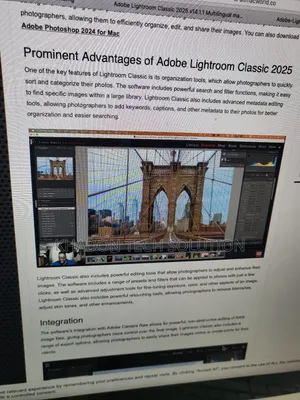
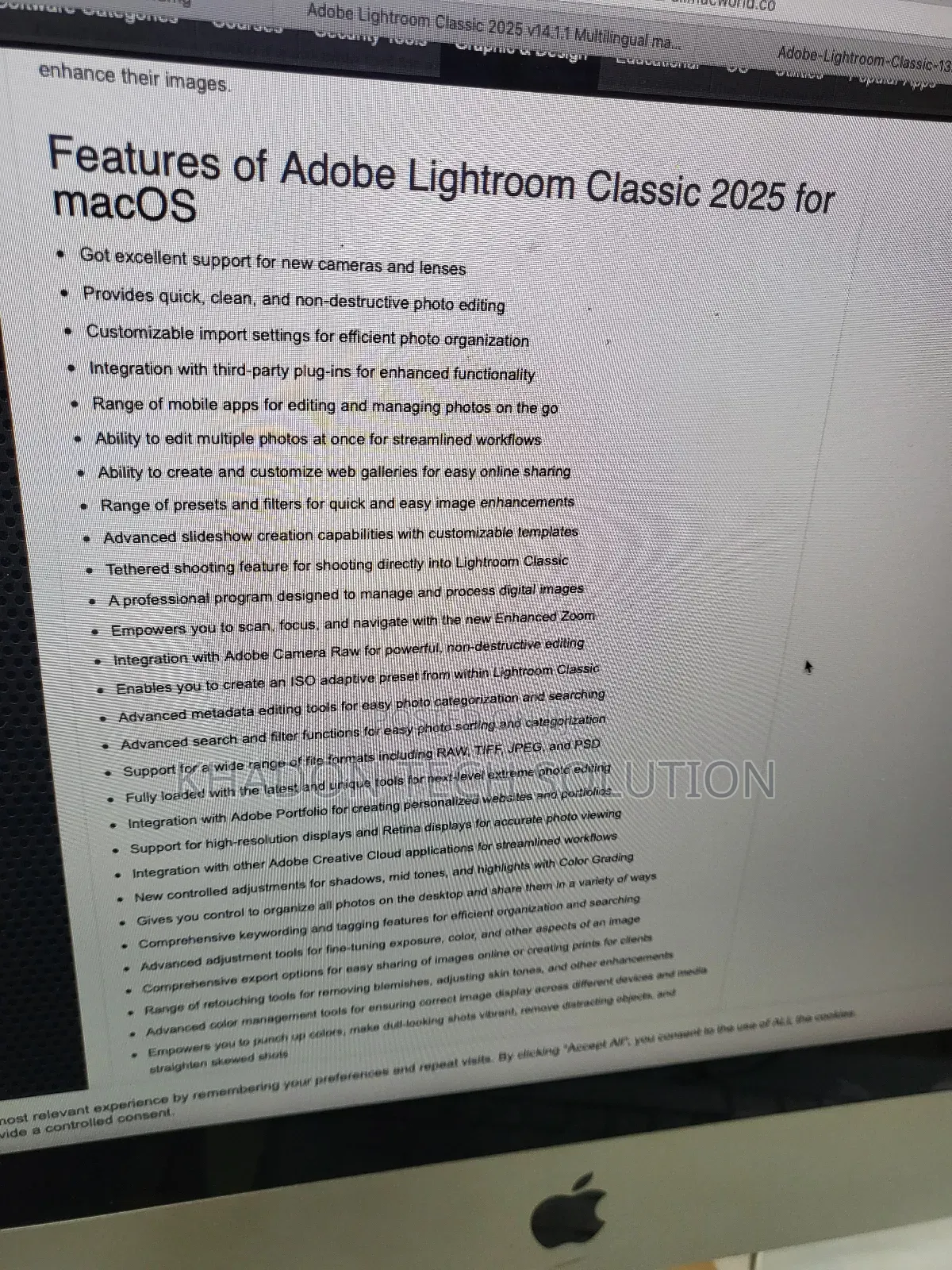
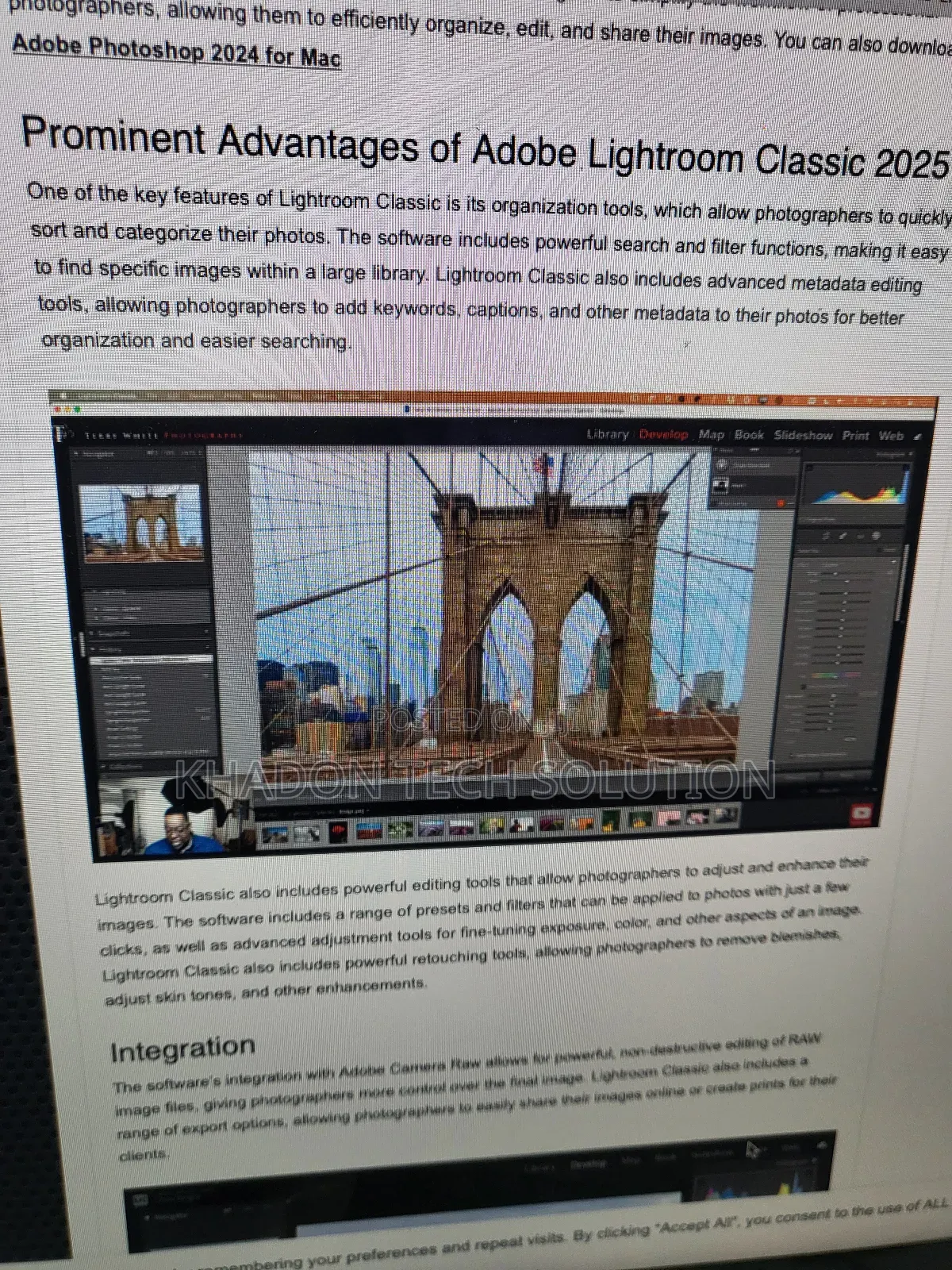
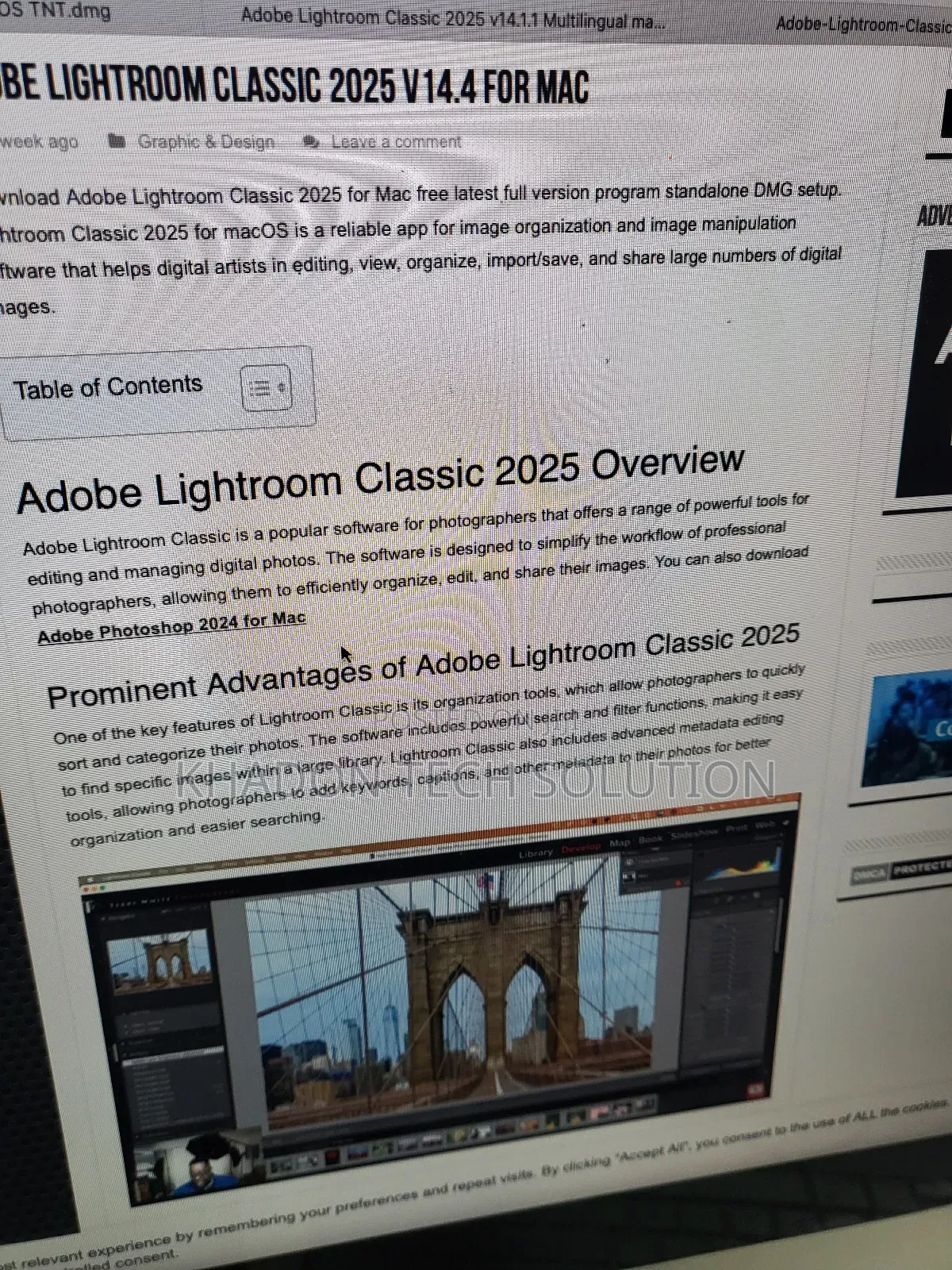
Adobe Photoshop for macOS utilizes keywords for organizing and finding images. Keywords can be added and managed in the Keywords panel of Adobe Bridge. You can also add keywords within the Photos app on your Mac, and manage them through the Keyword Manager. Additionally, Lightroom Classic uses keywords in the Keyword List panel for cataloging and searching.
Here's a more detailed breakdown:
1. Adobe Bridge:
Keywords Panel:
Adobe Bridge's Keywords panel allows you to create, organize (including hierarchical subkeywords), and apply keywords to files.
Searching:
You can use the Filter panel to find files based on keywords and the Find command to locate files containing specific keywords.
Keyword Sets:
You can organize keywords into sets for efficient use.
Import/Export:
Keywords can be imported and exported between catalogs
USh 100,000
Inaweza kujadiliwaVidokezo vya Usalama
- Usilipe mapema hata kama ni ada ya kusafirishiwa bidhaa
- Kutana na muuzaji mahali salama pa umma
- Kagua kipengee na uhakikishe ni nini hasa unachotaka
- Hakikisha kwamba bidhaa uliyofungiwa ni ile ambayo uliagiza
- Lipa tu ikiwa umeridhika


