
1/4
Imefaulu
Kampala, Idara ya Kati, masaa 5 yaliyopita
13 maoni
Digital Wall Clock
Anwani ya duka
Kampala • Idara ya Kati
Ben kiwanuka street at arua park plaza
At arua park plaza opposite nyumba kubwa
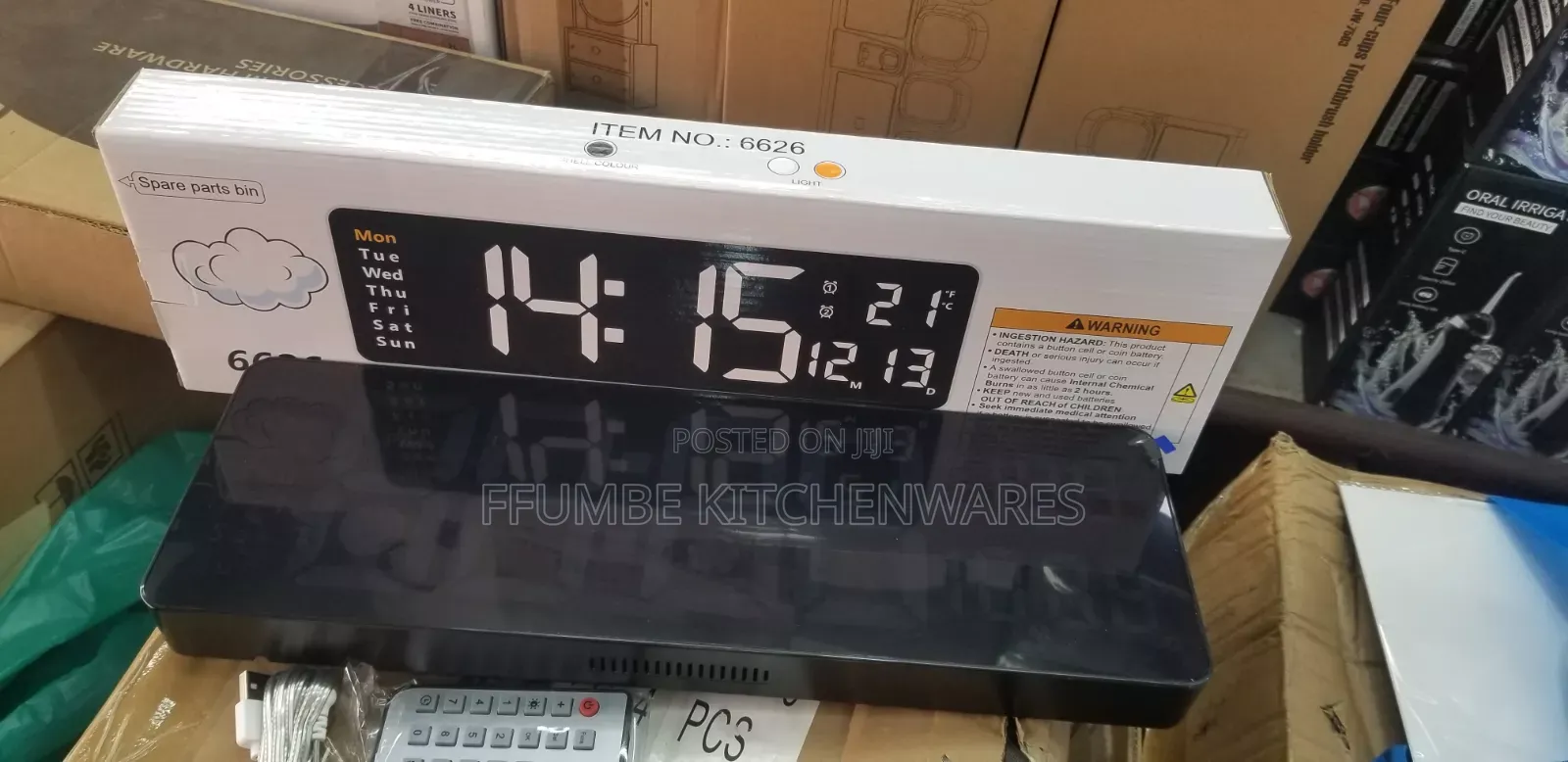
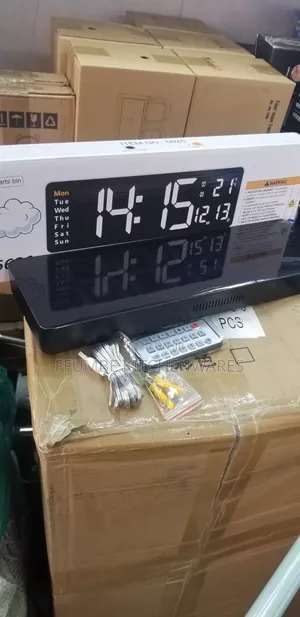
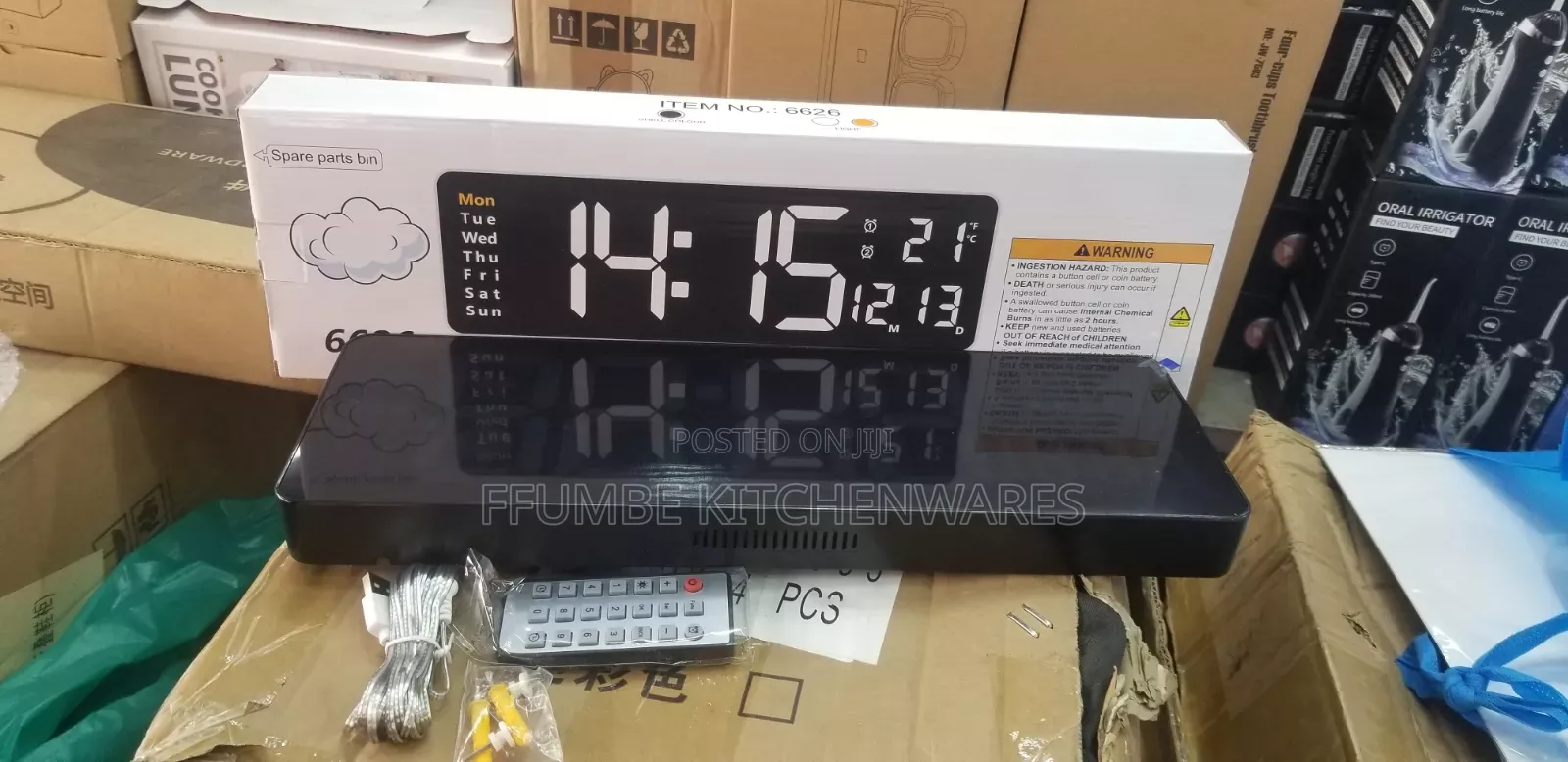
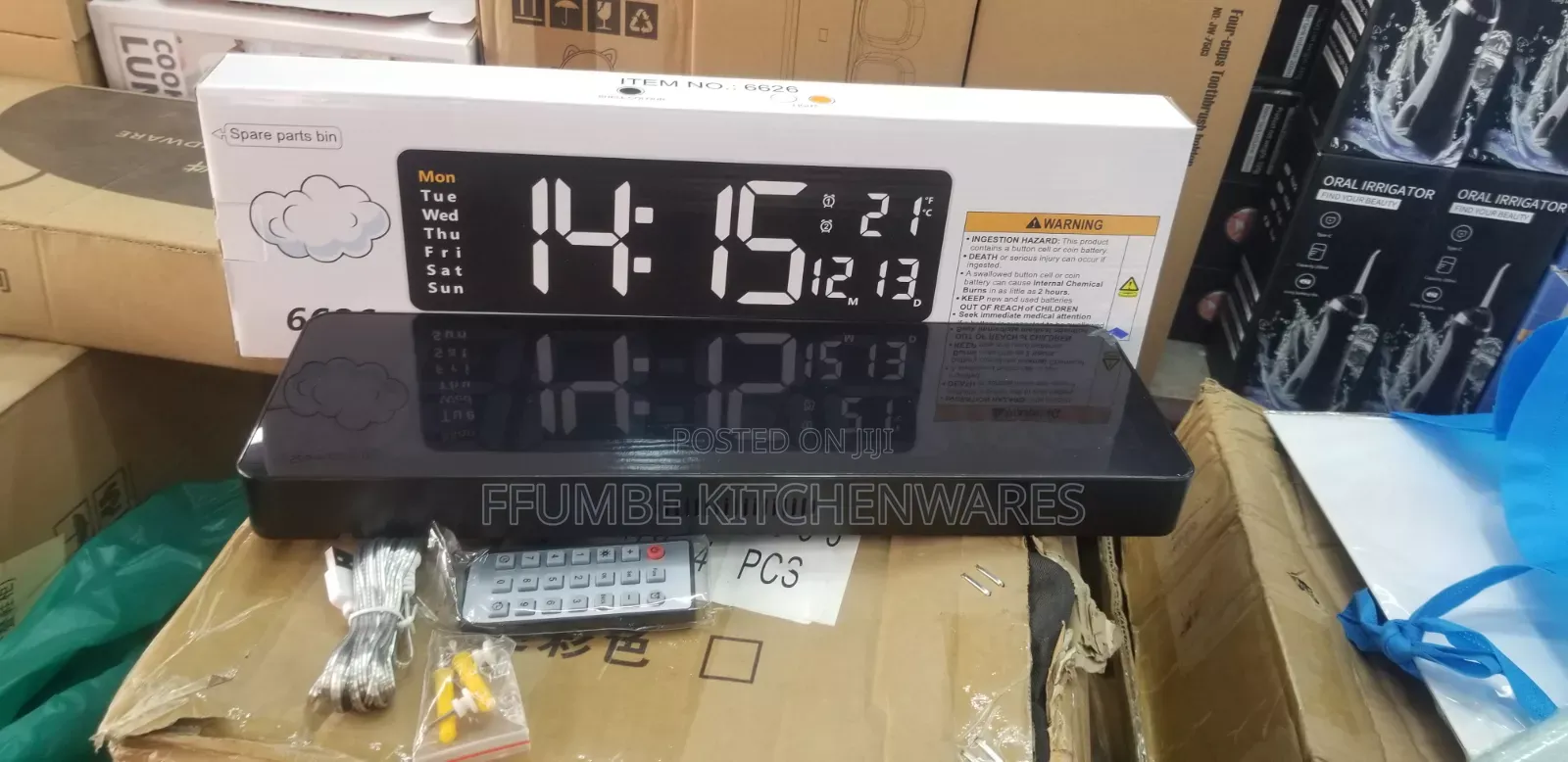
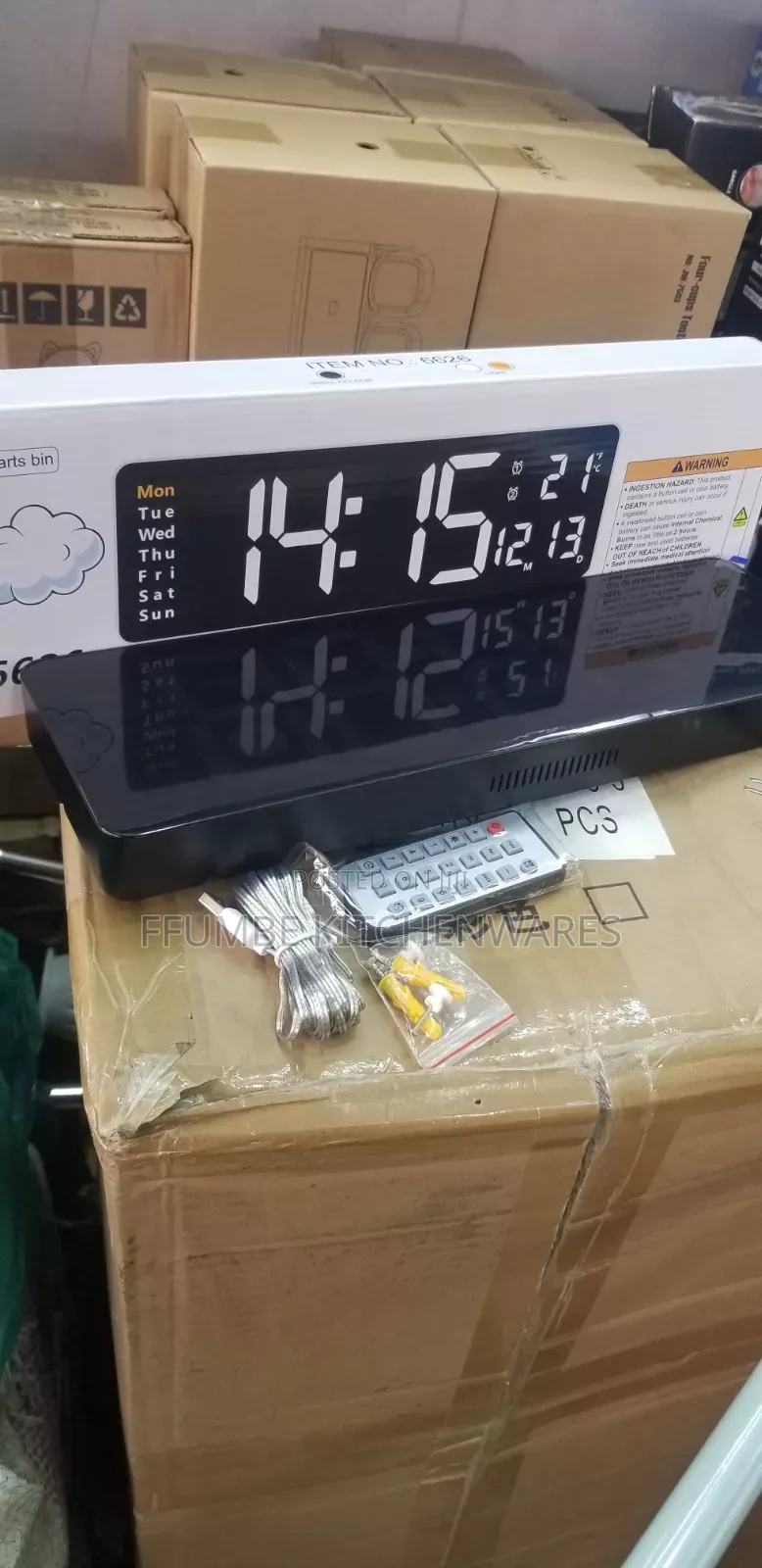
Digital Wall Clock, you can configure its basic settings using the wireless remote control: [1, 2]
Time and Date Configuration
Press the SET button on your remote control to enter the setup mode. The hour digits will start blinking.
Use the + and - buttons to adjust the hour.
Press SET again to shift the blinking selection to the minutes. Use + / - to adjust.
Continue pressing SET to cycle sequentially through the calendar settings: Year ➔ Month ➔ Day.
Adjust each value with the + / - keys.
Once finished, press the RET (Return) button to save your changes and exit to the regular display screen.
USh 125,000
USh 115,000
≥ vipande 5Vidokezo vya Usalama
- Usilipe mapema hata kama ni ada ya kusafirishiwa bidhaa
- Kutana na muuzaji mahali salama pa umma
- Kagua kipengee na uhakikishe ni nini hasa unachotaka
- Hakikisha kwamba bidhaa uliyofungiwa ni ile ambayo uliagiza
- Lipa tu ikiwa umeridhika


