
Imefaulu
Kampala, Idara ya Kati, siku 1 zilizopita
2 maoni
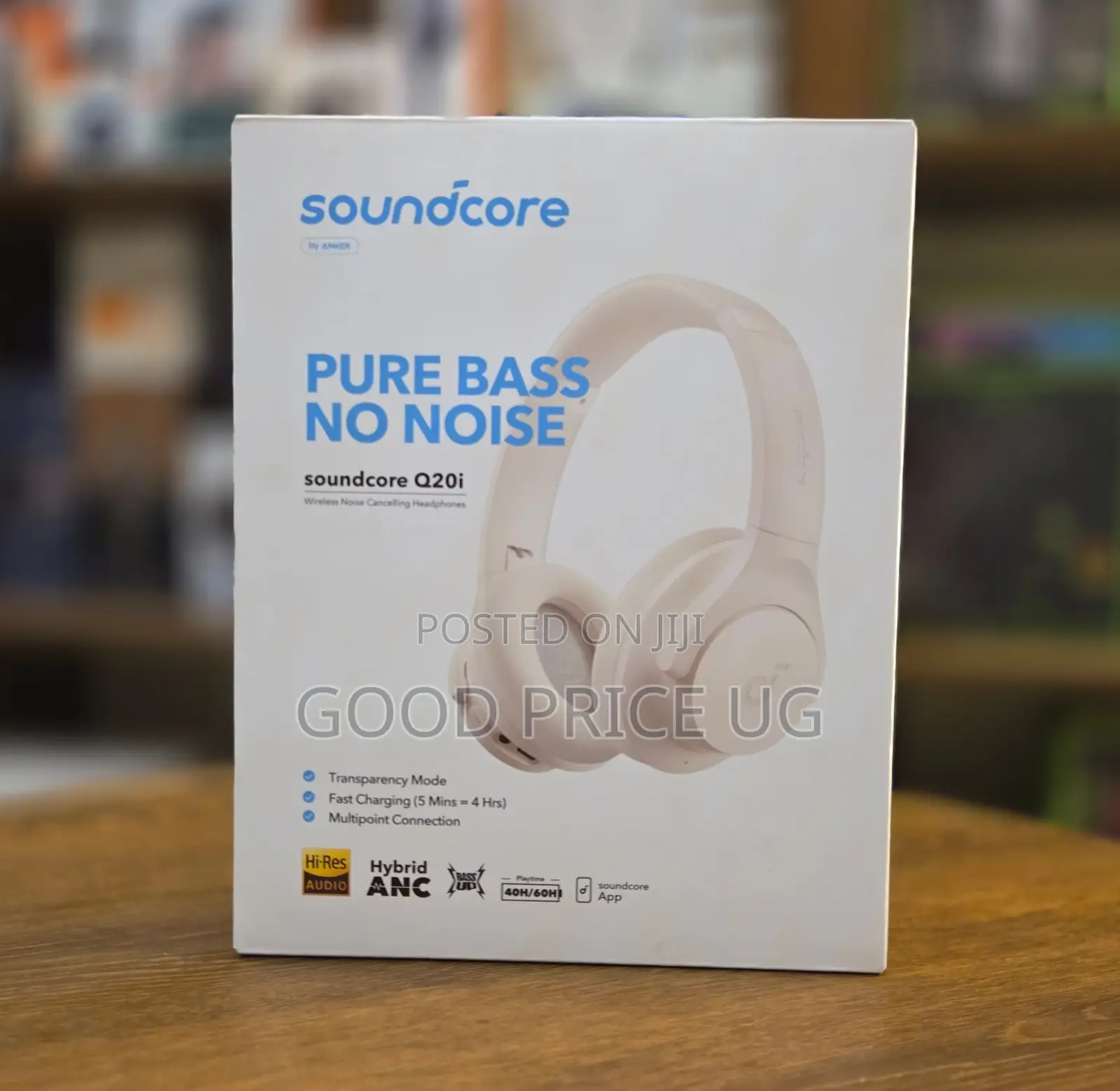
Anker Soundcore Q20i Hybrid Active Noise Cancelling Headphones
Chapa
Q20i
Mfano
Kwenye sikio
Aina
Chapa Mpya
Hali
Kichwa kichwa
Sababu ya Fomu
Bila Waya
Muunganisho
Bluetooth
Kiolesura cha Kuunganisha
Nyingine
Rangi
Anwani ya duka
Kampala • Idara ya Kati
Yamaha center LB 52 basement
Fungua sasa
• Jumatatu - Jumapili, 07:00-08:00
First-Time Pairing: Press and hold the Multi-Function Button (the power button) on the right ear cup for 2 to 3 seconds to turn them on. They will automatically enter Bluetooth pairing mode. Look for "soundcore Q20i" in your phone or PC's Bluetooth settings and select it to connect. [1] (https://support.ankerwork.com/s/article/Q20i-User-Guide-A3004), [2] (https://www.youtube.com/watch?v=05ybDctClvg), [3] (https://www.youtube.com/watch?v=YIa7nCG26cM&t=80)Manual Pairing (New Device): If you need to connect to a different device later, turn the headphones off, then press and hold the power button for 5 seconds until the LED indicator flashes blue rapidly to enter pairing mode manually. [1] (https://support.ankerwork.com/s/article/Q20i-User-Guide-A3004), [2]
Vidokezo vya Usalama
- Usilipe mapema hata kama ni ada ya kusafirishiwa bidhaa
- Kutana na muuzaji mahali salama pa umma
- Kagua kipengee na uhakikishe ni nini hasa unachotaka
- Hakikisha kwamba bidhaa uliyofungiwa ni ile ambayo uliagiza
- Lipa tu ikiwa umeridhika


