
1/6
+ 1
picha
Imefaulu
Kampala, Idara ya Kati, siku 1 zilizopita
15 maoni
D- Link Rauter Open Network
Kipanganjia
Aina
Chapa
DLINK 122
Mfano
2.4 GHz, 5 GHz
Masafa Yanayotumika
300 Mbps
Kasi ya juu ya LAN
5MBps
Kasi ya WiFi
Eneokazi
Sababu ya Fomu
Shimo la Ethaneti, USB 2.0
Violesura
4
Idadi ya Bandari za LAN
WPA-PSK/WPA-PSK2, WPA/WPA2
Usalama
3x3
Msaada wa MIMO
Nne
Idadi ya Antena
Nje
Aina ya Antena
Ethernet, USB 3G/4G
Shimo la WAN
IPTV, WPS
Vipengele vya Router
802.11 ax, 802.11 v
Viwango vya WiFi
Chapa Mpya
Hali
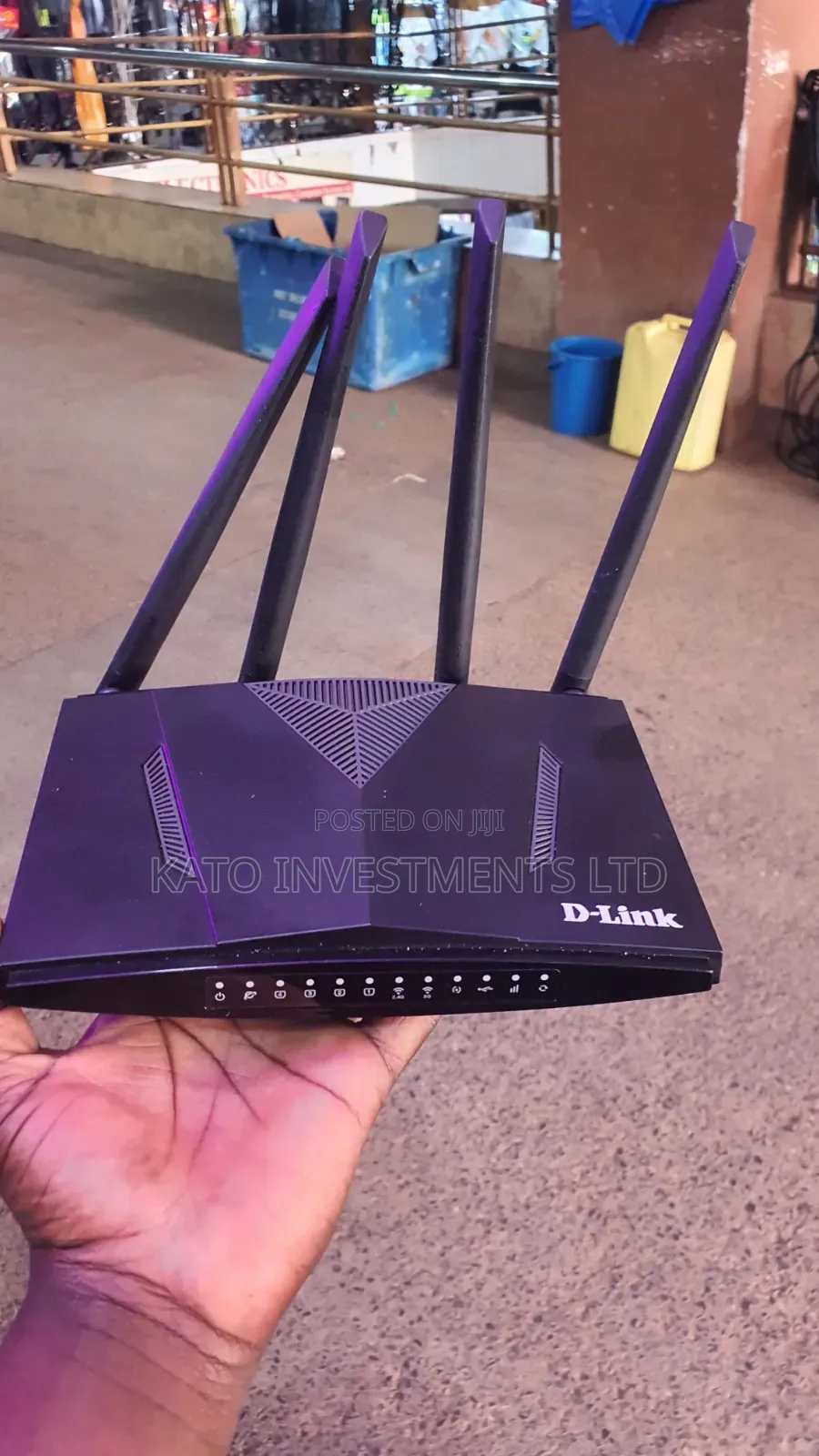
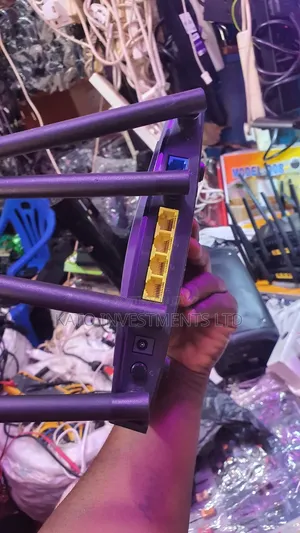
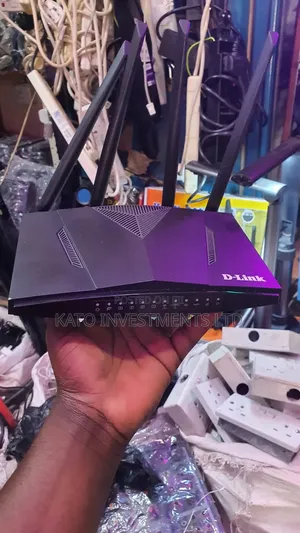
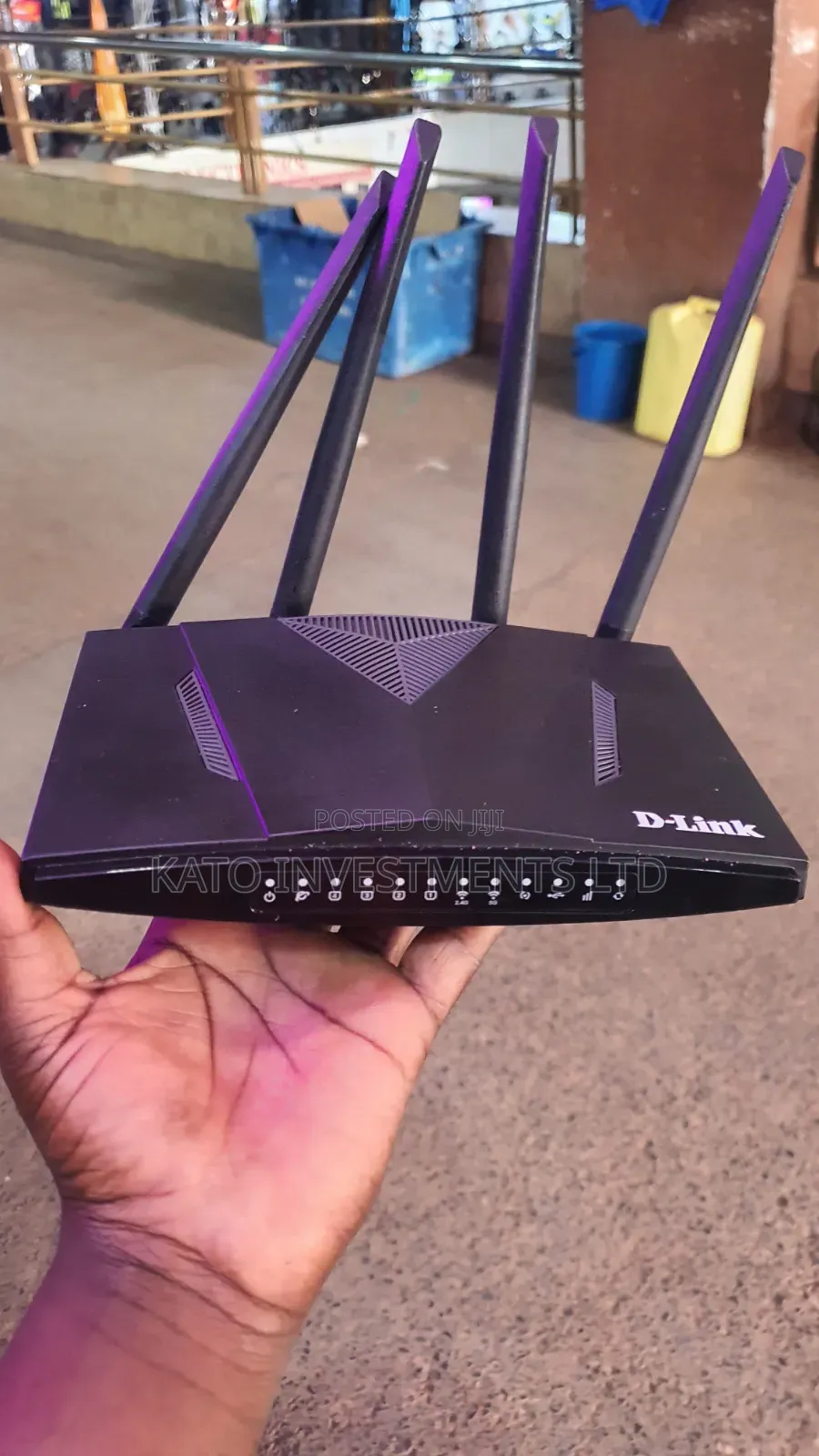
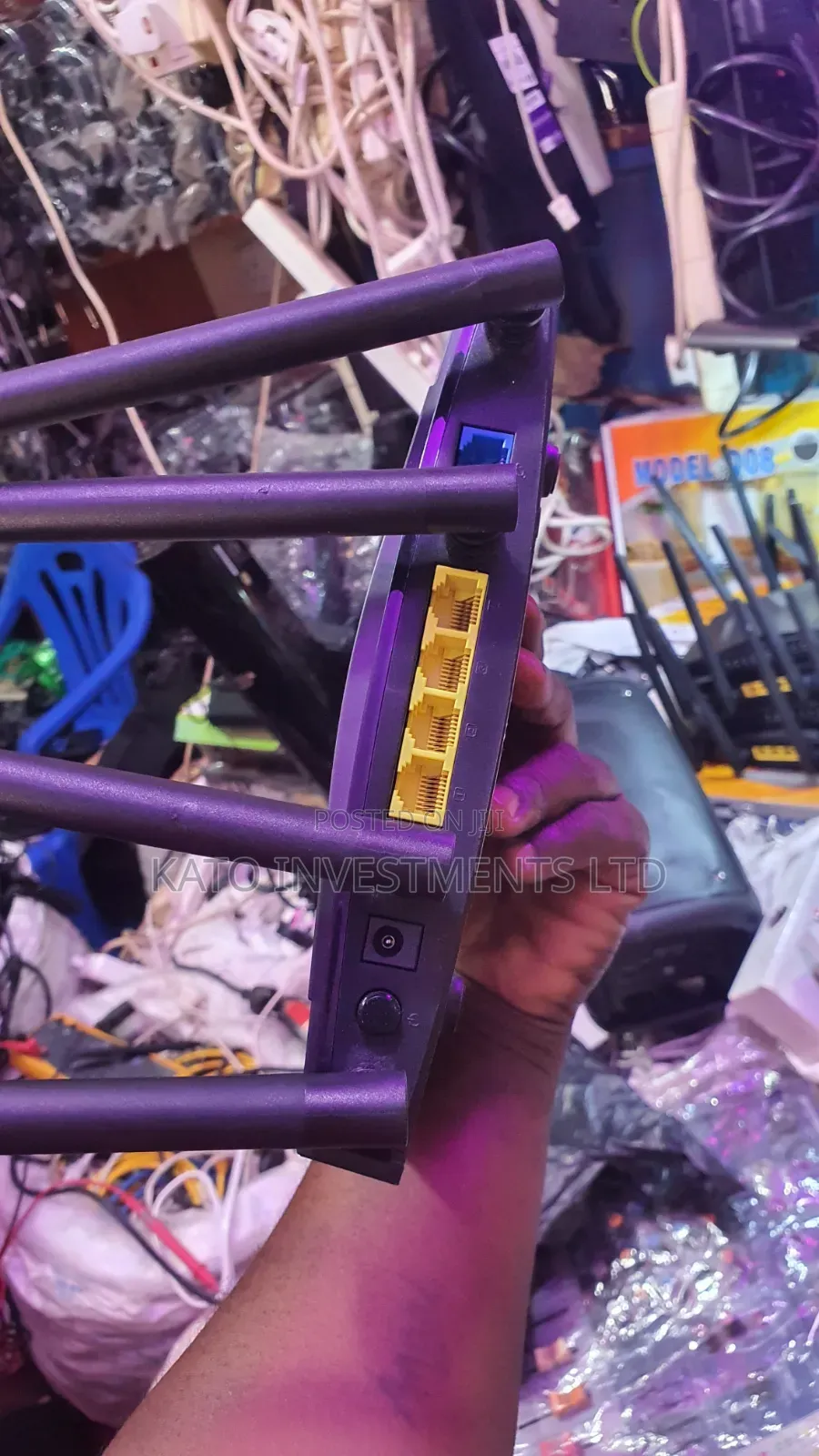
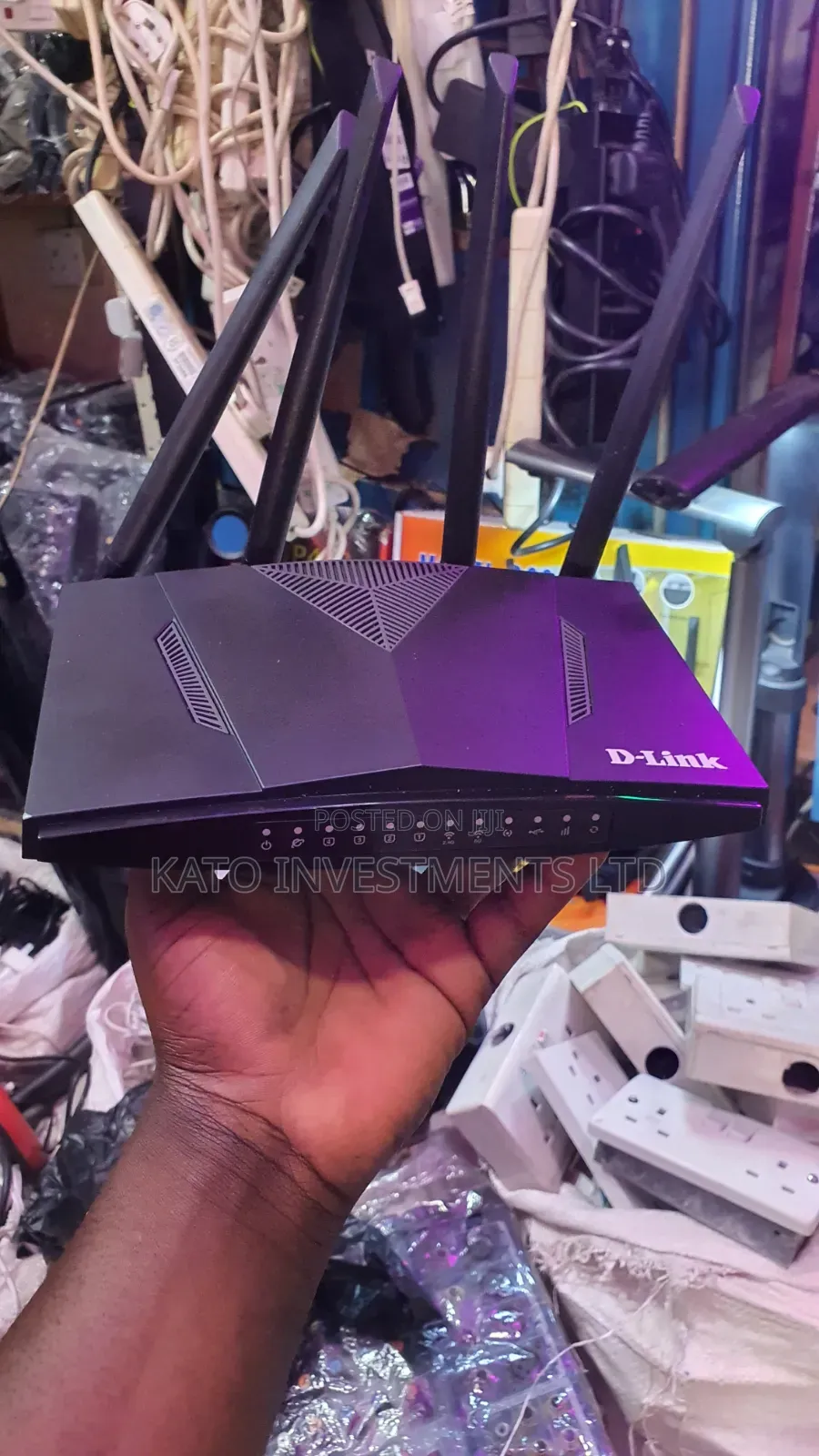
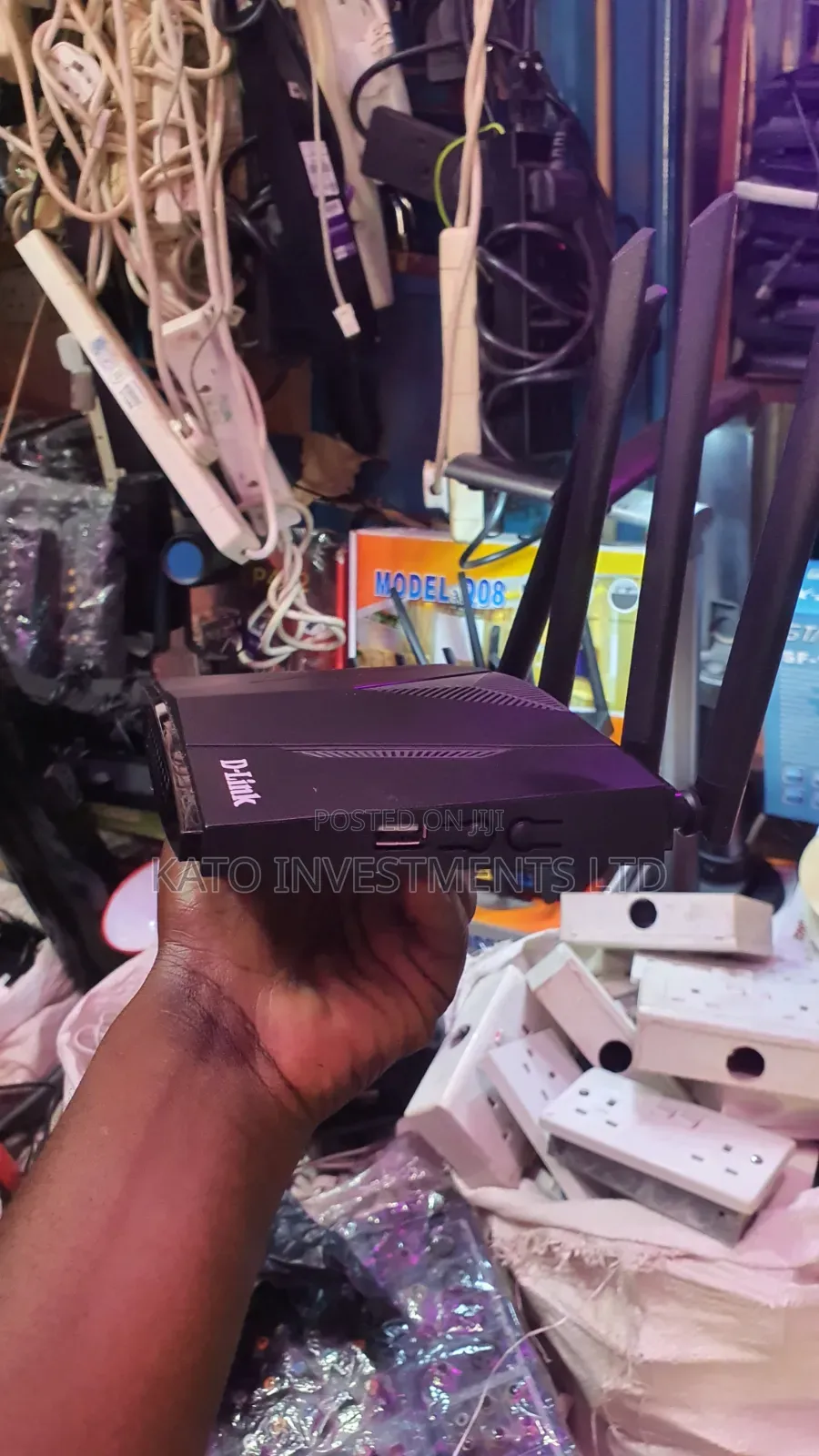
The D-Link router is a networking device that manages and directs data traffic between your devices (like computers, phones, or tablets) and the internet. Here’s how it works in simple terms:
1. *Connection*: The router connects to your Internet Service Provider (ISP) via a modem, receiving the internet signal.
2. *Data routing*: When you request data (like loading a website), the router receives the request and sends it through the appropriate path to the internet and back to your device.
3. *Wireless access*: The four antennas on the router transmit Wi-Fi signals, allowing wireless devices to connect and access the internet.
4. *Ports*: The ports on the front (Ethernet ports) let you connect devices via cables for a wired, often faster, connection.
5. *Management*: You can configure settings like network name (SSID),
USh 150,000

Vidokezo vya Usalama
- Usilipe mapema hata kama ni ada ya kusafirishiwa bidhaa
- Kutana na muuzaji mahali salama pa umma
- Kagua kipengee na uhakikishe ni nini hasa unachotaka
- Hakikisha kwamba bidhaa uliyofungiwa ni ile ambayo uliagiza
- Lipa tu ikiwa umeridhika


