
Imefaulu
Kampala, Idara ya Kati, siku 1 zilizopita
1 maoni
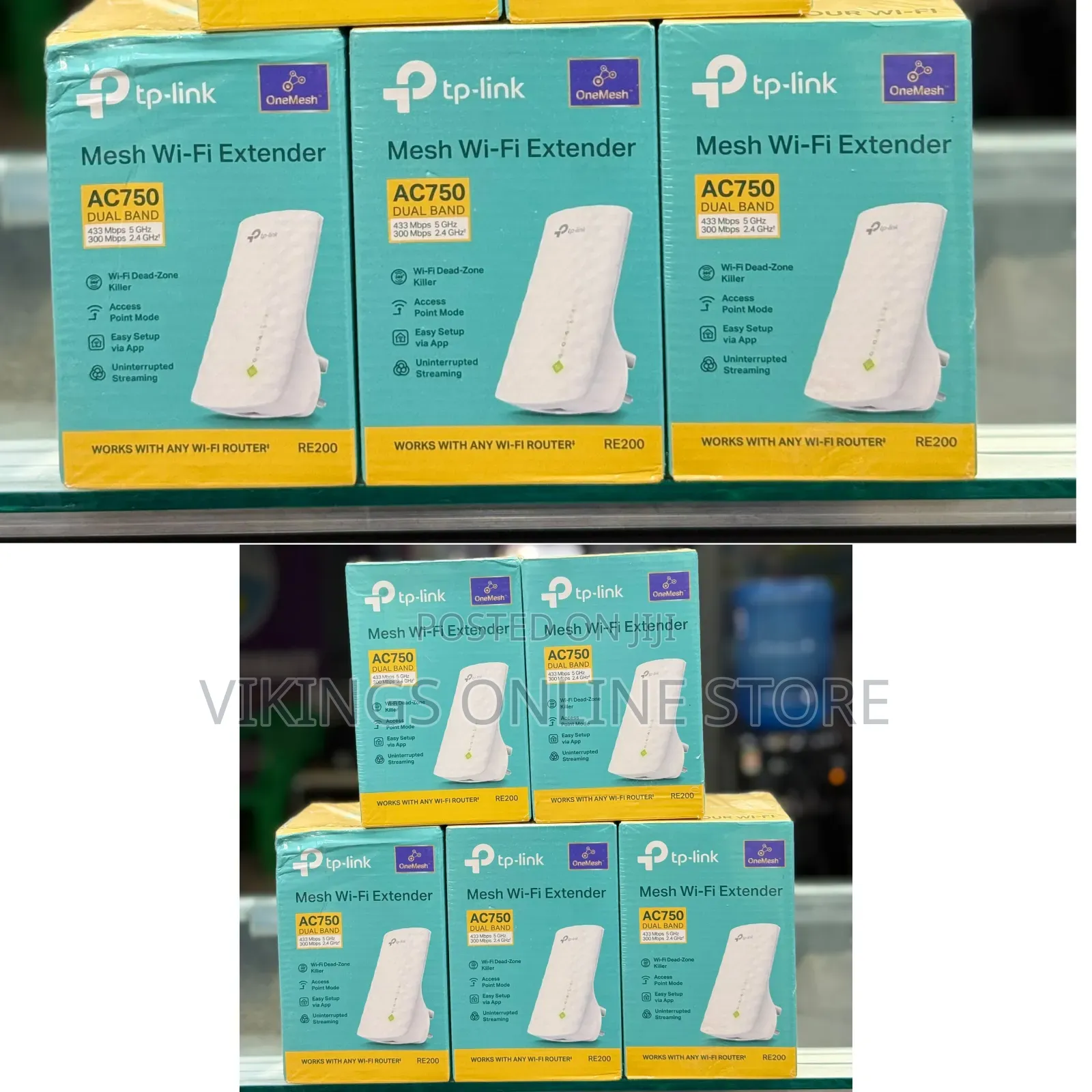
TP-Link RE200 AC750 Mesh Wi-Fi Range Extender
Anwani ya duka
Kampala • Idara ya Kati
Kampala road
Imefungwa sasa
• Jumatatu - Jumapili, 07:00-11:00
Quick Setup Methods
You can configure the extender using any of the following standard options:
• Method 1: WPS Button (Easiest)
1. Plug the extender into an outlet close to your main Wi-Fi router.
2. Press the WPS button on your router.
3. Within 2 minutes, press the WPS button on the front panel of the extender.
4. Wait for the signal LEDs to light up solid blue, signaling a successful connection.
• Method 2: TP-Link Tether App
Vidokezo vya Usalama
- Usilipe mapema hata kama ni ada ya kusafirishiwa bidhaa
- Kutana na muuzaji mahali salama pa umma
- Kagua kipengee na uhakikishe ni nini hasa unachotaka
- Hakikisha kwamba bidhaa uliyofungiwa ni ile ambayo uliagiza
- Lipa tu ikiwa umeridhika


